



Updated September 22, 2026.
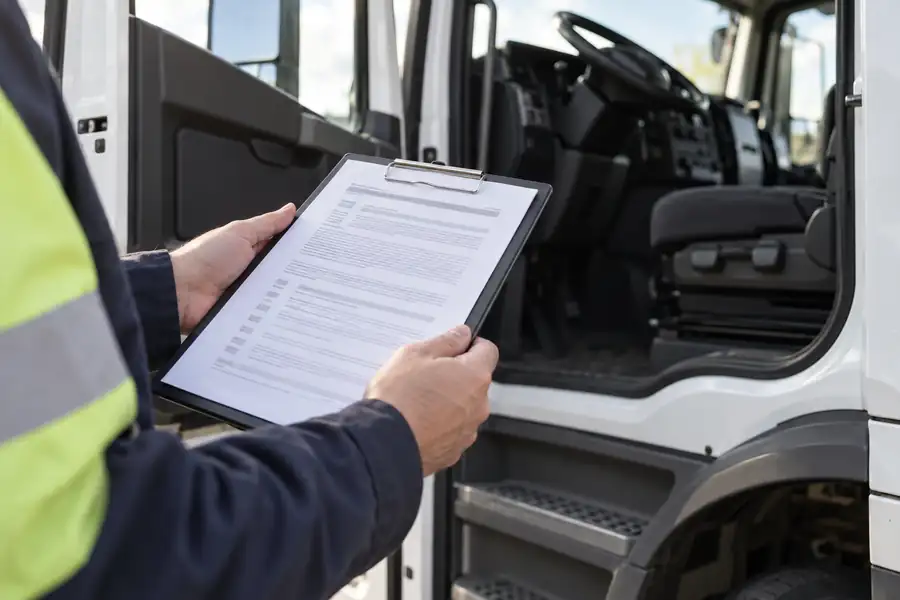
Dash cam laws by state generally don't ban vehicle cameras. They regulate four narrower things: where a device can sit on the windshield, whether the camera may record conversations, what notice employees and passengers must receive, and what happens to the footage afterward. A fleet that gets those four right can run road-facing and cabin cameras almost anywhere in the United States.
The catch is that the rules come from different bodies of law. Mounting is traffic law. Audio is wiretap law. Driver-facing cameras run into employment and labor law. Retention touches evidence law. No single statute covers "dash cams," which is why a simple 50-state chart is usually wrong somewhere. (For how cameras fit a broader fleet program, see our fleet and transportation security overview.)
This guide from Monarch Connected walks through each category, cites specific rules verified at the source, and ends with a checklist for your safety, HR and legal teams.
This is general information, not legal advice. Laws change and courts interpret them differently. Before you roll out cameras across a fleet, have employment counsel in each state where your vehicles are garaged or operate review your policy.
What Dash Cam Laws by State Actually Regulate
Most confusion comes from treating "is a dash cam legal" as one question. It is really five:
| Rule type | Body of law | What it controls | Who it mostly affects |
|---|---|---|---|
| Windshield obstruction | State vehicle codes; federal rules for commercial motor vehicles | Where a device can be mounted without blocking the driver's view | Every vehicle with a windshield-mounted camera |
| Audio recording consent | State wiretap/eavesdropping statutes; federal wiretap law | Whether conversations can be recorded and who must agree | Cameras with microphones, especially cabin-facing units |
| Employee monitoring notice | State employment statutes | Whether employees must be told, in writing, about monitoring | Employers with drivers and field staff |
| Labor and bargaining duties | National Labor Relations Act; state public-sector labor law | Whether cameras must be bargained with a union first | Unionized fleets |
| Biometrics and data | State biometric privacy laws; evidence rules; contracts | Face data, retention periods, preservation, access | Any fleet storing footage |
When someone says "dash cams are illegal in state X," they usually mean one of these rules needs attention there — not that cameras are prohibited.
The Federal Baseline for Commercial Trucks: 49 CFR 393.60
For commercial motor vehicles, the Federal Motor Carrier Safety Administration sets the starting point. Under 49 CFR 393.60(e)(1), antennas and similar devices generally must be mounted no more than 6 inches below the upper edge of the windshield and outside the driver's sight lines.
"Vehicle safety technologies" get their own, somewhat larger zones. They must be mounted:
- Not more than 8.5 inches below the upper edge of the area swept by the windshield wipers, or
- Not more than 7 inches above the lower edge of the area swept by the wipers, and
- Outside the driver's sight lines to the road and highway signs and signals.
The definitions section, 49 CFR 393.5, lists a "driver camera system" among its examples of vehicle safety technology and says the term includes systems and devices that contain cameras or video. In practice, that means a properly placed camera on a commercial truck is treated as safety equipment, not as an obstruction.
Measure from the wiper-swept area, not the glass edge, and have the installer document the mounting position for each vehicle type.
State Windshield Obstruction Rules: California as a Worked Example
States regulate windshield objects for all vehicles, including vans and pickups that fall outside federal commercial rules. Many states have a general "nothing that obstructs the driver's view" rule, some specify permitted zones by size, and some carve out exceptions for particular devices. Because the wording differs, check your own state's vehicle code rather than relying on a summary.
California is a useful example because its rule is detailed. California Vehicle Code 26708 starts by prohibiting objects on the windshield, then lists exceptions. Subsection (b)(13) allows a "video event recorder" in one of three places:
- A 7-inch square in the lower corner of the windshield farthest from the driver
- A 5-inch square in the lower corner nearest the driver, outside an airbag deployment zone
- A 5-inch square at the center uppermost portion of the windshield
The same subsection attaches conditions that surprise many fleet managers:
- The device is defined as one that records in a loop and saves video only when triggered by unusual motion, a crash, or the driver.
- It may store no more than 30 seconds before and after a triggering event.
- The vehicle must display a notice that a passenger's conversation may be recorded.
- When an employee drives for hire in a vehicle with such a recorder, the employer must give the employee or their representative unedited copies of the recordings on request, free of charge, within five days.
Subsection (b)(14) separately exempts vehicle safety technology, as defined in the federal rule above, on certain commercial vehicles covered by California Vehicle Code Section 34500 when it complies with 49 CFR 393.60. Which exception applies to a given vehicle — and whether continuous recording fits within it — is exactly the kind of question to put to counsel before you standardize a configuration.
Audio Recording: One-Party vs. All-Party Consent States
Video alone rarely raises wiretap issues. Audio does, because recording a conversation is governed by eavesdropping laws that vary by state.
Federal law sets a one-party minimum. Under 18 U.S.C. § 2511(2)(d), a private person may record a conversation they are part of, or one where a participant has consented, unless the purpose is criminal or tortious. States can be stricter.
According to the Reporters Committee for Freedom of the Press recording guide, about 11 states primarily require the consent of all parties: California, Delaware, Florida, Illinois, Maryland, Massachusetts, Michigan (at least for recordings made by a third party not involved in the conversation), Montana, New Hampshire, Pennsylvania and Washington. The same guide notes:
- Missouri and Oregon require all-party consent for in-person conversations but only one party for phone calls.
- Connecticut and Nevada require all-party consent for phone calls but only one party for in-person conversations.
- Hawaii and Maine require all-party consent for recording in particularly private places.
For fleets, the in-person rule matters most, because a cabin microphone captures drivers talking with passengers or on speakerphone. Vehicles also cross state lines, and the RCFP guide advises assuming the stricter state's law applies when participants are in different states.
Practical options fleets use:
- Disable audio by default and enable it only where counsel approves.
- Post clear notice inside the vehicle that audio and video may be recorded, and cover it in the driver policy the employee signs.
- Treat passengers separately — a driver's written consent does not cover a customer, rider or ride-along.
Are Driver Facing Cameras Legal?
Yes, in general. Federal rules expressly treat "driver camera systems" as vehicle safety technology for commercial vehicles, and we are not aware of any state that bans them outright. What is regulated is how you deploy them: the mounting position, whether they capture audio, what employees are told, whether a union must be consulted, and how face data is handled.
The legal risk with inward-facing cameras comes from recording audio without required consent, skipping written notice, changing working conditions where bargaining is required, capturing private spaces such as a sleeper berth, handling facial data carelessly, or using footage beyond what the policy allows — for example, reviewing off-duty time in a take-home vehicle. Our guide to choosing a fleet vehicle dash cam covers hardware; the sections below cover the policy that makes driver-facing cameras defensible.
Employee Monitoring Notice Laws
Some states require employers to give written notice before monitoring employees electronically. Two examples we verified at the source:
Connecticut. Connecticut General Statutes § 31-48d requires any employer engaged in electronic monitoring to give prior written notice to affected employees describing the types of monitoring that may occur, and to post a notice in a conspicuous place. The statute's definition of electronic monitoring expressly includes cameras and photo-optical systems, and refers to collecting information "on an employer's premises." Whether a company vehicle counts as premises is a question for counsel; giving the notice anyway costs little.
Connecticut also has § 31-48b, which bars employers from operating electronic surveillance, including sound recording or closed-circuit television, in areas designed for employees' health or personal comfort, such as restrooms, locker rooms or lounges. Ask your lawyer how that concept applies to sleeper berths and rest areas inside vehicles.
New York. New York Civil Rights Law § 52-c requires employers that monitor employees' telephone, email or internet usage to give written or electronic notice, obtain an acknowledgment, and post the notice. The statute is written around communications and internet use, not video, so it does not squarely address in-cab cameras. It still matters when a fleet platform also monitors messages or app usage on driver devices.
Other states have their own notice rules. The safest default is written notice to every driver describing each camera, what it records and who can view footage — with a signed acknowledgment.
Unions and Collective Bargaining
If your drivers are represented by a union, cameras are a bargaining topic, not just a policy decision. The National Labor Relations Board held in Colgate-Palmolive Co. (1997) that installing and using hidden surveillance cameras is a mandatory subject of bargaining, and the Seventh Circuit upheld that view in National Steel Corp. v. NLRB (2003). Whether visible cameras must also be bargained depends on the facts and on your contract.
Practical steps for union fleets:
- Read the CBA for technology, discipline and monitoring clauses before choosing hardware.
- Bring the union the written policy early, not after installation.
- Be specific about how footage can and cannot be used in discipline.
Public-sector fleets such as transit agencies and school districts fall under state public-employment labor law instead, so the analysis is state-specific.
Biometrics and Facial Data
Face detection or matching brings in biometric privacy laws. Illinois's Biometric Information Privacy Act (740 ILCS 14) includes a "scan of hand or face geometry" in its definition of biometric identifier and requires written notice of the purpose and retention period, plus a written release, before collection. Other states have biometric rules of their own.
If the goal is incident evidence and coaching, you usually don't need face matching at all. See our explainer on face recognition security cameras for the broader trade-offs.
Data Retention, Access and Ownership
A good retention policy answers:
- How long is routine footage kept before it is overwritten or deleted?
- What triggers a hold? A collision, a complaint, a claim letter or a law enforcement request should stop deletion for the related footage.
- Who can view, download and share clips, and is every access logged?
- Who owns the data? California's statute says data recorded on a video event recorder is the property of the registered owner or lessee of the vehicle. Your vendor contract should say the same about cloud copies.
- What do drivers get? Decide how drivers can request footage involving them.
Once a claim or lawsuit is reasonably anticipated, deleting relevant footage can create serious problems. Our guide to driver exoneration walks through preservation and chain of custody in detail.
How Face Blurring and Privacy Defaults Answer Common Objections
Pushback usually sounds like "you'll be watching me all day" or "my face will end up online." Software controls can address both, if the policy matches what the software actually does.
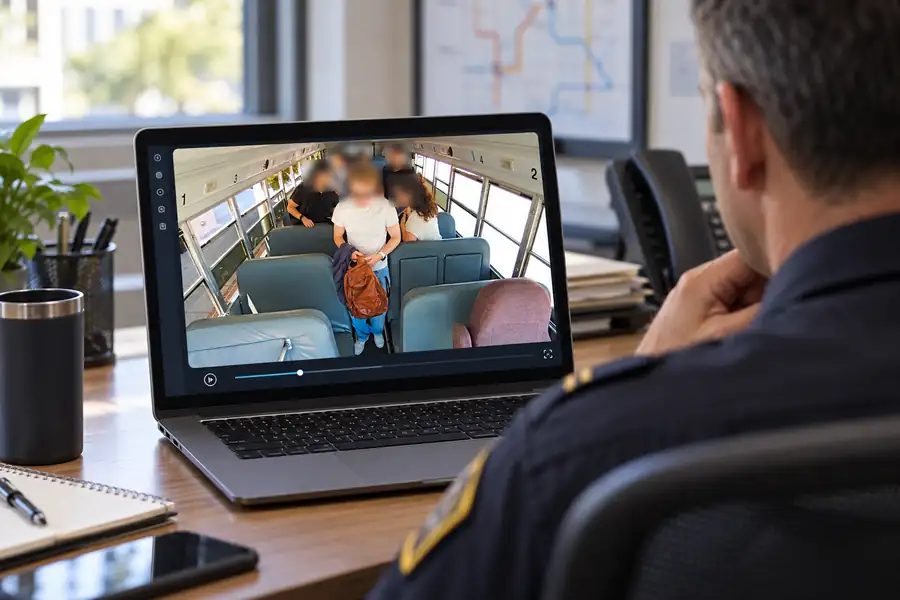
Verkada Transportation, announced in September 2026, is one example of a fleet camera system built with these controls. According to Verkada's transportation product page, the platform lets administrators "blur all faces in live footage or selectively blur faces when saving footage," disables facial recognition and other sensitive features by default so that only admins can enable them, supports role-based permissions, and shares footage "with timed and revocable access." Verkada also says its transportation gateway can "automatically manage biometric enablement based on vehicle location" — relevant for fleets that cross into states with biometric laws.
Verkada lists built-in microphones on two of its three transportation camera models, so audio policy still needs a deliberate decision. Monarch Connected is an authorized Verkada reseller; the line was announced in September 2026, so contact us for availability, or see how it fits alongside building cameras on our transportation security page.
Dash Cam Compliance Checklist Before You Install
Work through this list with safety, HR, legal and — where applicable — the union.
- List every state where vehicles are garaged, operate or regularly cross into.
- For commercial motor vehicles, confirm each mount meets 49 CFR 393.60(e) and document the position by vehicle type.
- For other vehicles, check each state's windshield obstruction rule (California: Vehicle Code 26708).
- Decide whether cameras record audio; if so, confirm consent rules for each state on your routes.
- Write a camera policy (what is recorded, who views it, how it is used in coaching and discipline) and post in-vehicle notice.
- Give written notice to drivers and collect signed acknowledgments; check state notice laws such as Connecticut § 31-48d.
- Review the CBA and bargain with the union before installation where required.
- Decide whether any face-matching or biometric feature is needed; if not, keep it off.
- Configure face blurring and role-based access before sharing footage outside the company.
- Set retention periods and a litigation-hold process that stops deletion when a claim is anticipated.
- Confirm in the vendor contract that you own the footage and can export it.
- Decide how drivers can request footage of themselves, and re-review the policy whenever you add a state.
If you want a second set of eyes on a rollout, the Monarch team can help you map camera placement and settings to your policy, and our contact page is the fastest way to reach us. For hardware options, compare the approaches in our guide to the best commercial truck camera systems.
Frequently Asked Questions
Are dash cams legal in all 50 states?
We are not aware of any state that bans vehicle cameras outright. What varies is where you may mount them, whether you may record audio without everyone's consent, and what notice employers must give.
Are driver facing cameras legal for company vehicles?
Yes. Federal rules list driver camera systems as vehicle safety technology. Employers still need to handle audio consent, state notice laws, union bargaining and biometric rules.
Do I need everyone's consent to record audio in a vehicle?
It depends on the state. Federal law requires only one party's consent, but about 11 states primarily require all parties to consent, and several more require it for in-person or phone conversations only. Because vehicles cross state lines, many fleets disable audio by default or post clear notice and obtain written driver consent.
Where can I mount a dash cam on a commercial truck windshield?
Under 49 CFR 393.60(e)(1)(ii), vehicle safety technology such as a camera must be mounted not more than 8.5 inches below the upper edge of the wiper-swept area, or not more than 7 inches above its lower edge, and outside the driver's sight lines to the road and signals. State rules can add requirements for other vehicle types.
Can we use dash cam footage to discipline drivers?
Generally yes, if your written policy says so and drivers were notified. In unionized fleets, check the CBA and bargaining obligations first, and apply the same standards to every driver.
How long should we keep dash cam footage?
There is no single legal number for most fleets. Set a routine retention period plus a litigation-hold process that preserves footage as soon as a dispute becomes reasonably likely.
Does face blurring make cameras compliant?
Blurring helps with privacy objections and with sharing footage outside the company, but it does not replace notice, audio consent or bargaining obligations. Treat it as one control within a broader policy. If you're comparing platforms, our Samsara alternatives guide covers how different vendors approach privacy and video.