


Government Security Systems
NDAA-compliant cameras, access control, intercoms, and staff duress — one integrator, designed and installed. Monarch Connected builds government security systems for city halls, courthouses, county facilities, and every public building in between.
Last updated: June 2026
*Platform certifications are held by Verkada, the manufacturer Monarch deploys as an Authorized Reseller. Verkada Command hosted in AWS GovCloud is FedRAMP® Moderate Authorized (May 2026); cameras in the government-grade series are FIPS 140 validated and TAA / FY2019 NDAA compliant.

Security Systems Built for Government Facilities
Public buildings, public records, public money — government security carries rules the private sector never sees.
Government security systems answer to a different set of constraints than any commercial deployment. The buildings are public by design — a city hall that must welcome every resident also has to protect the clerks behind the counter. The money is public, so every purchase moves through bids, board approvals, and audit trails. And the equipment itself is regulated: federal rules now dictate whose cameras a government facility may buy. If you manage facilities for a city, a county, or a court system, you need a partner who designs for all three constraints at once — not a manufacturer reading from a product sheet.
Monarch designs, installs, and supports government security solutions across the full portfolio of public facilities: city halls and county administration buildings, courthouses, public works yards, libraries, transit facilities, and jails and detention centers. One contract, one accountable integrator, one cloud platform — from the council chamber to the fleet lot.
One integrated system: cameras, access control, intercoms, duress
Most government buildings accumulate security the way they accumulate furniture — a DVR from one decade, badge readers from another, an alarm panel nobody remembers programming. Monarch replaces the pile with one government building security system: cameras, door access, video intercoms, alarms, and staff duress on a single cloud dashboard with a single audit trail. When a duress button fires at a service counter, the nearest cameras pop onto the security screen and the staff-side doors lock — in the same second, because it's the same system. For multi-site municipal portfolios, that one dashboard covers every building in the city, and adding the next facility is a license, not a project.
Cameras
NDAA-compliant cameras with onboard storage and AI search — no NVR closet, no banned chipsets, no firmware nobody patches.
Access control
Badge and mobile credentials on every controlled door, with per-person audit trails and one-click lockdown by zone.
Intercoms
Video intercoms at public entrances and judges' corridors — see, verify, and release the door from a desk or a phone.
Staff duress
Silent panic buttons for clerks, assessors, and counter staff — help arrives with a name and an exact location.
Alarms
Intrusion detection with professional monitoring options — for records rooms, evidence storage, and after-hours buildings.
Visitor management
ID-verified check-in with watchlist screening — who is in the building right now, answered in one screen.
Built for public-sector procurement
Selling to government is a discipline. Monarch builds quotes that survive procurement: itemized line pricing formatted for bid tabulation, spec sheets and compliance attestations attached up front, and references from comparable public-sector deployments. We're familiar with the vehicles your purchasing office already uses — the platform we deploy is available through GSA Schedule and national cooperative contracts, which matters whether you're specifying a GSA access control package for a federally funded building or a camera refresh a council member will read line by line. And because budgets move in fiscal years, we design deployments that phase cleanly — building by building, budget cycle by budget cycle — without redesign costs in year two.
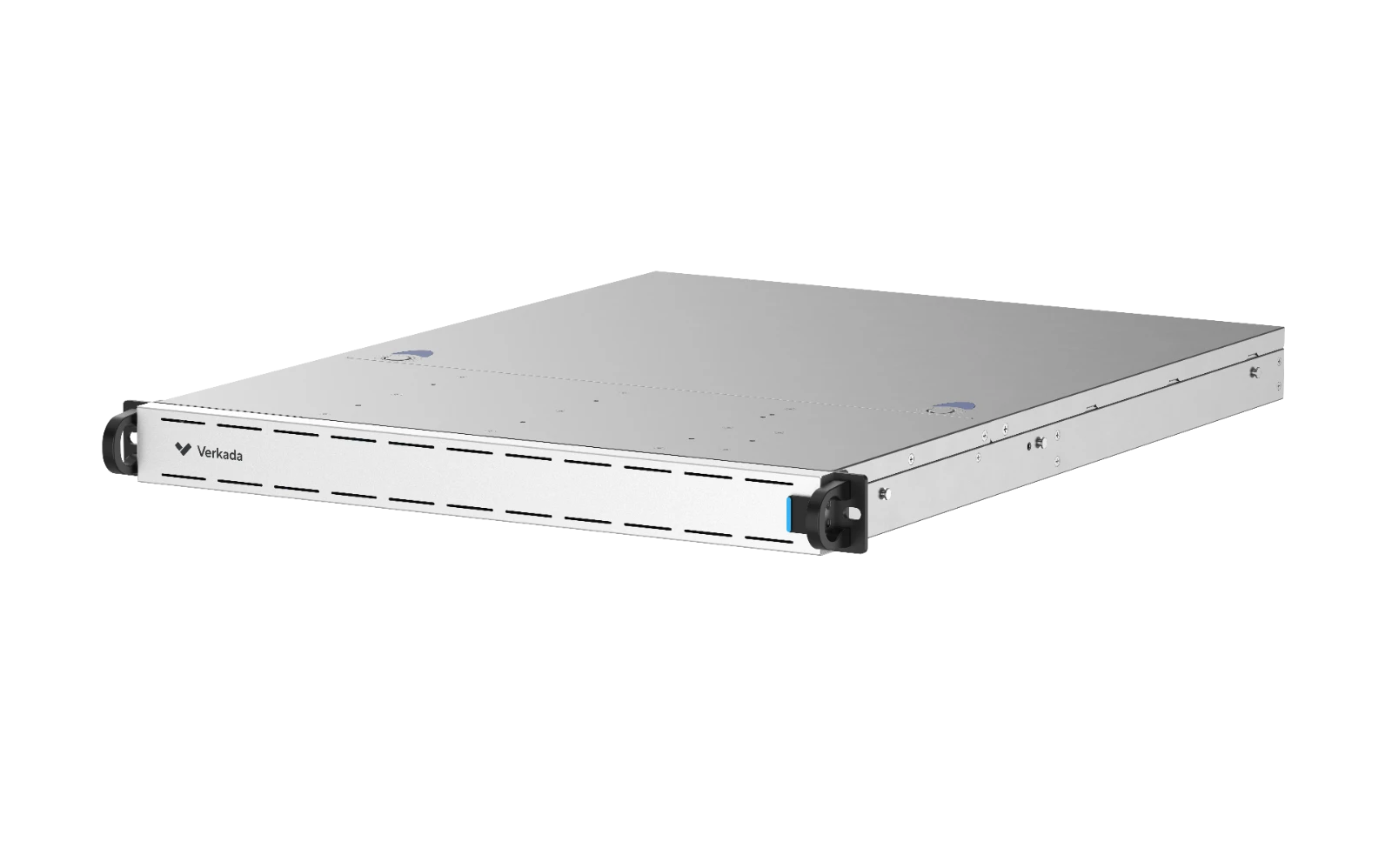 Command Connector · keep existing cameras, add cloud
Phase out banned equipment without ripping out everything
Many agencies discover mid-audit that part of their camera estate is non-compliant — and assume the fix is a forklift replacement. It usually isn't. A connector appliance brings your existing compliant cameras onto the same cloud dashboard as new hardware, so the budget goes where the risk is: replacing the banned devices first, migrating the rest on your schedule.
- Inventory first. We audit every camera, identify Section 889-covered equipment, and document what stays and what goes.
- Replace by risk. Banned hardware on public-facing and grant-funded sites goes first; the rest phases across budget years.
- One dashboard throughout. Old and new cameras live in the same interface during the entire migration.
NDAA-Compliant Security Cameras for Government
If your agency buys NDAA compliant cameras, the camera is only half the requirement — the other half is proof. Monarch designs and installs NDAA compliant security cameras for government facilities and delivers the paperwork with them: per-model compliance attestations, supply-chain documentation, and platform certifications, packaged for your bid file before the first device is mounted. Amazon can ship you a camera. A manufacturer can sell you a spec sheet. Neither one can design your system, install it, and stand behind its compliance in writing. For agencies that require it, Monarch deploys Verkada Command hosted in AWS GovCloud — the configuration that carries the FedRAMP Moderate authorization — with standard AWS hosting available where GovCloud isn't required.
FedRAMP® Moderate
Verkada Command, hosted in AWS GovCloud, achieved FedRAMP Moderate Authorization in May 2026 — sponsored by the U.S. Department of Energy, with 24/7 U.S.-persons technical support.
Authorized · May 2026NDAA Section 889
FY2019 NDAA-compliant supply chain — no equipment or critical components from banned manufacturers, attested per model.
CompliantTAA Compliant
Hardware manufactured or substantially transformed in TAA-designated countries — eligible for GSA Schedule purchases.
CompliantFIPS 140 Validated
Government-grade camera lines carry NIST FIPS 140 validated cryptographic modules for data in transit and at rest.
NIST validatedSOC 2 Type II
Independently audited operational controls — the baseline assurance for handling government video and access data.
Audited annuallyISO 27001 Family
Certified to ISO 27001, 27017, 27018, and 27701 — information security, cloud controls, and privacy management.
Certified*Certifications and authorizations shown are held by Verkada, Inc., the platform manufacturer Monarch deploys as an Authorized Reseller — Monarch does not itself hold these certifications. The FedRAMP® Moderate authorization applies specifically to Verkada Command hosted in AWS GovCloud; FIPS 140 validation and TAA / FY2019 NDAA compliance apply to Verkada's government-grade camera lines. Monarch provides Verkada's official documentation for the specific products in your design as part of every government proposal.
Verify it yourself — official Verkada sources
Need NDAA compliance documented for a bid? We provide it.
Per-model attestations, supply-chain documentation, and platform certifications — compiled into a compliance packet your procurement office can drop straight into the bid file.
What NDAA compliance means for your camera system
Section 889 of the FY2019 National Defense Authorization Act prohibits federal agencies — and, critically, contractors and grant recipients on covered projects — from buying or using video surveillance and telecom equipment from named manufacturers including Hikvision, Dahua, Huawei, ZTE, and Hytera, or equipment built on their critical components. That last clause is the trap: a camera with an unbanned name on the housing can still carry a banned chipset inside. And the rule's reach goes well beyond federal buildings — state and local projects inherit the requirement whenever federal money is involved, which is most security grant programs, and a growing number of states have passed equivalent bans of their own.
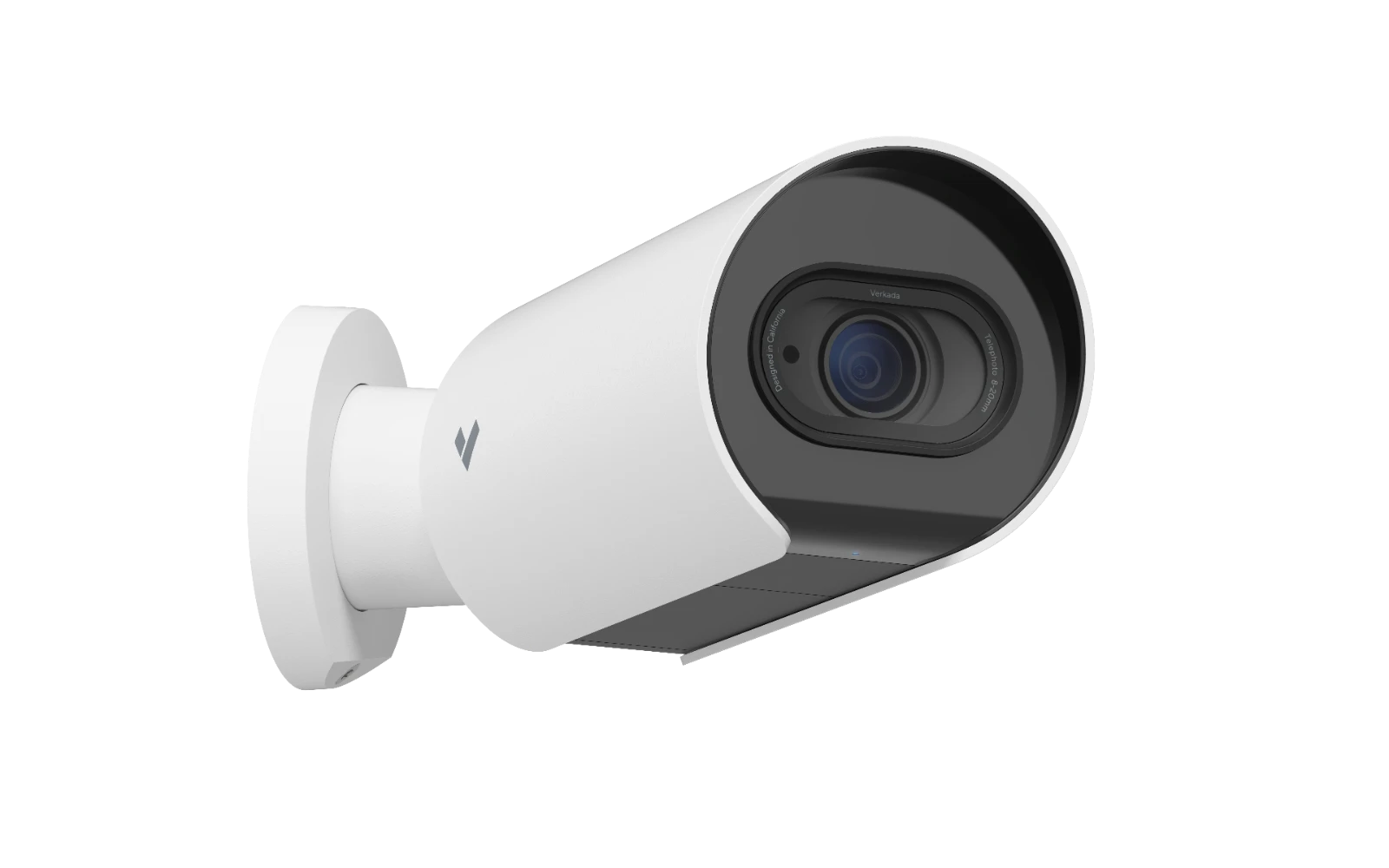 Telephoto bullet · FIPS 140 validated line
NDAA-Compliant Security Camera Installer
Search results for compliant cameras are a wall of marketplaces and manufacturers — none of whom will visit your site, pull a cable, or sign their name to your bid documentation. Monarch is an NDAA-compliant security camera installer: we design the camera plan around your facilities, install and commission every device, and deliver compliance documentation as a standard part of the package.
- Design — site walk, camera-by-camera plan, and coverage maps your board can read.
- Installation — licensed installers, prevailing-wage and badging requirements handled, work scheduled around public hours.
- Compliance assurance — attestations for every model in the design, retained and re-issued when auditors ask years later.
TAA vs NDAA — a quick distinction
The two acronyms travel together on government camera projects and answer different questions. Procurement officers searching for TAA compliant security cameras usually need both boxes checked — and the documentation for each.
Who must NOT be in the camera
A security restriction. Bans equipment and critical components from named Chinese manufacturers on federal and federally funded projects. The question it answers: is this device free of banned supply chain?
Where the camera may come FROM
A trade rule. Requires products purchased on GSA Schedule contracts to be made or substantially transformed in the U.S. or designated trade-agreement countries. The question it answers: is this device eligible for federal purchasing vehicles?
Government Cameras and Video Surveillance
Coverage designed around public buildings — and policies designed around public records.
Government cameras do their work in buildings that belong to everyone: the lobby where residents pay a water bill, the counter where permits change hands, the park where the farmers market sets up. Monarch deploys government security cameras that store footage encrypted on the device and manage it from the cloud — no NVR in a closet, no server for IT to patch, automatic firmware updates, and AI search that finds a person or vehicle across every camera in seconds. Footage shares with investigators or a records request as an expiring link, not a USB stick — and you can browse the full camera catalog to see the hardware lines we design from.
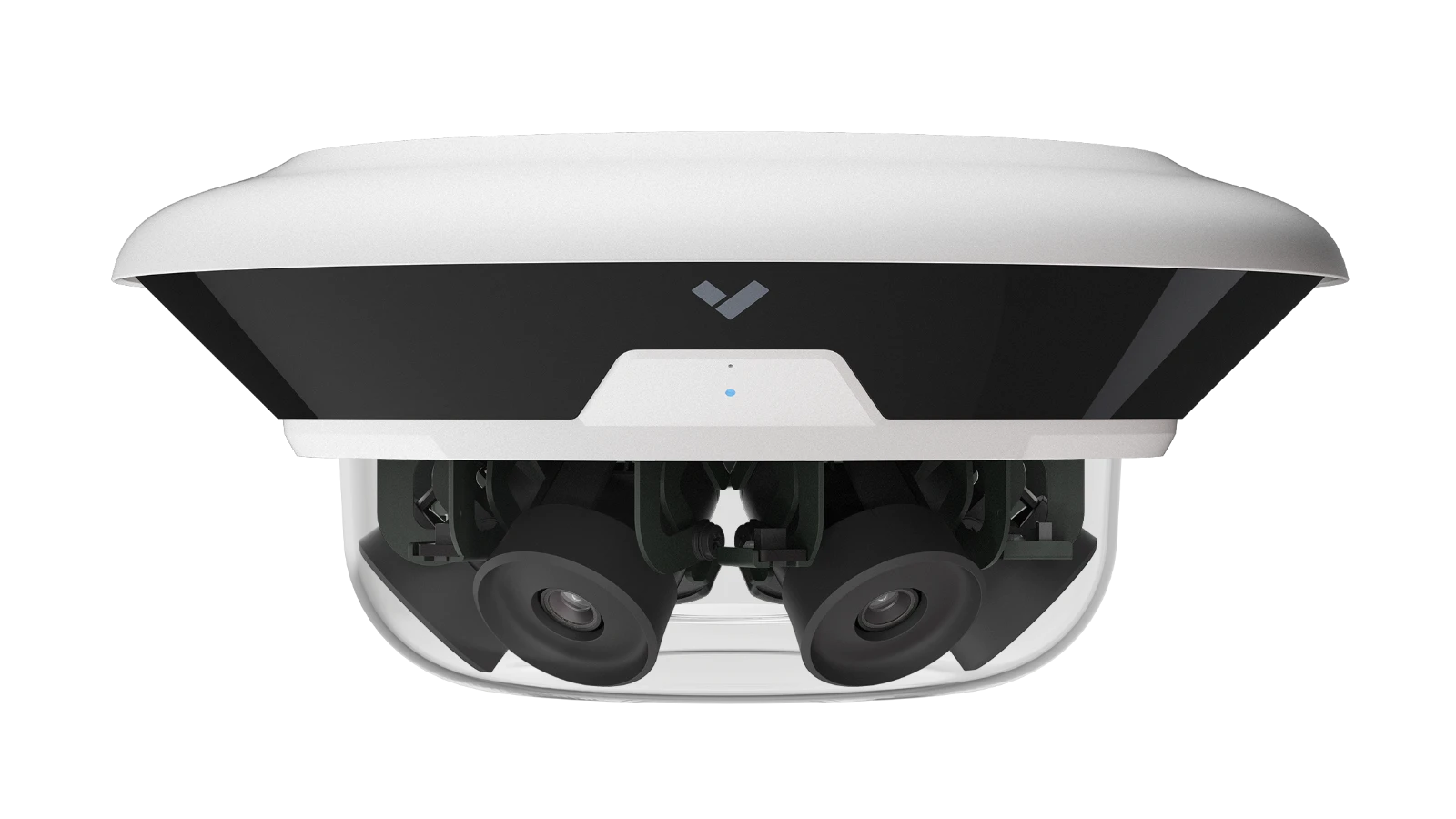 Multisensor · four views, one mount, one license
The right camera for each post
- Domes for lobbies, corridors, and counters — vandal-resistant and unobtrusive in public-facing space.
- Multisensors for intersections of hallways, building corners, and plazas — four views from one mount.
- Telephoto bullets for gates, fence lines, and license plates at yard entrances.
- PTZs for parks, fleet lots, and event spaces where an operator needs to look around.
Where government facilities deploy cameras
Lobbies & entrances
The front door of every public building — coverage of who enters, when, with AI search by person or time.
Service counters
Permits, payments, and assessments — the counter is where incidents start and where evidence matters most.
Court-adjacent spaces
Queues, hallways, and parking — courthouse security coverage outside the courtroom, designed with court administrators.
Yards & fleet lots
Public works equipment, fuel, and vehicles — telephoto coverage of gates with plate capture at entrances.
Parks & plazas
Open civic space, covered by PTZs and pole-mounted multisensors — with signage that tells the public what's recorded.
Transit facilities
Platforms, park-and-rides, and maintenance bays — transit security coverage that scales across a route map.
Municipal surveillance cameras done right
Municipal surveillance cameras live under public-records law, and the deployments that go badly are almost never a hardware problem — they're a policy vacuum. Monarch designs the policy layer alongside the camera plan: a written retention schedule the system actually enforces (not "whatever the DVR holds"), role-based access so a records officer can pull footage for a request without handing out admin logins, audit logs of every view and export, and public signage where state law or common sense expects it. When the records request or the litigation hold arrives, the answer is a documented procedure — not a scramble.
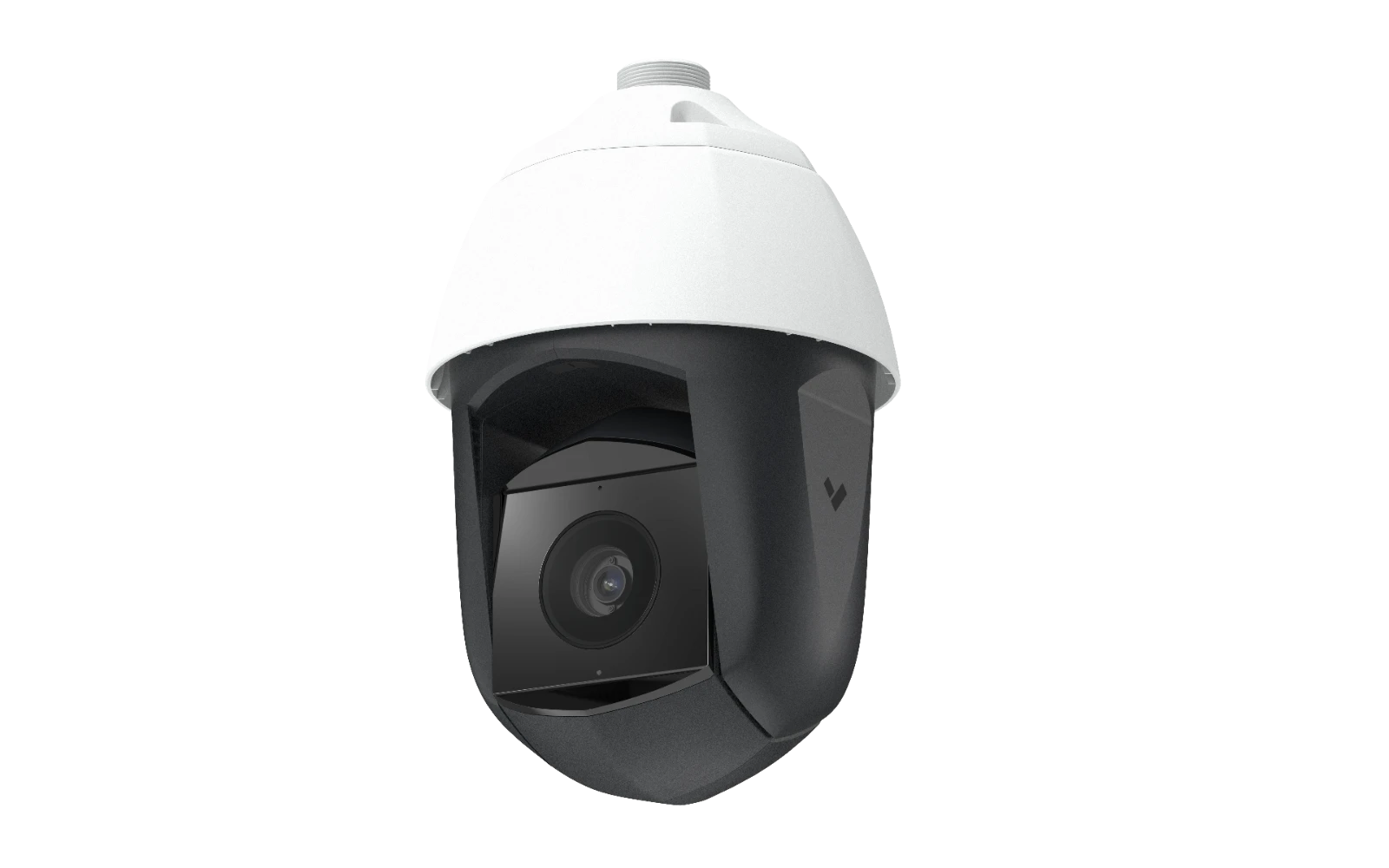 PTZ · operator-steered coverage for open space
Policies an auditor can read
- Retention by camera group — 30 days at the counter, 90 at the evidence room, configured once and enforced automatically.
- Records-request workflow — clip, redact what the law requires, and share an expiring, watermarked link.
- Audit trail — who viewed, exported, or shared any footage, logged for the life of the system.
- Signage plan — posted notice at recorded public spaces, matched to your state's requirements.
Access Control for Government Buildings
Open to the public at the front door. Accountable to the auditor at every door behind it.
A government access control system has to hold two ideas at once: the building is public, and most of it isn't. Residents move freely through lobbies and counters; behind the counter line, every door — records, evidence, IT, cash — needs a credential, a schedule, and a log. Cloud access control replaces brass keys and standalone panels with badges and mobile credentials managed from a browser, so revoking a departed employee's access takes seconds, not a locksmith visit.
Municipal building access control
Municipal building access control is a portfolio problem: a city manages dozens of buildings with one small facilities team. One cloud dashboard runs every door in every building — city hall, the rec center, the public works yard — with credentials that follow the employee, not the building. Badge and mobile credentials cover daily staff; visitor flows handle the public side of the counter; and when a council meeting runs hot or an incident starts at a counter, any authorized administrator can lock down a zone from a phone. Schedules handle the rhythm of civic life automatically: doors unlock for business hours, hold locked on holidays, and open the council chamber Tuesday nights without anyone driving across town with a key.
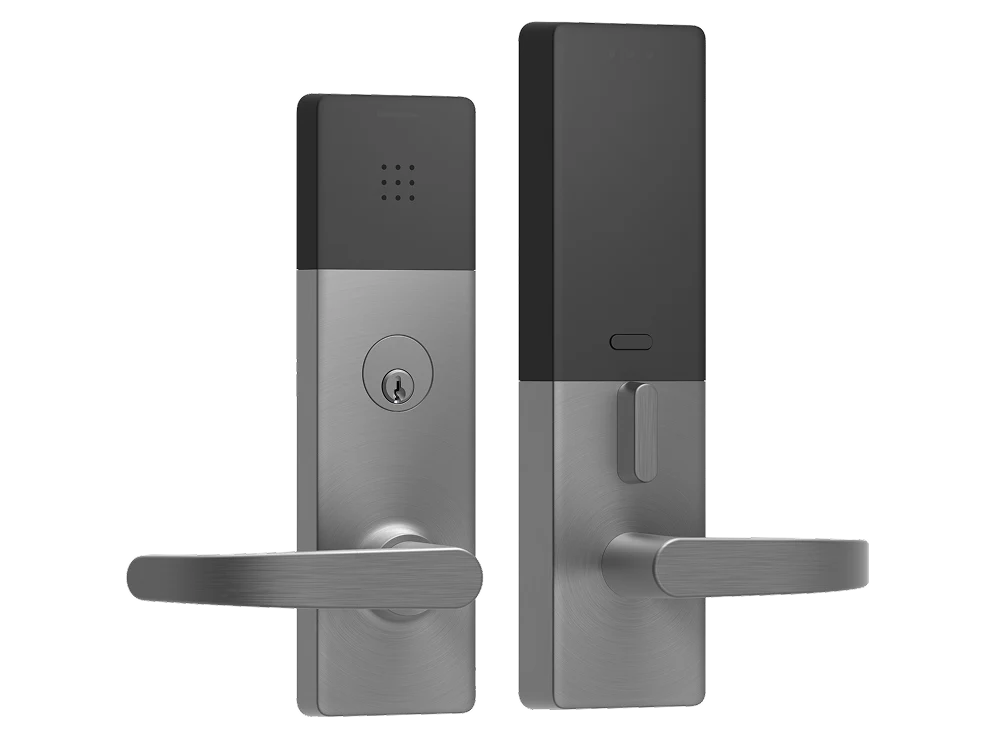 Badge + mobile credential · audit-logged entry
Records rooms, evidence, IT closets, cash counters
The doors that end careers when they're left open. Each gets stricter rules than the building around it — and produces the audit trail that protects the people who badge through legitimately.
- Records & vital documents — named-person access lists, door-held-open alerts, camera at the threshold.
- Evidence & property rooms — dual-credential entry where chain of custody demands it, with per-event video pairing.
- IT & network closets — the rooms your cybersecurity plan assumes are locked, finally logged like it.
- Cash-handling counters — utility payments and court fines, with schedules that match deposit runs.
Get a government facility assessment
A Monarch expert will walk your buildings — counters, records rooms, yards, parking — and produce a door-by-door, camera-by-camera design with bid-ready pricing and compliance documentation.
Intercoms and Staff Duress for Public Facilities
The clerk at the counter is the front line of local government. Equip them like it.
Government work happens face to face — at counters, in hearing rooms, across a desk from someone having the worst day of their year. Two systems protect the staff who do that work: video intercoms that verify before a door opens, and silent duress buttons that bring help without escalating what's happening in front of the counter. Monarch deploys both on the same platform as the cameras and doors, so a button press doesn't just send an alert — it pulls up the nearest cameras and locks the staff-side doors in the same second. For the deep dive on how duress programs are designed — device types, response workflows, and what regulators expect — see our healthcare guide to staff duress alarm systems; the same architecture protects clerks and counter staff.
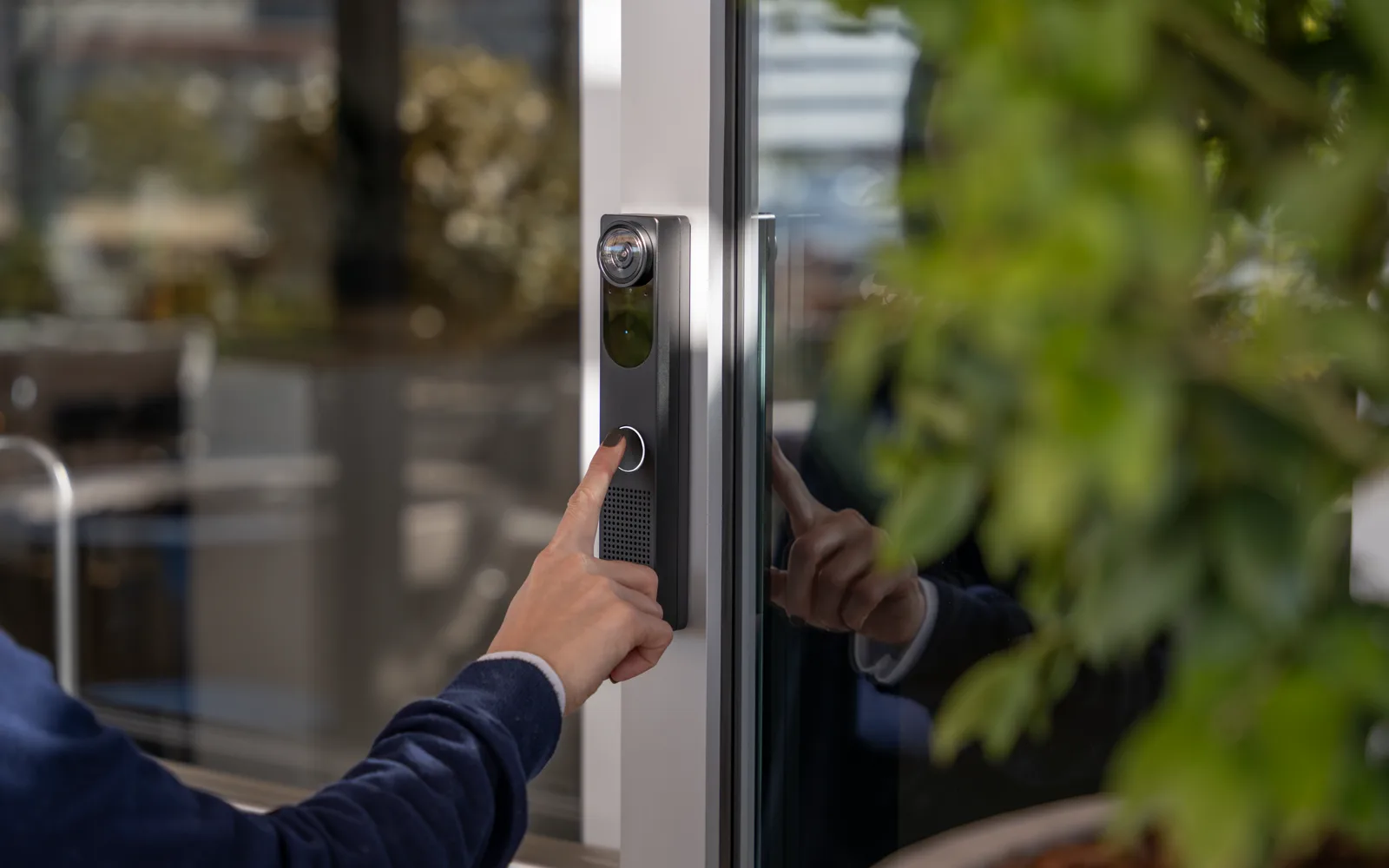 Video intercom · verify, then release
Every judgment-call door
- After-hours public entrances — verify and release remotely instead of posting staff at a locked door.
- Staff and judges' entrances — controlled side doors at courthouses and city halls, with video on every release.
- Loading docks & yards — vendor verification where deliveries actually arrive, tied to the gate camera.
- Horn speakers for open space — live or recorded announcements across yards, lots, and parks, triggered from the same dashboard.
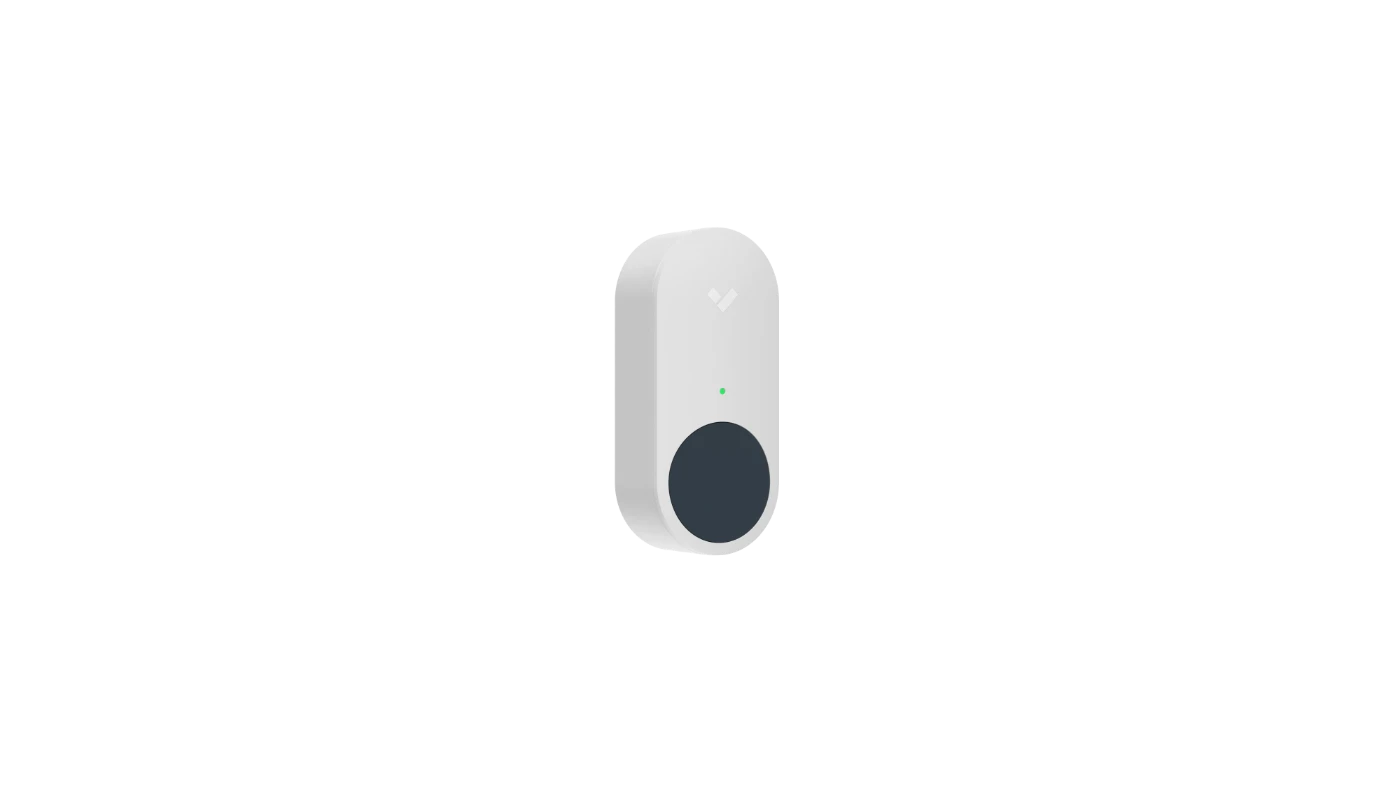 Duress button · silent, wireless, one press
Help, without escalation
Courthouse clerks, permit counters, code enforcement, social services intake — the public-facing seats in government absorb real hostility. A fixed duress button under the counter or a wearable on a badge reel summons security silently, with the staff member's name and exact location.
- Cameras snap to the scene — the desk officer sees live video and the minutes before the press, already cued.
- Doors react by rule — staff-side doors lock, public egress stays clear, lockdown zones fire pre-programmed.
- One documented timeline — button, doors, video, and acknowledgment in a single record for the incident review.
Who We Serve
Every public facility type carries its own risks, rulebooks, and rhythms. We design for each.
Courthouses
Courthouse security is choreography: public queues, jury movement, judges' corridors, and in-custody routes that must never cross. We design camera and access plans with court administrators — and stay out of the courtroom's way.
City halls & county buildings
City hall security balances open civic space with protected counters, council chambers with evening meetings, and offices that hold everything from vital records to utility payments.
Jails & detention centers
Jail security demands hardened, vandal-rated hardware, uninterrupted recording, and integration discipline — cameras and doors that corrections staff can trust at 3 AM, every night.
Libraries
Library security cameras protect open, welcoming space without turning it into a checkpoint — entrances, after-hours coverage, and discreet placement that respects what a library is for.
Transit & public works
Transit security spans platforms, park-and-rides, and maintenance facilities; public works adds fuel yards and fleet lots. Pole-mounted, solar, and trailer options cover sites with no conduit at all.
Federal & federally funded
Federal building security and grant-funded local projects inherit the strictest requirements — NDAA, TAA, and FedRAMP-authorized platforms — which is exactly the stack we deploy by default.
Watch how a city government runs on this platform
The City of Las Vegas — a Verkada customer since 2018 — on securing parks, municipal pools, and public facilities with the same cloud platform Monarch deploys. Two minutes, told by the city's own IT leadership.
Security Grants for Local Government
The money exists. What applications need is a defensible spec and a real quote.
A meaningful share of municipal security work is paid for with someone else's money: FEMA preparedness programs, DHS homeland-security funding that flows through state administrative agencies, and state-level grants for courthouse, transit, and critical-infrastructure security. Monarch's role in government security grants is the technical half of the application — a site assessment that documents the need, a device-by-device design, itemized quotes formatted for the program's budget categories, and the compliance documentation reviewers expect. Win the award, and the same documents become your procurement package.
Government security FAQs
The compliance questions procurement and IT ask — answered straight.
Are Uniview cameras NDAA compliant?
Uniview is not one of the manufacturers named in NDAA Section 889 — but being unnamed is not the same as being compliant. The law also covers critical components, and cameras from unnamed brands have historically shipped with chipsets from banned manufacturers, which makes them ineligible for covered projects. The only safe answer is per-model documentation: a written attestation of NDAA compliance for the exact model and firmware you're buying. That documentation is part of every Monarch government camera design.
Are UniFi cameras NDAA compliant?
Ubiquiti is not on the Section 889 banned list, and it markets many UniFi Protect cameras as NDAA compliant. For a government project, that marketing claim still has to become paperwork — a per-model attestation your procurement office can file with the bid. Note also that NDAA compliance alone says nothing about TAA eligibility for GSA purchases, FedRAMP-authorized video management, or who installs and supports the system. Those requirements frequently ride along on government projects, and they're worth settling before the hardware decision, not after.
What does NDAA compliant mean for security cameras?
Section 889 of the FY2019 National Defense Authorization Act prohibits federal agencies — and contractors and grant recipients on covered projects — from buying or using video surveillance and telecommunications equipment from named Chinese manufacturers including Hikvision, Dahua, Huawei, ZTE, and Hytera, or equipment that uses their critical components. An NDAA-compliant camera contains no hardware from those manufacturers anywhere in its supply chain, and its compliance can be documented in writing for a procurement file.
Does my city or county project require NDAA compliance?
If the project touches federal money — a FEMA or DHS grant, federally funded transit or infrastructure work — Section 889 obligations generally flow down to it. Several states have also enacted their own bans on covered equipment for state and local agencies. And even where no rule strictly applies, most municipal procurement offices now specify NDAA compliance anyway: it future-proofs the purchase against grant audits and policy changes, at little to no cost difference. When in doubt, specify it.
Can Monarch help with security grant applications?
Yes — we produce the technical half of the application. A site assessment that documents the need, a device-by-device system design, itemized quotes formatted for the program's budget categories, and the compliance documentation (NDAA, TAA, platform certifications) that reviewers and auditors ask for. Your team owns the narrative; we make sure the numbers and the specs hold up to review.
Talk to a Government Security Expert
Real answers from an integrator — design, installation, compliance documentation, and support.
Tell us about your facilities and a Monarch expert follows up within one business day — with a conversation about your buildings and your bid calendar, not a sales sequence. We design government security solutions across cities, counties, courts, and special districts, and we put our name on the compliance paperwork. Prefer the phone? Call (415) 326-3592.
Walk the facilities
A security expert maps counters, records rooms, yards, and parking against the risks on this page — and documents existing equipment, including anything Section 889 covers.
Bid-ready package
Door-by-door, camera-by-camera design with itemized pricing, spec sheets, and the compliance attestations your procurement office files with the bid.
One accountable partner
Licensed installers on public-building schedules, training for your staff, and one number to call for the life of the system.
Request a consultation
Five fields, one business day. Whether you're scoping a single building, chasing a grant deadline, or replacing a non-compliant camera estate across the whole city — start here.
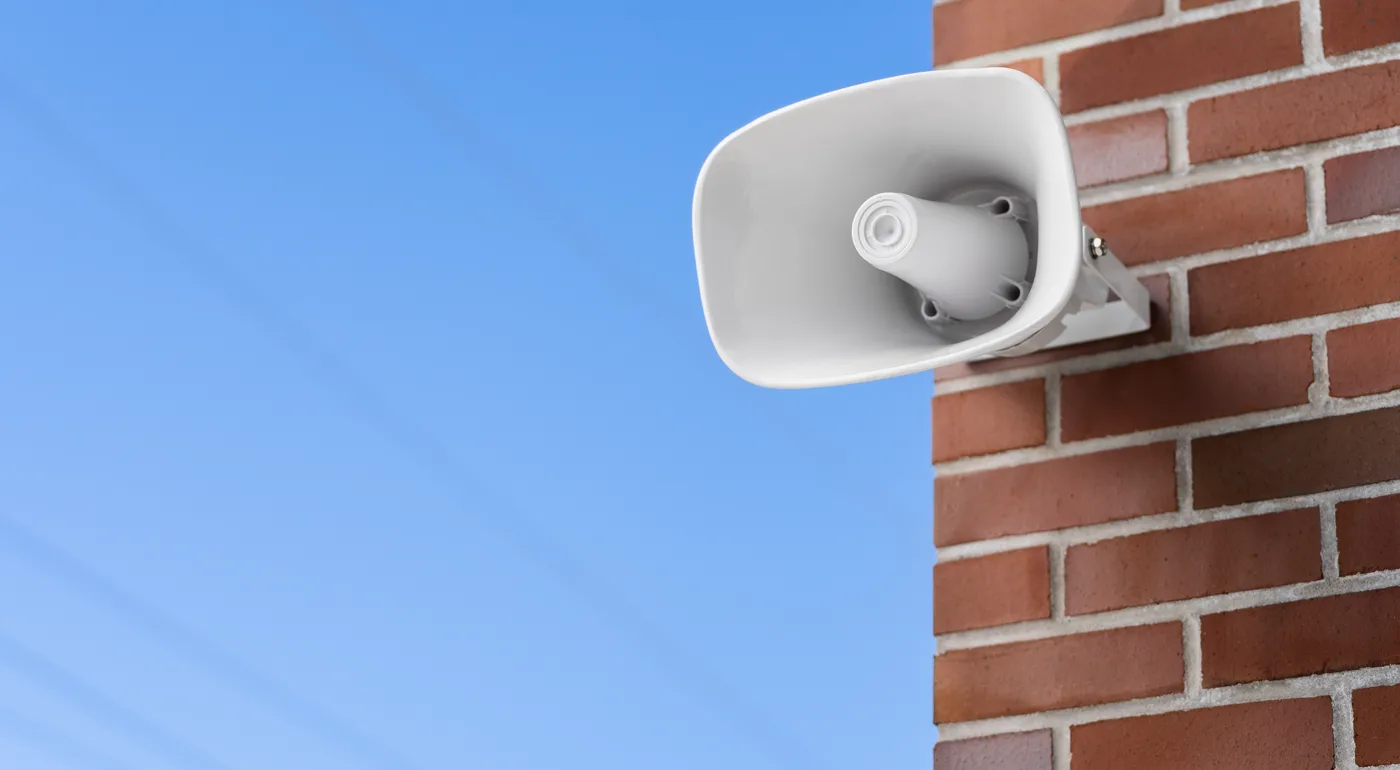 Horn speaker · yards, lots & open space
Security your auditors
will sign off on.
Government security systems designed, installed, and documented by one accountable partner — on a platform built for the public sector, from the same team securing school campuses and construction sites nationwide.