


Updated September 22, 2026.
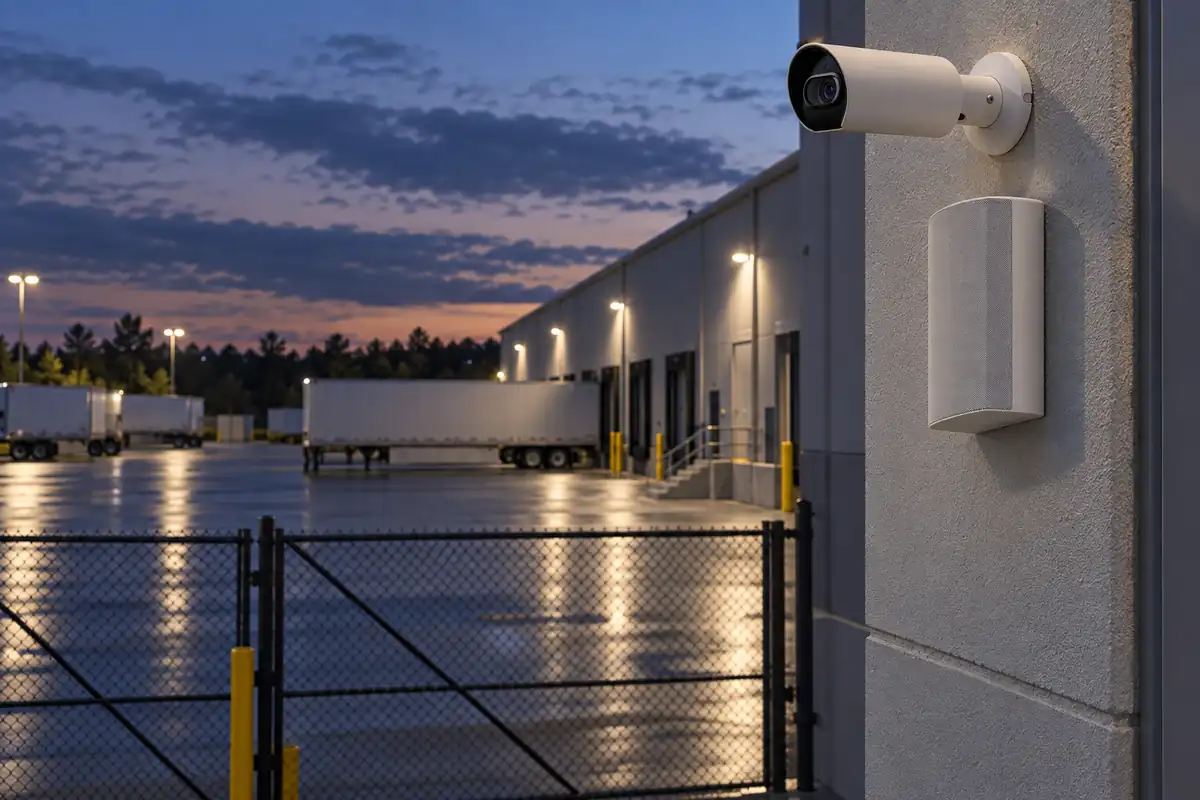
An audio deterrence system pairs security cameras with loudspeakers so that when a camera sees someone in a place they should not be, a voice speaks to them. That voice might be a pre-recorded warning that plays automatically, or a real person talking live from a phone or monitoring desk. Either way, the person on camera learns right away that they have been seen.
Most camera systems only record, which helps after the fact. Adding audio lets the system respond in the moment. A spoken warning can prompt someone to leave before a fence is cut or a truck is opened, and it gives your staff time to decide what to do next. It does not stop crime on its own. This guide explains how camera-triggered audio works, where it fits, how to write messages that help instead of hurt, and what to check before you buy.
What Is an Audio Deterrence System?
An audio deterrence system has three parts:
- Cameras with analytics. The camera does more than record. It looks for specific events, such as a person entering a fenced area or a vehicle stopping in a closed lot.
- Speakers at the scene. Outdoor-rated speakers mounted where the person will hear them clearly, usually near the camera's field of view.
- Rules that connect the two. Software that says "when this camera sees this kind of activity, in this area, play this message on these speakers," or alerts a person who can talk live.
You will see the same idea sold under several names: "talk down speaker security," "voice down security camera," "security camera speaker deterrence" or "audio talk-down." They all describe the same thing: cameras that can speak to the scene they are watching.
This is different from ordinary paging. A paging system exists to make announcements to employees and visitors. If you want the background on that, our guide to what a paging system is covers it. Audio deterrence is a security function: the camera decides when the speaker plays.
How Camera-Triggered Audio Works
The sequence is the same on most platforms:
- Detection. A camera's analytics notice activity. Depending on the camera and software, that might be a person, a vehicle, or movement inside a drawn zone such as a fence line or loading bay.
- Rule check. The software checks the event against your rules. Is this camera part of the rule? Is the activity inside the zone you care about? Is the rule active right now?
- Response. If the rule matches, one of two things happens. A pre-recorded message or text-to-speech warning plays automatically on the paired speakers. Or an alert goes to a person, who opens the live video and talks through the speaker themselves.
- Follow-up. The event and its video clip are saved, so staff can review what happened, whether the person left, and whether anything else needs doing.
Everything depends on step one. Poor analytics mean a speaker that stays silent when it should talk, or talks constantly at shadows and animals. Plan the camera and speaker as one system.
Live Talk-Down vs Automated Messages vs Remote Monitoring
There are three common ways to run audio deterrence. Many sites use more than one.
| Approach | Who speaks | Speed | Strengths | Limits |
|---|---|---|---|---|
| Automated pre-recorded message | Software plays a saved warning or text-to-speech | Immediate | Works at 3 a.m. with nobody watching; consistent wording every time | Cannot adapt to what the person does next; can become background noise if it fires too often |
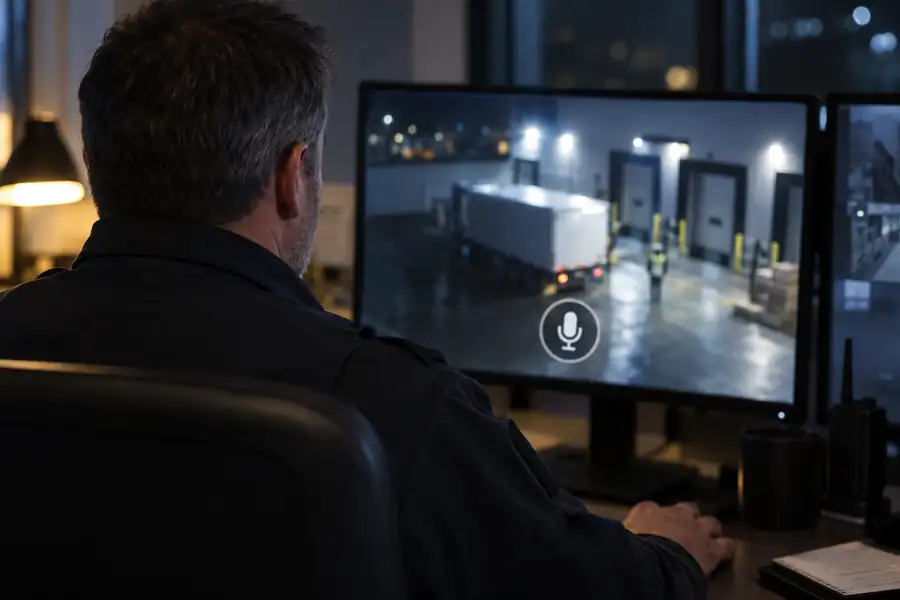
| Live talk-down by your staff | A manager or security team member, from a phone or computer | Depends on who sees the alert and how fast | A real voice describing the person ("you in the gray jacket by the gate") is harder to ignore | Needs someone available and willing to respond at night |
| Remote professional monitoring | Trained agents at a monitoring center | Depends on the provider's staffing and response process | Coverage every hour without tying up your own team; agents can escalate to police under an agreed plan | Ongoing monthly cost; agents need clear site instructions |
An automated message is the floor; live talk-down is the step up when a warning alone is not enough. For how detection and response work on fenced sites, see our perimeter intrusion detection guide.
Where Audio Deterrence Works, and Where It Doesn't
Audio deterrence works best when three things are true: the area is supposed to be empty at certain hours, a person in it has no good reason to be there, and a speaker can reach them clearly.
Good fits:
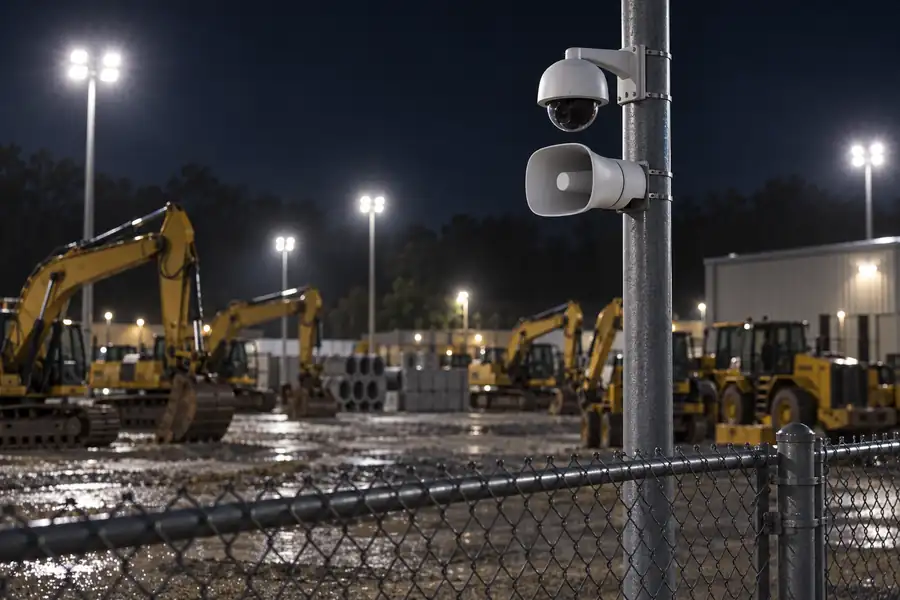
- Closed yards and storage lots. Equipment yards, vehicle storage and material laydown areas behind a fence.
- Parking lots after closing. Lots where nobody should be loitering or trying car doors overnight.
- Loading docks. Docks are busy by day and should be quiet at night. Manufacturers and distributors often start here; our manufacturing and warehouse security page covers how cameras, doors and audio work together on a plant or warehouse site.
- Construction sites. Open, valuable and usually unstaffed after hours. See our construction site security page for how mobile camera trailers cover sites that have no permanent building.
- After-hours perimeters. Fence lines, back doors, rooftops and service areas behind retail buildings. Our retail security page covers the store-side picture.
Poor fits:
- Busy public spaces during open hours. A warning in a crowded store or lobby confuses customers and makes staff the target of complaints.
- Places people are allowed to be. Sidewalks, shared driveways and public right-of-way. Warning someone for walking past is pointless and can create problems with neighbors.
- Noisy environments. If a speaker cannot be heard over traffic, machinery or wind, it will not do its job.
- As a replacement for a fence, lock or guard. Audio buys time and raises the risk of being seen. It does not physically stop anyone.
How to Write a Warning Message That Works
A good warning is short, clear and true. A few rules help:
- Say what is happening. "You are in a restricted area" is clearer than a siren.
- Say what you want. "Please leave the property now."
- Say they are seen, not what you will do to them. "This area is monitored by video" is accurate. Threats of harm are never appropriate.
- Never claim something that is not true. Do not say "police have been called" unless your process actually calls them. False claims damage credibility and can create legal trouble.
- Keep it short. People stop listening to long recordings.
- Match the languages spoken in your area. A warning nobody understands is noise. Some platforms can play a message in several languages one after another.
- Use a calm, firm voice. Shouting and alarm sounds can escalate a situation. A clear, even tone reads as someone in control.
Avoiding False-Alarm Fatigue
The fastest way to ruin an audio deterrence system is to let it talk too much. If the speaker fires every time a cat crosses the lot or a night-shift driver pulls in, neighbors complain, employees turn it off, and would-be intruders learn it means nothing.
Four controls keep it useful:
- Detection zones. Draw zones only over areas that matter, such as inside the fence or around the dock doors, not the street beyond them.
- Object types. Trigger on people or vehicles, not generic motion, where the camera's analytics support it.
- Schedules. Most camera analytics platforms let you set when an alert or rule is active. Run deterrence rules only after hours, and account for late shifts, cleaning crews and deliveries.
- Review and tune. For the first few weeks, review every trigger. Move zones, adjust sensitivity and change schedules until almost every trigger is a real event.
Privacy and Legal Notes
This is general information, not legal advice. Laws differ by state and city, so check with your own attorney before you deploy.
Playing audio and recording audio are different things. A speaker playing a warning into your own property is broadcasting sound. Recording people's conversations is governed by separate eavesdropping and wiretap laws. Some states allow recording when one party to a conversation consents; others require everyone's consent. The Reporters Committee for Freedom of the Press keeps a state-by-state Reporter's Recording Guide that summarizes these rules. If your cameras or speakers have microphones for two-way talk or audio recording, find out how your state treats that before you turn it on.
A few other points to review:
- Noise. Local noise ordinances may limit how loud or how late sound can play, especially near homes.
- Signage. Posting signs that the area is under video surveillance, and that audio warnings may play, is common practice and sets expectations.
- Aim. Point cameras and speakers at your property, not at neighbors' windows or yards.
- Wording. Keep messages factual and non-threatening, as described above.
How Audio Deterrence Fits With Verkada
Monarch Connected is an authorized Verkada reseller. Verkada runs cameras and speakers in one cloud platform, Verkada Command, which is what makes camera-triggered audio practical without integration work between two vendors.
On its Sound Systems page, Verkada describes "AI-powered deterrence" this way: "Automatically deliver warning messages via network speakers when cameras detect suspicious activity." The same page describes text-to-speech announcements and live translation that plays messages in several languages in sequence. Verkada's sound platform launched in September 2026 and its software is still rolling out, so confirm the exact deterrence features you need with us before you buy.
For the speaker at the scene, the Verkada NS631-E is the outdoor option in the Verkada Sound Systems line that Monarch sells. It is a 6.5-inch surface-mount network speaker rated IP66 against rain and dust, with an operating range down to -40°C. It produces 96 dB continuous and 100+ dB peak at one meter on PoE+, and covers 82° horizontally and 90° vertically, aimed at entries, walkways and docks. It runs on a single PoE cable with no separate amplifier. It lists from $1,199, needs a speaker license (from $29 for one year), and carries a 10-year warranty. You can compare it with the indoor models on our Verkada Sound Systems page.
Verkada also makes a dedicated talk-down device, the BZ11 horn speaker. In its blog post "Powerful Intrusion Deterrence: Meet Verkada's New Talk Down Speaker," Verkada explains that the BZ11 pairs with one or more cameras in Command, lets users click the talk icon on a camera feed to speak through it, and includes a microphone for two-way conversation. According to that post, user talk-down needs no extra license, while monitoring-agent talk-down and automated text-to-speech or pre-recorded responses require a Verkada Alarms license. Which speaker fits depends on the site.
How to Add Audio to Security Cameras: Buyer Checklist
If you are wondering how to add audio to security cameras you already own, or planning a new system, work through these questions first:
- Which areas should be empty, and when? List each zone and its after-hours schedule.
- Can your cameras detect people and vehicles reliably? Older cameras that only sense motion will cause false alarms.
- Do the cameras and speakers share one platform? If not, find out exactly how an event on one triggers the other, and who supports that link.
- Where will the speakers mount? They need a clear line to the zone and a height that is hard to tamper with.
- Are the speakers rated for outdoor use? Look for a weather rating such as IP66 and a temperature range that fits your climate.
- Is there network and power at each location? PoE speakers need a cable run and enough switch power.
- Who responds live? Your staff, a monitoring center, or automated messages only? Write down the plan.
- What will the messages say, and in which languages?
- Have you checked local noise rules and audio recording laws?
- Who reviews triggers and tunes zones after install?
- What is the total cost over five to ten years? Include hardware, licenses, installation and any monitoring.
Monarch designs, installs and supports camera and audio systems for business sites and sells nationwide. For hardware, browse the Verkada Sound Systems lineup. For a site-specific design, talk to Monarch about your site and we will map cameras, speakers and rules against your layout.
Frequently Asked Questions
Does an audio deterrence system stop break-ins?
No system can promise that. A spoken warning can prompt someone to leave before they do damage, and it gives your team time to respond, but it does not physically stop anyone. Treat it as one layer alongside fencing, locks, lighting and a response plan.
What is the difference between talk-down and a pre-recorded warning?
A pre-recorded warning plays automatically when a camera rule triggers. Talk-down means a real person is speaking live through the speaker while watching the camera feed. Live talk-down is more flexible; automated messages work when nobody is watching.
Can I add speakers to the security cameras I already have?
Sometimes. It depends on whether your camera platform can trigger an external speaker and whether its analytics can tell people from other motion. Running cameras and speakers on one platform is the simplest way to make the two work together.
Is it legal to play warnings through outdoor speakers?
Generally, playing a warning on your own property is broadcasting sound, not recording it. Local noise ordinances may still apply. Recording audio is a separate issue governed by state consent laws. This is general information, not legal advice.
Will an audio deterrence system go off for my own employees?
It can if rules are too broad. Limit rules to after-hours schedules, draw zones only where nobody should be, and tell staff where talk-down zones are and when they are active.
What kind of speaker do I need outdoors?
A weather-rated network speaker loud enough to carry across the space. For example, the Verkada NS631-E is IP66 rated and produces 96 dB continuous at one meter on PoE+. Placement and aim matter as much as volume.