


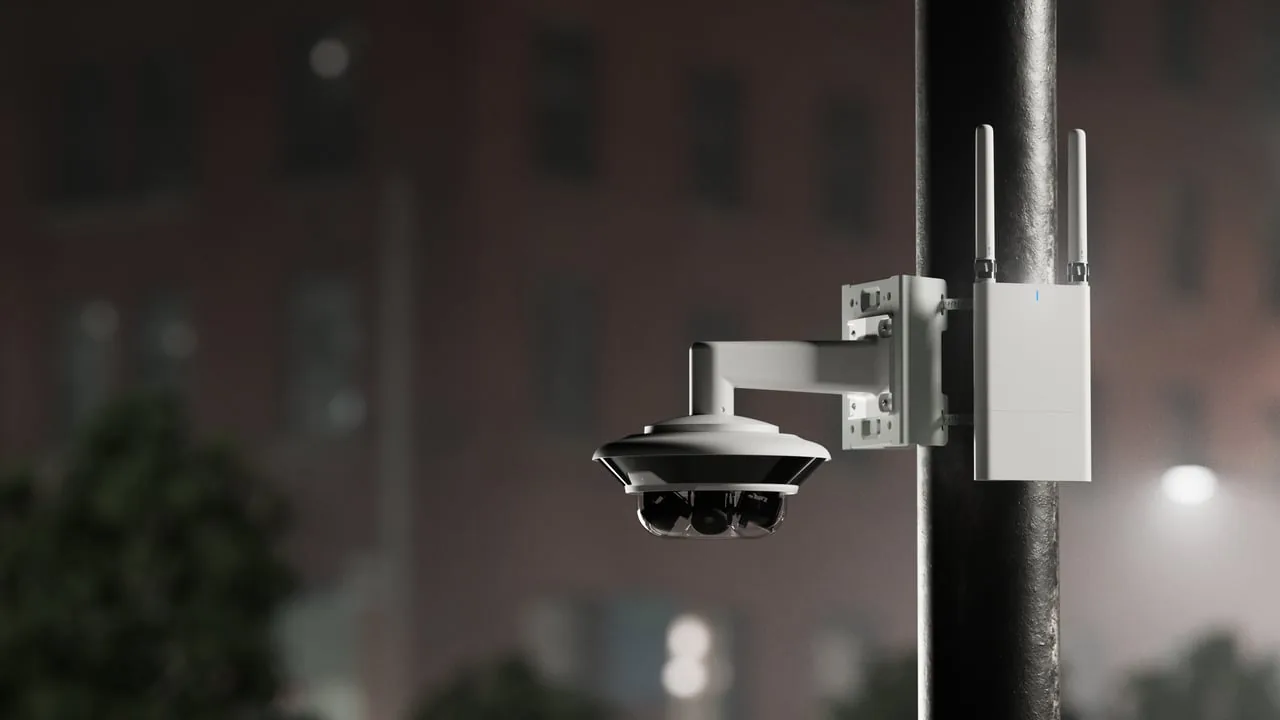
Street security cameras are worth it when you know the exact problem you want them to solve. Use them to watch your entrance, your sidewalk frontage, your parking spots, or a package drop. They work best when they're aimed at your own property, lit properly, and set up so a person or an AI system can find the important moment fast.
They're a bad investment when you expect one camera on a pole to identify every license plate, every face, and every raccoon on the block. It can't. Nothing can.
If you'd rather have someone look at your actual building before you buy anything, talk to the Monarch team about your site.
What Street Security Cameras Are Actually Good For
Here's the decision in plain terms. A camera facing the street can do one of three jobs well:
- Detection: something happened, and roughly when.
- Observation: what a person or vehicle was doing, and which way they went.
- Identification: who that person is, or which plate that car had.
Most disappointment starts when someone buys a camera for detection and expects identification. That's a bit like buying a smoke detector and hoping it'll also tell you who left the toast in.
For a storefront, the useful jobs tend to look like this:
- Watching the front door so you can see who came in after hours.
- Covering the sidewalk in front of your windows, where vandalism and break-ins usually start.
- Watching the curb or loading zone where deliveries get dropped (and sometimes picked up by the wrong person).
- Recording your own parking spaces so a hit-and-run in your lot isn't a total mystery.
For a home or small multifamily building, the list is similar: front entry, mailbox or package area, driveway, and the edge of the property where it meets the sidewalk.
Notice that none of these says "monitor the whole street." That's on purpose. A street-facing camera earns its keep when it watches the part of the street that affects you.
What They're Bad At (and Why That's Fine)
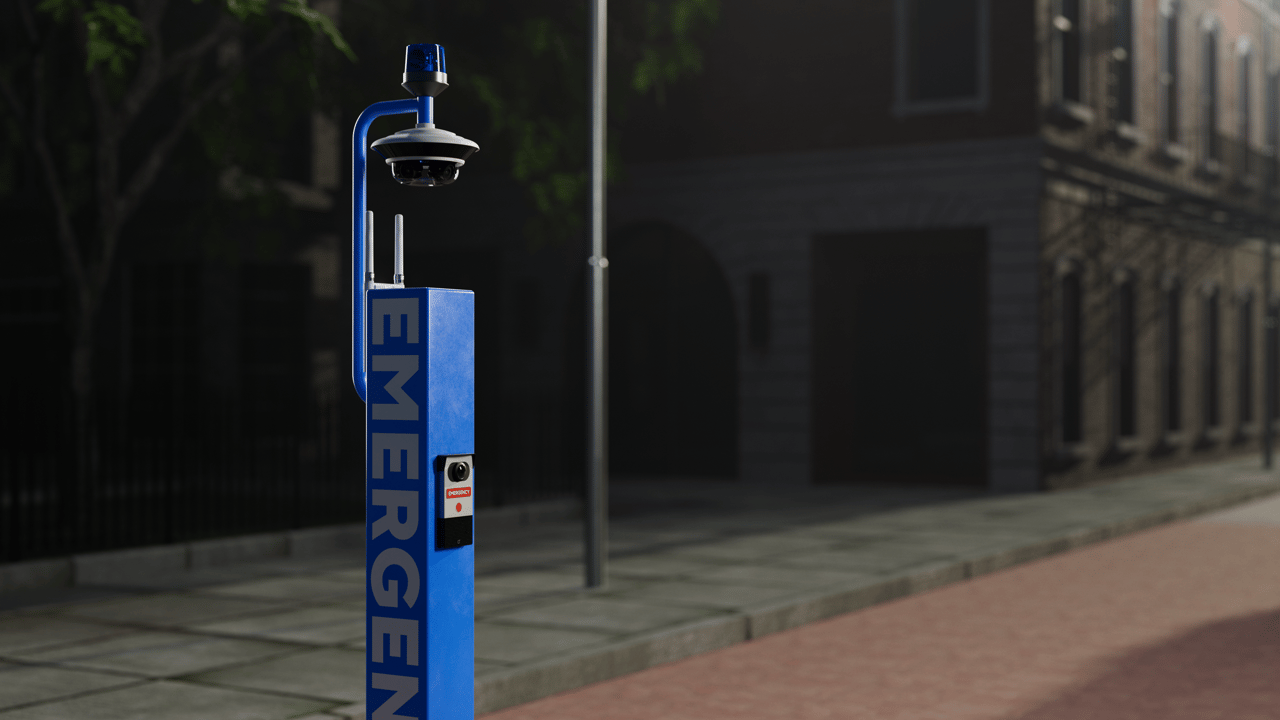
Now hold on a second. Before you buy six cameras and point them all at the road, it helps to know what a typical setup struggles with. Three problems show up again and again:
- Fast-moving cars: plates are small, reflective, and gone in a blink, so general-purpose cameras often catch "a silver sedan" rather than a readable plate. Fix: use a camera built for plate capture, with a narrow view aimed at a predictable spot like a driveway entrance or gate.
- Wide views: if one camera covers the whole frontage, the person at the far edge might be a few pixels tall. Fix: give the spots that need detail their own closer camera.
- Backlighting: a camera behind glass looking out at a bright street records perfect silhouettes (great for album covers, not for identifying anyone). Fix: mount outside, or pick a camera that handles bright backgrounds well.
That's fine, because the fix is planning, not spending more. Decide which spots need detail, and give those spots a dedicated camera. Let a wider camera handle the overview. Two modest cameras with clear jobs usually beat one expensive camera trying to do everything.
Picking a Camera Shape: Dome, Bullet, Turret, or PTZ
Camera shape isn't just looks. It affects how the camera handles weather, glare, tampering, and how obvious it is to people walking by. Here's a quick comparison for street-facing use. These are general tradeoffs, so check the spec sheet of any specific model before you buy.
| Camera type | Strengths on a street-facing wall | Weak spots | Best fit |
|---|---|---|---|
| Dome | Low profile, harder to tamper with, hard to tell where it's aimed | The dome cover can pick up glare and reflect built-in infrared at night | Entrances, storefronts, spots within reach of passersby |
| Bullet | Very visible deterrent, easy to aim down a long sidewalk or driveway | Easier to knock or spray-paint if mounted low, birds love it | Long, narrow views like a driveway or alley |
| Turret (eyeball) | No dome cover, so less glare, easy to re-aim | Somewhat easier to tamper with than a dome | General exterior use where night clarity matters |
| PTZ (pan-tilt-zoom) | Covers a big area and can zoom in on demand | Only sees one place at a time, more moving parts, higher cost | Large lots or corners where someone actively monitors |
| Fisheye / panoramic | One device sees a very wide area | Less detail at the edges, image needs de-warping | Overview of a plaza, courtyard, or intersection-facing corner |
A small warning about PTZ cameras. They're fun, everyone loves zooming in, and then you discover the camera was pointed left while the incident happened on the right. If nobody's actively steering it, pair it with a fixed camera that always covers the critical spot.
If you're comparing specific models, our product catalog lists what Monarch carries, and the spec sheets are where resolution, lens, and low-light details live.
Placement: Where the Camera Goes Matters More Than What It Costs
This is where things get weird, because the most important decisions aren't about the camera at all. They're about the wall, the angle, and the height. Four habits do most of the work:
- Mounting height: too low and anyone can reach it, cover it, or turn it. Too high and you get great footage of baseball caps. Aim for out of easy reach but angled to see faces from the front.
- Choke points: people and vehicles funnel through doors, gates, driveway entrances, and the gap between a parked car and the building. Aim there and everyone passes at a predictable distance instead of a random, too-far one.
- Along the street, not across it: a camera pointed straight across the road sees cars flash by sideways. Angled down the sidewalk or driveway, it sees people walking toward it, which means more frames of each face.
- Obstructions that grow: trees grow, awnings get added, and delivery trucks park in the same spot every Tuesday. Walk the site at different times of day and picture the view in summer when every branch has leaves.
Picture a corner coffee shop (a made-up example, not a client). One dome over the front door catches faces as people enter. One turret angles down the side street toward the back entrance and trash area. One wide camera covers the patio seating. Each camera has one job, so when something happens, the owner knows exactly which camera to check.
Night, Glare, and Weather: The Three Things That Ruin Street Footage
Daytime footage is easy. Every camera looks great on a sunny Tuesday at noon. The question is how it looks at 2 a.m. in the rain.
Night is where most street security cameras earn or lose their reputation. Many cameras use built-in infrared illuminators that switch to black-and-white at night. That works, but infrared reflects hard off nearby surfaces. A wall, an eave, or a dome cover too close to the lens can bounce light straight back and wash out the image. Other cameras are designed to keep color in low light, usually with help from existing streetlights or added lighting.
Some practical night habits:
- Check whether the area has steady ambient light. Streetlights help, but some cycle or burn out.
- Add your own exterior lighting at entrances if you need faces. Good lighting helps the camera and deters people at the same time.
- Keep infrared cameras clear of eaves, walls, and spider webs. Spiders love the warmth and light, and one web across the lens at night looks like a ghost convention.
Glare matters during the day too. A camera facing east or west may get blasted by sunrise or sunset. Headlights do the same at night. Wide dynamic range features (often listed as WDR) are designed to handle scenes with bright and dark areas together, so look for that in the specs when a camera faces a bright street or sits behind glass.
Weather is the slow killer. Street-facing cameras deal with rain, road grime, salt, heat, and sometimes ice. Check the manufacturer's environmental and ingress ratings for the specific model and compare them to your climate. Plan to clean lenses on a regular schedule, because a dirty lens produces footage that's dim at best and useless at worst.
Privacy and the Neighbors: Point It at Your Problem, Not Their Kitchen
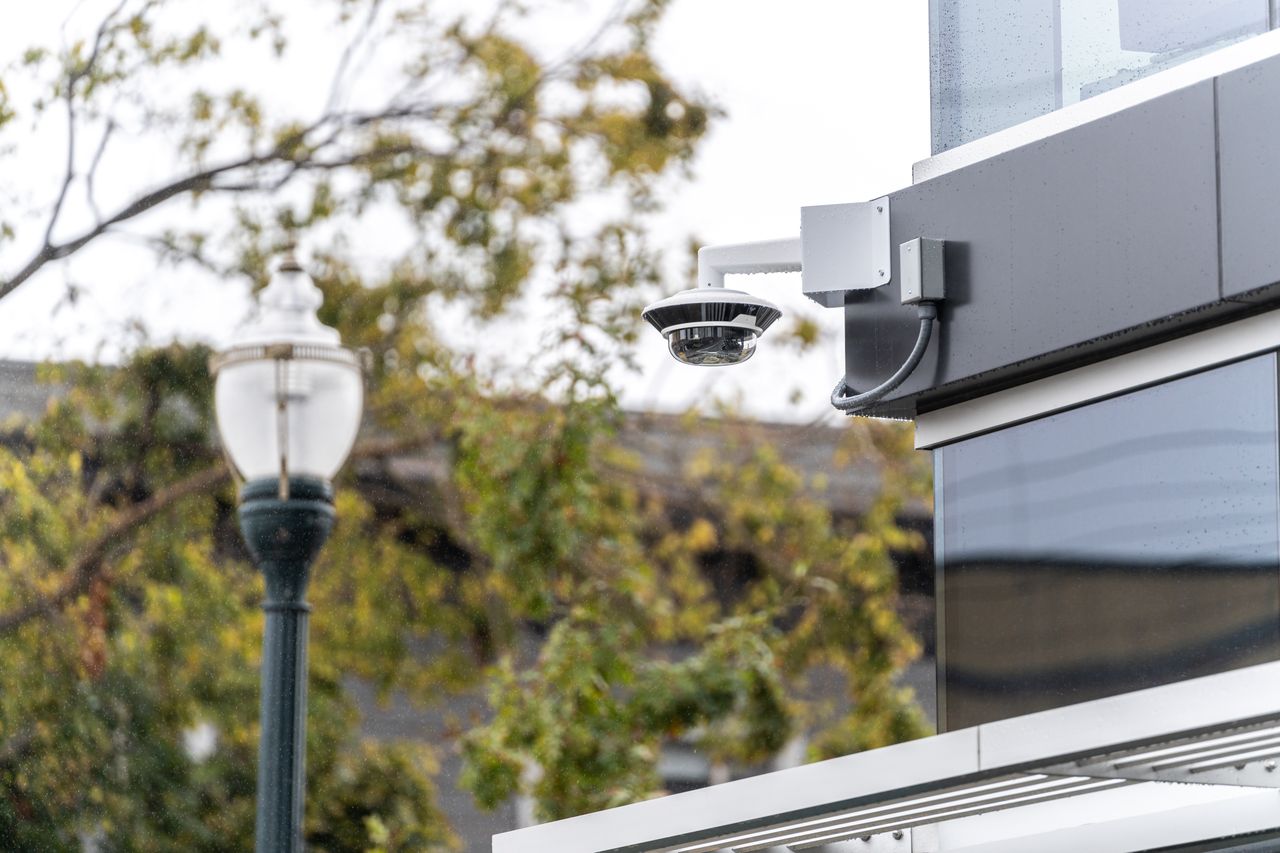
[switches to serious face]
Street-facing cameras sit right on the line between your property and everyone else's. That makes privacy a planning issue, not something to deal with later.
The rules on recording video and especially audio differ from place to place, and they can depend on whether you're a business, a homeowner, or a landlord. We're not going to pretend there's one universal rule, because there isn't. Before installing, check with your local authority, your city or county, and if it applies, your HOA or building management. For anything that feels borderline, ask an attorney who knows your jurisdiction.
What you can control no matter where you are:
- Aim at your own property. Your door, your frontage, your lot. Not the neighbor's windows, not across the street into someone's living room.
- Use privacy masking. Many cameras let you black out parts of the image, like a neighbor's window or a bus stop bench, so they're never recorded.
- Think hard before turning on audio. Audio recording is often treated differently from video. If you don't clearly need it, leave it off.
- Post signage where it makes sense. Signs tell people they're on camera, which can deter trouble and set clear expectations.
- Set a retention policy. Decide how long footage is kept and who can access it, then follow that rule.
Good neighbors make good camera owners. A quick chat before installation ("Hey, the camera points at our door, not your place") avoids a lot of awkward hallway moments.
Security Cameras for Rental Property: Who Owns the View?
Rentals add a twist. You own the building, but someone else lives or works there. Security cameras for rental property need to protect the asset without making tenants feel watched.
Common areas and exteriors are the usual focus. That means front entrances, parking areas, mailbox and package rooms, the street frontage, and shared walkways. These are the spots where package theft, break-ins, illegal dumping, and vandalism tend to happen, and they're the areas a landlord typically manages.
Tenants' private spaces are a different story. Cameras looking into a unit, or aimed so they effectively watch inside one, cause real trouble with tenants and may run into legal problems. Your lease language and local landlord-tenant rules both matter here, so apply the privacy homework above before installing.
A few setup questions to sort out early:
- Who can view the footage? Owner, property manager, maintenance staff? Write it down.
- Can tenants request footage? A clear process, like for a package theft or a car break-in, builds trust.
- Is it in the lease? Mentioning exterior and common-area cameras in the lease or house rules keeps expectations clear.
- What happens when a tenant installs their own camera? Video doorbells and window-mounted cameras are popular. Decide your policy before someone points one at the shared hallway.
Here's how that might play out in a hypothetical four-unit building. One camera covers the front entrance and mailbox area, one covers the parking pad off the alley, and one watches the street frontage for dumping. Privacy masks block the windows of the building next door. The lease says exterior cameras exist and explains how tenants can ask for footage after an incident. Simple, clear, and nobody's surprised.
Short-term rentals add one more layer: the booking platform's own rules. Check your platform's current rules on cameras and recording devices before you list.
Where AI Fits In (and Saves Your Saturdays)
Here's the dirty secret about street-facing cameras: they record a lot of nothing. Cars driving by. Leaves blowing. A pigeon having a very dramatic afternoon. If your system flags every bit of motion, you'll get an alert flood, and you'll start ignoring all of them, including the one that matters.
That's where AI-based video analytics come in. Instead of reacting to every pixel change, an AI system can be set up to tell the difference between people, vehicles, and background motion, and to alert on the patterns you care about. Think "a person at the back door after closing" rather than "something moved somewhere." If you want the basics, here's a plain-English explanation of what an AI security system does.
For street-facing setups, the useful AI features usually include:
- Object classification, so you can filter alerts to people or vehicles and ignore trees and shadows.
- Line-crossing or zone alerts, so a car driving past is ignored but a person stepping into your doorway after hours isn't.
- Searchable footage, so instead of scrubbing through eight hours of video you can search for something like "person near the front door last night."
- Loitering detection, which flags someone hanging around a spot longer than normal.
What features you actually get depends on the specific camera and platform, so match the feature list to your real problems. We've written more about the business side in how AI security cameras benefit businesses, and Monarch's AI surveillance solutions page covers how we design these systems for real sites.
One honest caveat: AI doesn't fix a badly placed camera. If the camera can't see the doorway clearly, the analytics can't either. Placement first, smarts second.
Want help figuring out which spots need AI alerts and which only need recording? Reach out to Monarch for a site walkthrough and we'll map it with you.
A Planning Checklist You Can Actually Use
This is an illustrative planning checklist, not a legal or technical requirement. Use it to get organized.
- List the problems. Package theft? Break-ins? Dumping? Loitering? Hit-and-runs in your lot? Be specific.
- Mark the spots. On a rough sketch of the property, circle where each problem happens.
- Assign a job to each spot. Detection, observation, or identification. Identification spots get a dedicated, closer camera.
- Pick camera types. Use the table above as a starting point: domes near reachable areas, bullets or turrets for long views, PTZ only if someone will steer it.
- Check the light. Visit after dark. Note streetlights, dark corners, and glare sources.
- Check the view across seasons. Trees, awnings, and parked vehicles all change.
- Sort out privacy. Plan aim and privacy masks, decide on audio (probably off), and run through the privacy steps above.
- Decide on storage and retention. Where footage lives, how long it's kept, and who can access it.
- Set alerts that matter. Turn on AI classification and zones so your phone isn't buzzing every time a bus goes by.
- Schedule maintenance. Lens cleaning, firmware updates, and a quick monthly check that every camera still sees what it should.
If you get through this list and still aren't sure, that's normal. Street-facing sites are messy, and every building is a little different.
One note before the FAQ: we've skipped specific statistics, prices, and legal claims on purpose, so lean on your camera's manufacturer documentation for specs.
FAQ
Can a regular street-facing camera read license plates?
Sometimes, but don't count on it. Plates are small, reflective, and pass by fast, so general-purpose cameras often capture the car but not a readable plate, especially at night. If plates matter, use a camera designed and positioned for plate capture, aimed at a predictable spot like a driveway entrance or gate.
Is it legal to point my camera at the public sidewalk?
It depends on where you are, and rules for video and audio can differ. Aiming at your own property and the frontage directly in front of it is the common approach, while aiming into neighbors' windows invites trouble. Confirm the local rules before you install.
How do I stop getting alerts every time a car drives by?
Use cameras or a platform with AI object classification and set detection zones. That way you can ignore traffic on the road and only get alerts when a person or vehicle enters an area you care about, like your doorway or lot. Placement helps too, since a camera aimed down your driveway sees less passing traffic than one aimed straight at the street.
Can I put security cameras for rental property without telling tenants?
That's risky and may not be allowed where you are. Exterior and common-area cameras are the typical approach, and disclosing them in the lease or house rules sets clear expectations. Never aim cameras into tenants' private spaces.
Why does my camera footage look washed out at night?
Infrared light from the camera is probably bouncing off something nearby, like an eave, a wall, a dome cover, or a spider web on the lens. Move or re-angle the camera so nothing sits right in front of it, and clean the lens. Adding steady exterior lighting at key spots can also help a lot.
Should I put the camera inside behind the window or outside on the wall?
Outside usually gives clearer footage, because glass adds reflections and indoor cameras often struggle with bright backlight from the street. Inside mounting protects the camera from weather and tampering, but you'll need a camera that handles glare and backlighting well. If you mount outside, choose a model rated for your climate and mount it out of easy reach.