


Updated September 16, 2026.
A restaurant alarm system has to do more than make noise. It has to tell you, or a monitoring operator, what tripped, where, and whether it warrants a police dispatch or a look at a camera feed from your phone. That's a very different design problem than protecting an office or a retail store, and most off-the-shelf packages don't handle it well.
This guide walks through what a modern restaurant alarm and security stack actually includes in 2026, how the pieces fit together, and the questions to ask before you sign a contract. Costs, code requirements, and false-alarm rules vary widely by jurisdiction and building, so treat specific numbers here as illustrative and get quotes and permit guidance for your address.
Why Restaurants Are a Distinct Security Problem
A restaurant is a chaotic hybrid: front-of-house retail environment, cash-handling operation, commercial kitchen, and a back door that vendors, delivery drivers, and staff use at odd hours. The features that make restaurants harder to secure than most commercial spaces include:
- Cash on premises, and cash in transit at close.
- Regulated inventory (alcohol) where shrink is both a financial and a licensing issue.
- Perishable inventory that spoils within hours if a walk-in door is left open.
- Back doors that get propped open during prep and hot kitchen shifts.
- High staff turnover, which makes shared keys and shared alarm codes a serious weakness.
- Late-night close-outs performed by tired staff.
- Overlap with fire and life-safety systems governed by your local Authority Having Jurisdiction (AHJ).
That last point matters because, as Securitas Technology notes in its overview of restaurant fire alarm requirements, design and inspection requirements vary by city, county, and state, and two locations of the same brand can face different rules. An alarm system spec that worked in your first store may need changes at your second.
The Six Layers of a Restaurant Security Stack
"Restaurant alarm system" usually means intrusion detection, but intrusion is only one layer. A workable stack has six:
- Intrusion detection — door contacts, motion sensors, glass-break sensors, shock sensors.
- Monitoring — who receives the signal and decides what to do with it.
- Video verification — cameras that let a monitoring operator or you confirm whether a trigger is real.
- Access control — who can unlock which door, when, using what credential.
- Environmental sensors — walk-in temperatures, water leaks, hood suppression status.
- Analytics and reporting — trend visibility on arm/disarm times, void patterns, after-hours motion events.
If your current setup is a keypad at the front door and window stickers, you're covering part of layers 1 and 2. Deciding how far up the stack to invest is where most of the real planning happens.
Intrusion Detection: Where the Sensors Belong
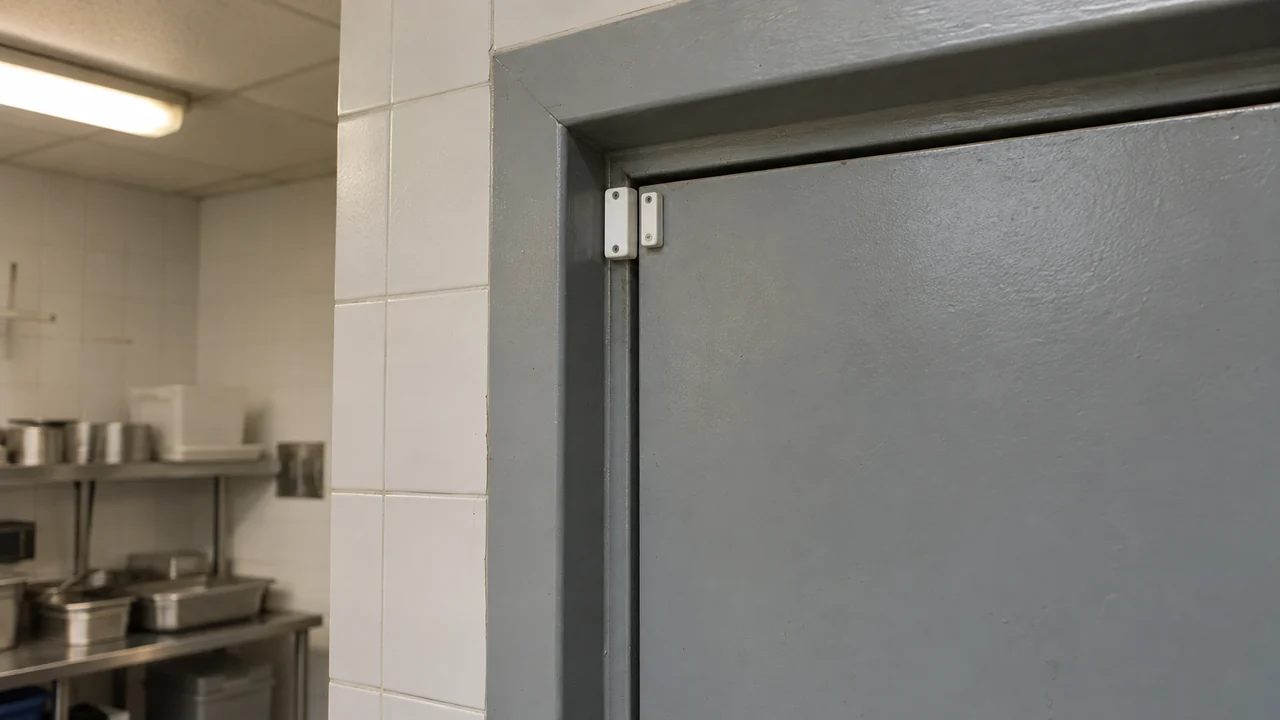
A common mistake is protecting only the front door and the register area while leaving the back-of-house exposed. Sensors to consider, working from the perimeter inward:
- Every exterior door, including patio gates and side service doors.
- Windows large enough for a person to fit through, with glass-break sensors rather than only contacts. A brick through a pane doesn't open a sash.
- Roof hatches and skylights. These are frequently overlooked and are a known entry route in strip-mall burglaries.
- Interior motion sensors covering the register area, office/safe area, and liquor storage.
- Shock or vibration sensors on the safe.
- Walk-in cooler and freezer door contacts (used for "door left open" alerts, not intrusion).
- The drive-thru window, if you have one — it's an opening in the envelope and should be treated like a door.
Dual-technology motion sensors (PIR plus microwave) reduce nuisance triggers from HVAC airflow and shifting light. Pet-immune sensors matter if you share attic space or wall cavities with neighboring tenants.
Monitoring: The Difference Between an Alarm and a Response
An unmonitored siren mostly alerts the intruder that they should hurry. You have three practical options:
- Central station monitoring. A UL-listed monitoring center receives the signal, calls your escalation list, and dispatches police.
- Self-monitoring. Alerts go to your phone. Lower cost, but no coverage when you're asleep, on a plane, or in Do Not Disturb.
- Video-verified monitoring. The monitoring center receives the alert plus a live or clip-based camera view, visually confirms an intruder, then dispatches.
Video verification matters because many jurisdictions now handle unverified alarms differently from verified ones. Some cities operate on a "verified response" model in which unverified alarms receive lower-priority or no police response. Check your local police department's policy before assuming a signal will result in a fast dispatch.
Cameras and Video Verification
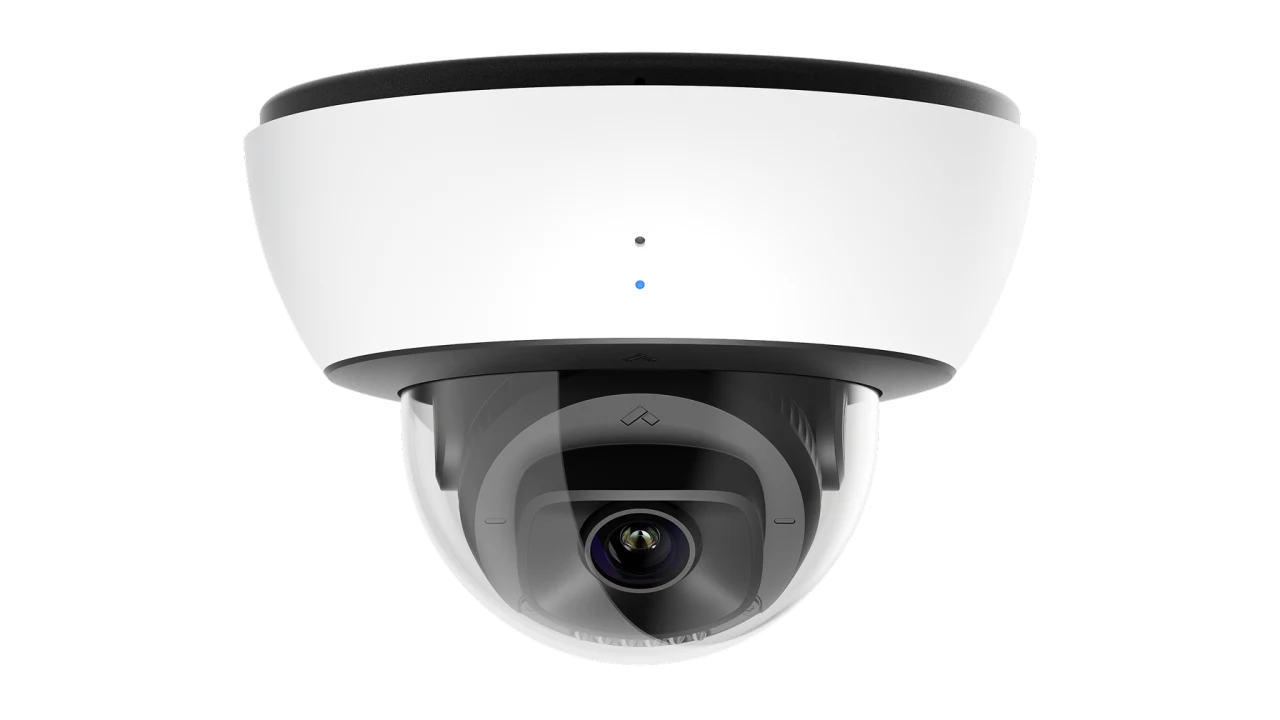
If you're specifying a new system today, treat cameras as part of the alarm design rather than a later add-on. Camera integration with the alarm panel enables:
- Sensor triggers that automatically pull the associated camera clip to your phone and the monitoring center.
- On-camera AI that distinguishes a person from a vehicle or a shadow, reducing false dispatches.
- Rapid remote verification — you can review a suspicious event in seconds rather than driving to the site.
- License plate capture in parking areas, useful for investigations.
- Time-stamped footage of floor conditions and interactions for liability claims.
For a broader primer on camera platforms and storage tradeoffs, see our guide to cloud-based video surveillance.
If you're running a build-out, a temporary location, or an outdoor patio expansion, mobile video surveillance units can bridge the gap. Trailer- or pole-mounted, with their own power and cellular connectivity, they let you deploy detection and video without permanent conduit and cabling.
Access Control: Getting Rid of Shared Keys
Physical keys are a weak point in an environment with high staff turnover. When someone leaves, keys often don't come back, and re-keying every time is rarely done. Credential-based access control addresses this in three ways:
- Credentials (fobs, mobile credentials, PINs) can be revoked instantly.
- You get an audit log — who unlocked which door, when.
- You can schedule access by role or shift, so a prep cook's credential only works during their normal window and after-hours use generates an alert.
Access control also integrates with the alarm system. A manager credential at the back door can auto-disarm the kitchen zone while leaving the office and safe zones armed — a level of granularity a shared PIN doesn't provide.
Note the life-safety constraint: egress doors must remain openable without a key, tool, or special knowledge under most local codes. Magnetic locks and delayed-egress hardware are a permitting conversation with your AHJ, not a DIY project.
If you want to scope out credentialing options for your door count, contact our team and we'll walk through the tradeoffs.
Environmental Sensors: The Quiet Payoff
This is the layer owners most often skip. A single walk-in freezer failure can wipe out a meaningful chunk of inventory overnight, and a slow leak under the ice machine or dishwasher can close you for a shift. Sensors that tie into the alarm panel include:
- Temperature sensors in walk-in coolers and freezers, with configurable time-and-threshold alerts.
- Water leak sensors under the ice machine, dishwasher, mop sink, and grease trap.
- Door-open alerts on the walk-ins.
- Power failure alerts on the panel itself.
- CO and smoke detection integrated with the system where your AHJ allows it.
Ask your integrator which of these can be added to your existing panel and what the monitoring center will do with each alert.
What a Restaurant Alarm System Costs
Everyone wants a straight number, and there isn't one. Pricing depends on your building's size and construction, your camera count and retention needs, the number of doors on access control, whether cellular backup is included, and local labor rates. Rather than quoting invented ranges, here are the cost categories to itemize when comparing bids:
- Hardware (panel, sensors, cameras, access hardware, environmental sensors).
- Low-voltage cabling and installation labor.
- Permit and inspection fees.
- Monthly monitoring, broken out by intrusion, fire, and video verification.
- Cloud video storage and retention length.
- Cellular or dual-path communication for the panel.
- Ongoing service, firmware updates, and annual inspections.
Two costs owners consistently underestimate: low-voltage labor in a finished restaurant with a tin ceiling and health-code constraints, and the five-year total of recurring monitoring and cloud fees, which often exceeds the hardware cost.
Also budget for alarm permits. Most cities require registration with the police department, and many charge escalating false-alarm fines above a set threshold per year. Your integrator or local police non-emergency line can confirm the local rules.
Common Mistakes That Show Up on Site Walks
- One shared alarm code for the whole staff, so arm/disarm logs are meaningless.
- Never changing the code when someone leaves.
- Cameras placed where the manager prefers rather than where the risk is (the office safe, the back door, the dumpster corral).
- Camera views that fail their intended task. Test the required detail at the actual distance and lighting; megapixel count alone does not establish useful evidence.
- No cellular or dual-path backup on the panel, so cutting the phone line or internet silences the system.
- Motion sensors aimed at HVAC vents.
- No routine review of after-hours motion events.
- Skipping the roof.
- No quarterly test of the system end-to-end, including confirmation that the monitoring center received the signal.
- Treating the walk-in and liquor room as non-security zones despite being the most common shrink sources.
POS Integration and Loss Prevention
Where a camera platform integrates with your point-of-sale system, you can pair transaction data — voids, no-sales, refunds, large discounts, cash drops — with the corresponding video. This is the layer that surfaces internal shrink patterns that don't show up in end-of-night reports.
For a point-of-sale review, define which authorized transaction events should be associated with camera footage and who may review them. Treat an unusual refund or void as a prompt for investigation, not proof of misconduct. Test the timestamps and event-to-video association with permitted sample transactions before relying on the integration.
If you're a small owner-operated cafe with one register, POS-video integration is probably overkill. For multi-shift, multi-employee operations with a full bar, it's usually worth pricing.
Compliance and Insurance Considerations
Your alarm system almost always interacts with other regulated systems. A few areas to raise with your integrator and, where relevant, your fire marshal and insurance carrier:
- Fire alarm requirements are governed by your local AHJ and standards such as NFPA 72. Securitas Technology's restaurant fire alarm overview emphasizes that inspection intervals, documentation, and installation details vary by jurisdiction and should be confirmed locally rather than assumed. IRL Systems' NYC-specific guide is a useful example of how one city layers its own fire code sections on top of NFPA references.
- Fire alarm work generally requires a separately licensed fire alarm company. Don't assume a burglar-alarm vendor holds that license.
- Hood suppression integration with the alarm panel and gas shutoff is common but jurisdiction-specific. Confirm the requirement with your fire marshal.
- Access hardware on egress paths must comply with life-safety code. Get permits before installing mag locks or delayed egress.
- Insurance carriers often offer premium credits for UL-listed central station monitoring, sometimes with additional credit for video verification. Ask your carrier for the specific system requirements in writing.
- PCI considerations: do not aim cameras where they can capture PIN pad entries.
- Liquor licensing: some state ABC agencies impose video coverage requirements on licensed premises. Check your state's specific rules rather than assuming.
Choosing an Integrator: Questions to Ask
- Who owns the equipment after installation, and when?
- Who monitors the alarm? Which UL-listed central station, by name?
- What is the total 60-month cost of ownership — hardware, install, monitoring, cloud storage, and cellular?
- Is the system open (portable to another monitoring company later) or proprietary?
- What licenses does the company hold — low-voltage, fire alarm, access control — in your state?
- What is the service response time for a hardware failure outside business hours?
- What happens contractually if you move, close, or sell the restaurant?
- Can they provide references at restaurants of similar size and format?
Two patterns worth being cautious about: "free" equipment bundled with long monitoring contracts, and pitches that lean heavily on fear rather than a specific risk-and-cost analysis of your building.
A Phased Rollout for a New or Retrofit Restaurant
If you're building out a new space, plan the low-voltage runs before drywall goes up. Cable is cheap during framing and expensive afterward.
For an existing restaurant, a workable phased order:
- Audit what you have with an independent walkthrough. Identify the top risks — commonly the back door, roof access, and the safe area.
- Fix intrusion basics: contacts on every exterior opening, motion in high-risk zones, shock sensors on the safe and roof hatch, cellular or dual-path backup, and monitoring confirmed by a live test.
- Add video, prioritizing the back door, register area, safe area, and drive-thru window. Confirm resolution supports face identification.
- Add access control on the back door, office, and liquor storage. Issue per-employee credentials and retire shared keys where you can.
- Add environmental sensors on walk-ins and under water-risk equipment. Consider POS integration if shrink is a concern.
- Establish quarterly system tests and an annual credential/user audit — remove anyone no longer employed.
Doing this in phases is dramatically better than waiting to do it all at once, which in practice tends to mean it never happens.
FAQ
Do I need cameras if I already have an alarm system?
In many cities, yes. Police response to unverified alarms has been deprioritized or eliminated under "verified response" policies in various jurisdictions. Cameras also carry most of the non-burglary security workload — slip-and-fall documentation, HR incidents, and internal shrink review — that a bare intrusion system doesn't cover. Confirm your local police policy before assuming what an alarm-only system will get you.
What's the best way to secure the back door?
A door contact plus interior motion coverage, an outdoor camera with a view of the exterior approach, and access control that logs every entry by named credential. Add a propped-door alert so you're notified if the door stays open past a set duration outside business hours. If you can eliminate physical keys on that door, do so — turnover makes shared keys a liability.
How do I reduce false alarms?
Three levers: better sensor selection (dual-technology motion sensors rather than PIR-only), better placement (nothing aimed at vents, signage, or sun-facing windows), and video verification so the monitoring center can confirm before dispatching. Confirm your city's false-alarm fine schedule and the threshold at which response may be suspended.
Can I self-monitor to save money?
Technically yes, and for very small owner-operated sites it can work. The tradeoff is that self-monitoring fails during the exact times an intruder is most likely to act — overnight, on holidays, or when your phone is on Do Not Disturb. Central station monitoring is also usually a condition for insurance premium credits, which can offset a large share of the monthly fee.
What cameras work in a commercial kitchen?
Choose cameras rated for the environment. Standard indoor domes tend to fog or fail in hot, humid, greasy conditions. Look for impact-rated (IK) and dust/water-rated (IP66 or better) housings, and build lens cleaning into your closing checklist. Aim cameras at prep stations, walk-in doors, and receiving areas rather than directly at the hot line.
How long should I keep video footage?
Set retention around the restaurant’s incident-reporting and investigation needs, applicable obligations and privacy policy. Confirm the chosen period with the responsible adviser, and ask the supplier to demonstrate storage and retrieval for the intended recording settings.
Can one system cover multiple locations?
Yes. Cloud-based platforms typically provide a single dashboard covering alarm status, camera views, and access logs across sites, with role-based permissions so each general manager sees only their store. Multi-site operators can often negotiate better monitoring and storage pricing across the portfolio — ask about volume terms if you run three or more units.