


Updated September 16, 2026.
If you're weighing a move away from physical keys at your business, warehouse, apartment building, or that one side door that several former employees may still have copies of, this is a practical walkthrough. "Keyless entry" sounds simple, but under the hood it's a full ecosystem of readers, credentials, controllers, and management software, and the choices you make now determine how much your system costs to run and how well it protects your building over the next decade.
Let's break it down.
What Keyless Entry Systems Actually Are
A keyless entry system is any access system that opens a door without a traditional metal key. That's the definition. The "how" is where the variation lives.
The common credential types:
- Key fobs and RFID cards
- PIN codes at a keypad
- Mobile credentials on a phone (Bluetooth, NFC, or an in-app tap)
- Biometrics (fingerprint, face, occasionally palm vein)
- QR codes and one-time visitor passes
The workflow behind any of them is the same. The reader at the door captures the credential. It passes that credential to a controller — either a physical panel in an electrical closet or a cloud service, or both. The controller checks whether that person is allowed at that door at that time. If yes, the lock releases. If no, access is denied and the attempt is logged.
Everything else is variations on that pattern.
Why Physical Keys Fall Short at Scale

Physical keys work fine for a small number of doors and a stable set of people. They struggle everywhere else, for four reasons:
Keys get lost. Losing a shared key doesn't just mean cutting a replacement — it means re-keying the lock and issuing new copies to everyone who had one, assuming you can even reach them all.
Keys get copied. A "DO NOT DUPLICATE" stamp is not a technical control. Many hardware stores will still cut the key, and there's no record of how many copies exist.
Keys don't scale. A ten-person office with three doors is manageable. A multi-building site with dozens of doors, multiple shifts, contractors, and turnover is not.
Keys generate no data. They open doors and nothing else. You can't tell who came in at 2:47 AM, or whether a specific door was propped open overnight.
Keyless entry systems address all four: credentials can be disabled remotely, entries are logged, permissions can be scheduled and revoked from a dashboard, and access can be granted door-by-door instead of building-wide. That management gain is what drives most upgrades. The University of Arizona's keyless access program, for example, cites reducing the liability of lost or stolen keys, creating audit trails through Cat Card and PIN entry after hours, and building in the ability to remotely lock perimeter doors of a specific building, group of buildings, or the entire campus during a critical situation (University of Arizona Keyless Access Guideline).
The Five Components of a Keyless Entry System
A typical setup has five pieces. Understand these and you can evaluate any system on the market:
- The credential. What the user carries — card, fob, phone, or biometric.
- The reader. Mounted next to the door.
- The lock. Electric strike, magnetic lock, wireless lock built into the door, or smart deadbolt. This physically holds the door shut.
- The controller. The decision-maker. A physical panel, a cloud service, or a combination.
- The management software. The dashboard for adding users, setting schedules, and reviewing logs.
Supporting infrastructure includes power (often Power over Ethernet, which delivers both power and data over one cable), the network connection, request-to-exit sensors so people can leave without triggering alarms, and door position sensors so the system knows if a door was propped open.
A well-configured system can also alert you when a door is held open too long, lock a reader after repeated failed attempts, and flag doors forced open without a valid credential — which is where access control starts overlapping with intrusion detection.
Keyless Entry vs Intrusion Alarms — Related but Distinct
This confuses people, so it's worth separating.
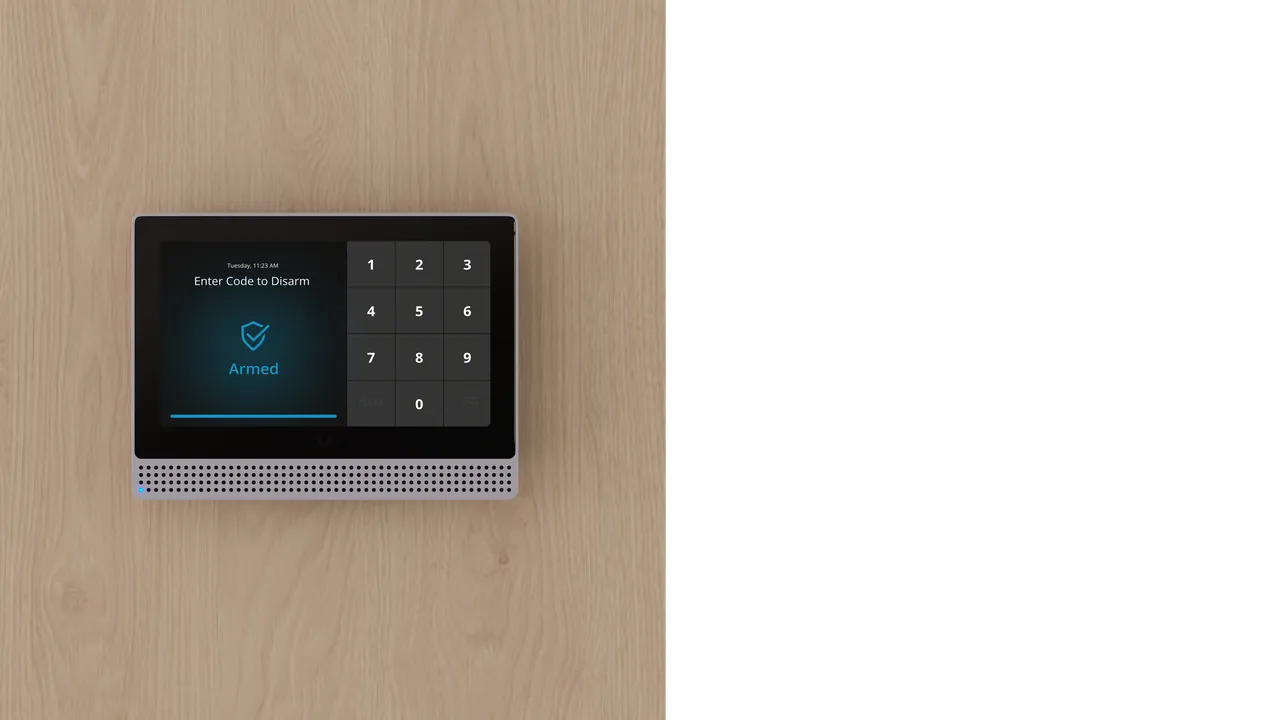
An access control system decides who gets in. An intrusion alarm system watches for problems when the building is supposed to be empty. They share sensors and often live in the same dashboard, but they're doing different jobs.
Access: a badge tap at the side door at 6:14 PM, followed by a door-closed event at 6:14:07 PM.
Intrusion: the building is armed for the night, and at 2:41 AM a motion sensor trips, a door contact shows the loading dock cracked open, and nobody credentialed in to disarm.
Modern platforms tie these together. When the first employee badges in through the access system in the morning, the intrusion system can auto-disarm for that zone. When the last person leaves and arms the system, doors auto-lock and sensors go live. When these two systems don't talk to each other, you get the classic problem of the alarm going off every morning because the first arrival opened the door before disarming.
If you're evaluating a rebuild, unifying access, intrusion, and video on one platform means one dashboard, one user list, and one place where "who is allowed in" and "is anything wrong right now" both live. Our access control solutions page has the specifics, our writeup on AI-driven video surveillance covers how camera events tie into door events, and if you want a walkthrough of your specific doors, get in touch.
Credential Types, Compared Honestly
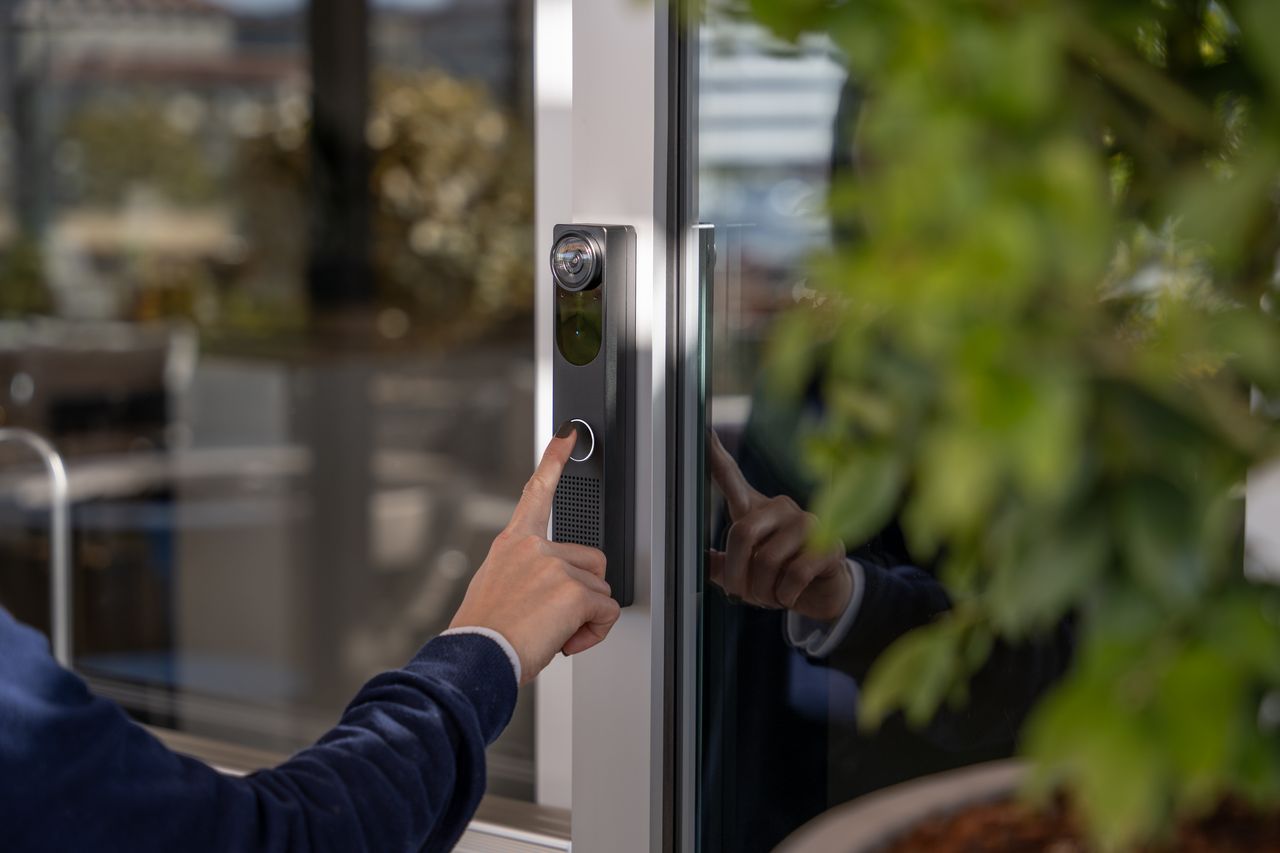
RFID cards and fobs. The workhorse. Inexpensive per unit, reliable, easy to hand out and easy to disable. Downside: people lose them and share them. If your building runs on legacy proximity cards, ask your integrator specifically what format they are and whether the credentials are encrypted; older prox formats have been the subject of well-documented cloning research, and any new install should specify a modern encrypted smart-card format. Get the exact card technology and reader capability in writing.
PIN codes. Fine as a backup or for low-security doors. Weak as a primary credential for anything sensitive because PINs get shared, written down, and shoulder-surfed. Keypads also wear unevenly, revealing which digits are in use.
Mobile credentials. Where most new deployments are landing. The credential lives in an app on the user's phone, so onboarding is an email invite rather than a card handoff, and revocation is a click in the dashboard. The credential is also protected by the phone's own biometric or PIN, adding a de facto second factor.
Biometrics. Face and fingerprint readers have improved significantly. Useful for high-security doors or places where credential sharing must be eliminated (time-clock fraud is a common driver). Considerations: higher hardware cost, privacy and consent implications, and employee comfort — worth discussing openly with your team rather than working around them.
QR codes for visitors. Underrated for contractors and short-term guests. Send a code that works only Thursday from 8 AM to 4 PM at Door 3. No card to return, no fob to lose.
What Keyless Entry Systems Actually Cost
Nobody can give you firm pricing without seeing your doors, so treat any number in a marketing brochure as a starting point for a conversation, not a quote. The cost buckets to plan for:
Hardware per door. A commercial-grade reader plus an electric strike or magnetic lock plus mounting hardware. Wireless smart locks (all-in-one battery-powered locks with the reader built in) tend to be cheaper per opening, especially on interior doors, though they trade some capability for that lower install cost.
Controller/panel hardware. Traditional on-prem setups need a controller box (each handles several doors) plus network gear. Cloud-native systems often skip the large panel entirely and connect readers to a small edge appliance or directly to the cloud.
Software/licensing. Cloud access platforms typically bill monthly per door or per reader, with pricing tied to feature tier (mobile credentials, video integration, visitor management, advanced reporting). One-time-purchase on-prem software still exists but subscriptions dominate new deployments. Ask for the price sheet up front and confirm which features are included in the base tier versus add-ons.
Installation labor. The wildcard. Doors with power already run to them are cheap. Doors without power — especially in older buildings with plaster walls, tricky frame types, or fire-rated assemblies that require specific hardware — can double the installed cost of a door. Get a real site walk before signing anything, and get itemized labor and materials by door.
Ongoing costs. Replacement credentials, software subscription, occasional battery swaps on wireless locks, and firmware updates. Also budget for growth — adding the fifth door is much cheaper than the first.
Approaches at a glance:
| Approach | Where It Fits | Main Tradeoff |
|---|---|---|
| Traditional keys | 1–3 doors, small team, low turnover | No audit, no remote revocation, painful rekeys |
| Standalone keypad locks | Single-door situations, vacation rentals | No central management, PIN sharing risk |
| Wireless smart locks | Interior doors, retrofits without power | Battery maintenance, feature limits vs wired |
| Wired commercial access | Main entries, high-traffic doors | Higher install labor, more infrastructure |
| Cloud with mobile credentials | Multi-site, growing organizations | Ongoing subscription, dependency on connectivity |
Ask each vendor to price your actual door list, not a generic reference building.
Rolling Out Keyless Entry Without Making Everyone Miserable
The technology is the easy part. Deployments go sideways on the people side.
Start with a door audit. Walk every door. Note frame type, existing lock, whether it's fire-rated, whether it needs to be ADA-compliant, and whether power is nearby. Most "surprise costs" come from doors nobody thought about — the mechanical room door, roof access, the loading dock personnel door behind the dumpster. Find those before install day. The University of Arizona guideline is worth reading here: it walks through the specific hardware, raceway, riser, and coordination requirements they impose on every new building project — including that all perimeter doors get door status contacts, dog-down devices are removed to enable remote lockdown, and doors that use magnetic locks require keyed bypass switches, designated push-to-exit devices, and fire alarm interconnection (UA Keyless Access Guideline).
Group doors by the access each role needs. List who should enter the lobby, server room and supply closet, at what times, and who can approve exceptions. Ask the integrator to explain the proposed credentials and exit arrangements for each opening. This is a planning checklist, not a claim that a telework security standard specifies physical door hardware.
Plan for offline operation. Ask this specific question of every vendor: "If the internet connection drops, what happens at each door?" A well-designed system caches recent credentials locally, keeps doors working, and syncs logs when the connection returns. A poorly designed one turns the building into a paperweight the first time your ISP has a bad day. Get the answer in writing, and confirm the battery backup runtime for the controllers — the UA program, for example, specifies at least four hours of standby operation as a baseline.
Plan for accessibility. If your building is subject to accessibility requirements, coordinate reader height, automatic door operator (ADO) integration, and pedestal or bollard placement during design, not after install. The federal accessibility requirements for ICT are laid out in the Revised 508 Standards, and while those specifically address federal procurement, the underlying design principles (operable parts, keyboard accessibility, clear identification) map directly to physical access hardware choices.
Communicate the change. At minimum, send an email that explains how to badge in, who to contact if it doesn't work, and what the backup is if a phone dies. Many rollouts where the technology worked perfectly still faltered because nobody told staff what changed.
Build a de-provisioning process. When someone leaves, their credential should be disabled the same day. This is one of the biggest wins over physical keys — but only if someone actually does it. Tie it to your HR offboarding checklist or your IT ticket system, or former employees will keep 24/7 building access indefinitely.
Layer video with access events. When a door forces open at 3 AM, you want the log entry and the video clip from that door in the same place. Integrated platforms make this a one-click lookup.
Ask about the vendor's longevity. Access control lives in your building for a decade or more. Long-warranty hardware, active firmware support, and a real human on the support line matter more than a small install-day discount. Some concrete buyer questions:
- How long will this specific hardware SKU be supported with firmware updates?
- What happens to my system if the vendor is acquired or discontinues the product line?
- Can I export my user list, credentials, and audit logs if I need to switch vendors?
- What's the escalation path when a door goes down at 6 AM on a Monday?
- Does the offline failure mode match my life-safety and egress code requirements?
- What credential format is being installed, and is it encrypted?
- What is the total monthly software cost per door at the tier that includes the features I actually need?
For the next planning step, see Door Access Control Systems: A Business Buyer's Guide.
FAQ
Can keyless entry systems still work if the internet or power goes out?
Yes, if the system is designed for it. Most commercial-grade systems cache recent credentials at the door or local controller, so doors keep working during an internet outage — they just can't sync new changes or push events to the cloud until connectivity returns. For power outages, doors typically fall back to a fail-safe or fail-secure state depending on code and use case (fail-safe unlocks for egress, fail-secure stays locked), and controllers often have battery backup sized for several hours of standby operation. Confirm the specific behavior at each door with your vendor before signing.
Are mobile credentials actually secure, or is a phone easier to compromise than a card?
Mobile credentials are generally stronger than legacy unencrypted proximity cards. The credential is encrypted and tied to the specific phone, and the app is usually gated by the phone's own biometric or PIN, so an unlocked phone doesn't automatically hand over building access. The main tradeoff is dependency: if a phone dies or breaks, the user needs a backup credential, which is why most deployments also issue a card or PIN as a fallback.
How is keyless entry different from a residential smart lock?
Consumer smart locks are designed for one door and a small household. They work well for that. Commercial keyless entry systems are designed to manage many users across many doors with role-based permissions, schedules, audit logs, and integrations to video, intrusion, and HR systems. A small office can run on smart deadbolts, but shift schedules, contractors, and compliance requirements outgrow them quickly.
Do I need to replace all my doors to install a keyless entry system?
Rarely. Most retrofits work with existing doors — the reader mounts next to the door, and either an electric strike replaces the existing strike plate, a magnetic lock mounts above the door, or a wireless smart lock swaps in for the existing mortise or cylindrical lock. Fire-rated doors and glass storefront doors need specific hardware to stay code-compliant, and very old or damaged doors sometimes need work first, but wholesale door replacement is uncommon. A site walk with an installer will tell you which doors are straightforward and which have quirks.
Can I integrate keyless entry with cameras and my alarm system?
Yes, and modern deployments almost always do. Unified platforms tie access events (a badge tap, a forced door, a door propped open) directly to the video from that door and to the arm/disarm state of the intrusion system, so investigating an incident takes seconds. Older systems from different vendors can sometimes be linked through APIs or a video management system, but the smoothest experience is a platform designed to run all three on one dashboard from the start.