


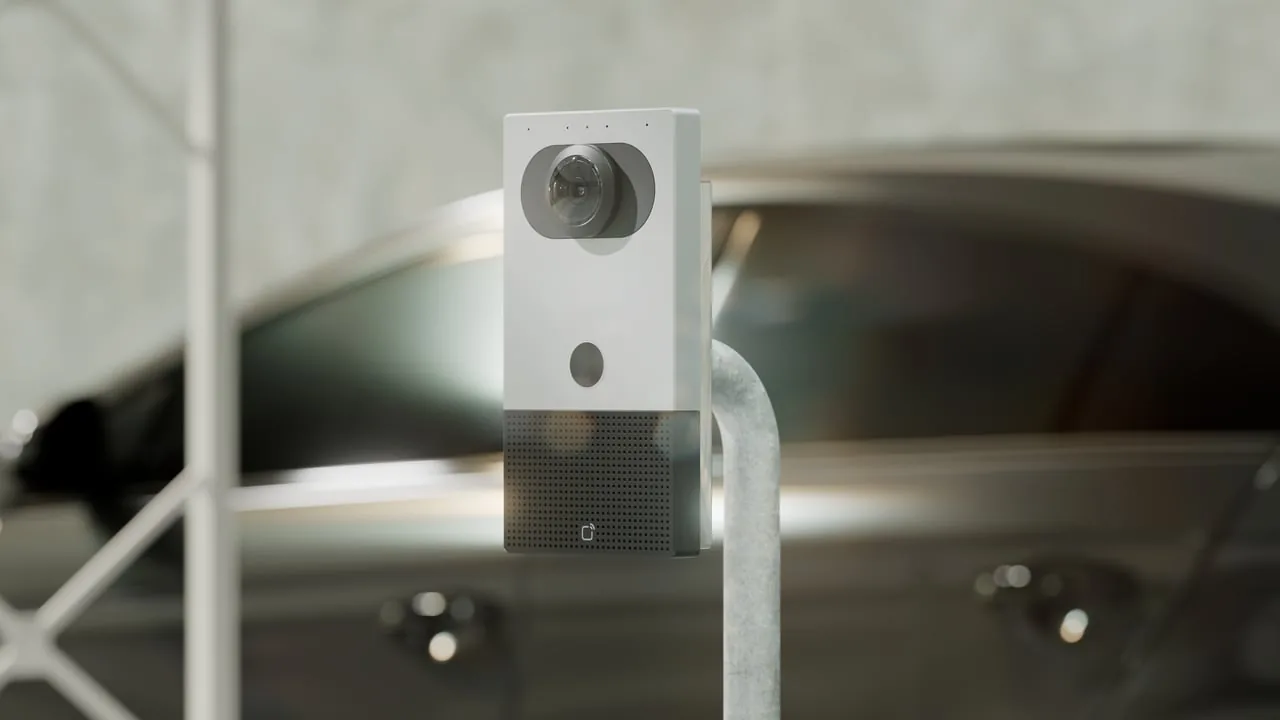
Hotel security cameras work best in public and back-of-house areas: entrances, the lobby, elevators, stairwells, hallways, pools, gyms, loading docks and the parking lot. They never belong in guest rooms, restrooms or changing areas. Once you know where cameras go, the rest is matching the right camera to each spot and deciding who actually watches the footage.
That is the short answer. The long answer involves a lot of decisions most hotel operators didn't sign up for when they got into hospitality. You wanted to run a place people love staying at. Now you're comparing lens types at 11 p.m. while somebody's car alarm goes off in the back lot. (It's always the back lot.)
So let's walk through it in the order you'll actually face it:
- Where cameras should go
- Which camera fits each spot, including the parking lot poles
- How to make the system useful instead of a very expensive screensaver
If you'd rather skip ahead and talk through your property with someone, Monarch's AI surveillance team can help you map it out.
Where Hotel Security Cameras Belong (and Where They Never Do)
A hotel is a strange building to secure. It's open 24 hours. Hundreds of strangers walk in with a reasonable expectation of being welcomed, not interrogated. And you've got private spaces (guest rooms) sitting right next to public ones (hallways), sometimes separated by a single door.
That's why placement matters more than camera count. Ten well-placed cameras beat thirty random ones bolted wherever the installer had a ladder handy.
The standard coverage list
Avigilon's guide to hotel security camera systems lists these as recommended areas for hotel video coverage:
- Lobbies and entrances
- Hotel parking lots and garages
- Elevators and stairwells
- Pools and gyms
- Conference rooms and business centers
- Hotel restaurants and bars
- Loading docks and service entrances
Touchstone 1's hotel surveillance page adds a few spots operators tend to forget: stockrooms, hallways and kitchens. Those back-of-house areas are where inventory walks away quietly, without anyone checking out at the front desk.
Avigilon also points out spots where access needs to be restricted, such as behind reception counters and offices where financial information is stored. If cash, keycards or guest records live somewhere, that somewhere deserves a camera.
The hard no list
Now, [switches to serious face], this part is not optional. Avigilon's guide states that hotel cameras should never be installed in individual rooms, changing areas or private guest spaces. For those areas, the same guide suggests non-camera smart sensors that detect things like vaping or smoking without recording video.
Privacy and recording laws vary by state and locality, especially around audio recording and signage. Don't treat a vendor blog (or this one) as legal advice. Before you finalize a plan, check with your attorney or local authority about what applies to your property, particularly if you're thinking about cameras with microphones.
Visible versus discreet
Here's the balancing act. You want cameras visible enough to discourage bad behavior, but you don't want guests feeling like they checked into a reality show.
Avigilon's guide suggests both approaches, depending on the zone:
- Outside the building, use larger, more visible cameras plus signage saying the property is under video surveillance. The point is deterrence.
- Inside guest-facing spaces, use discreet options like flush-mounted fisheye cameras so the lobby still feels like a lobby.
Touchstone 1 frames it the same way: some cameras deter, some discreetly document. A good plan uses both on purpose rather than by accident.
A quick planning example
To make this concrete, here is an illustrative scenario, not a cited standard. Picture a three-story, 90-room hotel with one main entrance, a side door to the pool, a service entrance by the kitchen, and a surface parking lot wrapping around two sides.
A sensible first-pass map might look like this:
- Main entrance and lobby: one camera on the door for faces, one wide view of the lobby and desk
- Behind the front desk: one camera covering the cash drawer and keycard encoder
- Each elevator cab and elevator lobby
- Each stairwell door on every floor
- Pool gate and pool deck
- Service entrance and loading area
- Parking lot: entrance and exit lanes, plus pole-mounted coverage of the rows
Notice what's missing: anything pointed into a room. Also notice that the parking lot showed up twice. That's where things get interesting.
Picking the Right Camera for Each Spot, Including the Light Pole Security Camera
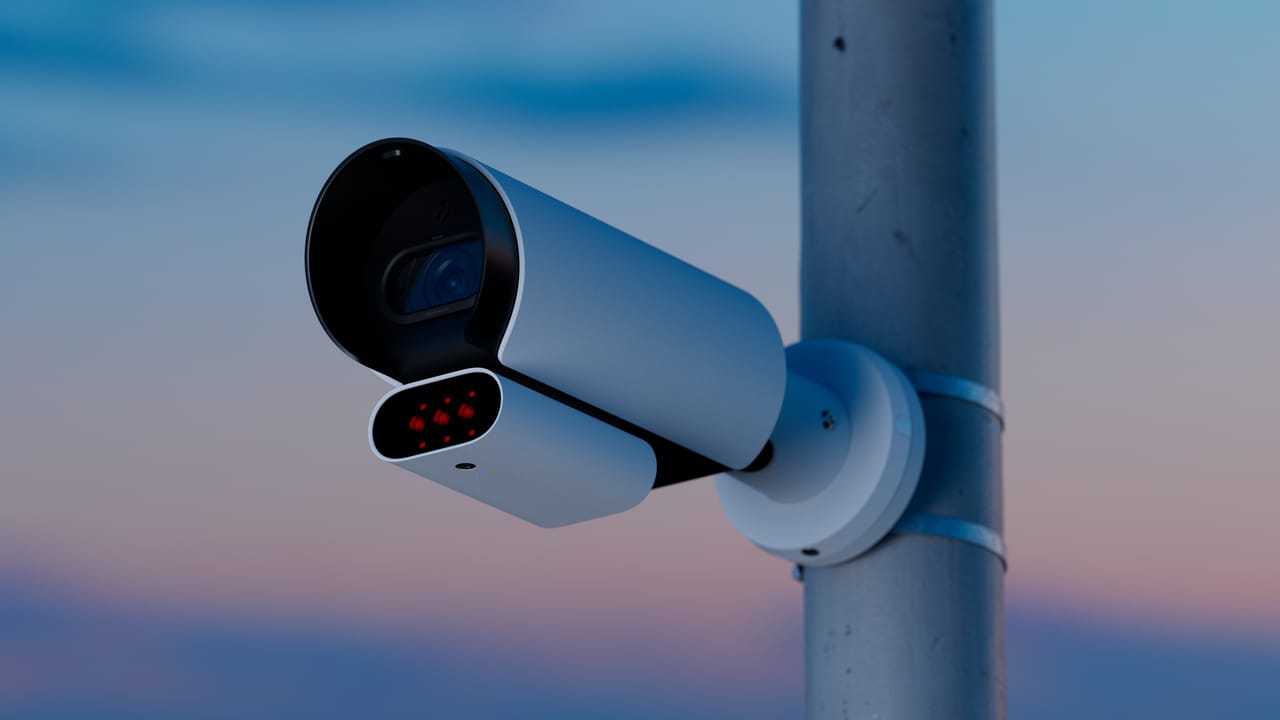
Once you know where cameras go, you need to pick what goes there. "Security camera" covers about as much ground as "vehicle." A golf cart and a semi are both vehicles. You wouldn't use either one to do the other's job.
Camera types at a glance
The table below summarizes the camera styles Touchstone 1 describes for hotel properties, along with where each tends to make sense.
| Camera type | What it's good at (per Touchstone 1) | Typical hotel spots |
|---|---|---|
| Dome | Indoor or outdoor; extra protection against tampering, vandalism and weather; can be tinted to hide which way it faces | Lobbies, hallways, elevators, pool decks |
| Bullet | High-resolution video and a visible "you're being recorded" reminder | Building exterior, service entrances, lot perimeter |
| Eyeball turret | Mounts horizontally or vertically; often needs less cleaning and maintenance | Corridors, stairwells, covered entries |
| Varifocal lens | Zooms in on fine detail while keeping the image clear | Entry doors, front desk, license plate lanes |
| PTZ (pan, tilt, zoom) | Can be steered and zoomed to follow areas of interest | Large lots, pool areas, outdoor event spaces |
Dome cameras are the quiet, polite guests of the camera world. Bullet cameras are the bouncer at the door with their arms crossed. Both have a place. Just don't put a bouncer in your breakfast area.
Features worth caring about
Touchstone 1's feature list is long, but a few items matter most for hotels:
- Infrared night vision, because a lot of trouble happens after dark
- Weather resistance for anything outside
- Privacy masking, which blurs or blocks parts of the frame (useful if a hallway camera's view would otherwise catch the inside of a room when a door opens)
- Tamper detection, which alerts staff if a camera gets moved, covered or messed with
- Integration with access control, so door events and video line up
Avigilon makes a related point about night conditions: hotels are especially exposed at night, since guests need access at all hours, and cameras with adaptive infrared help with visibility in the dark.
Parking lots: the problem child
Parking lots are where hotel security gets humbling. They're big, often dim, and full of unattended vehicles for hours or days. Avigilon's guide notes that hotel parking lots are often a target for theft and crime.
Avigilon suggests a mix of camera types for lots: dome cameras for wider coverage and license plate capture cameras to identify vehicles involved in incidents. It also recommends requiring guests to validate parking with a keycard or a gate system, which gives management a record of who's coming and going.
Where a light pole security camera fits
This is where the light pole security camera earns its keep. Building-mounted cameras can only see so far into a big lot before the view turns into a blurry impressionist painting of cars. Mounting cameras on existing lot light poles puts them out in the middle of the action, above head height and close to the rows you actually care about.
Neither source we reviewed gives specific pole heights, spacing or wiring specs, so treat the following as a planning checklist rather than technical requirements. Questions to answer before you commit to pole mounts:
- Does the pole have constant power, or is it switched on by a timer or photocell? Ask your electrician. A camera that only gets power when the lights come on is a camera with a very short shift.
- How will video get back to the building? Trenching cable, running fiber, or using a wireless bridge all have different costs and reliability tradeoffs.
- Is the light itself going to wash out the image? Aim and placement matter, since a camera staring into a fixture captures mostly glare.
- Who owns the pole? Some lots share poles with a neighboring business or a property manager. Sort that out before anyone climbs anything.
- Can someone service it? You'll need a lift or bucket truck to clean, adjust or replace a pole camera.
A good pattern for many lots is a varifocal or plate-capture camera on the entry and exit lane, plus pole-mounted domes or PTZ cameras covering the rows. The lane camera tells you which car. The pole cameras tell you what happened to it.
Making the System Smart: AI, Access Control, and Who Actually Watches
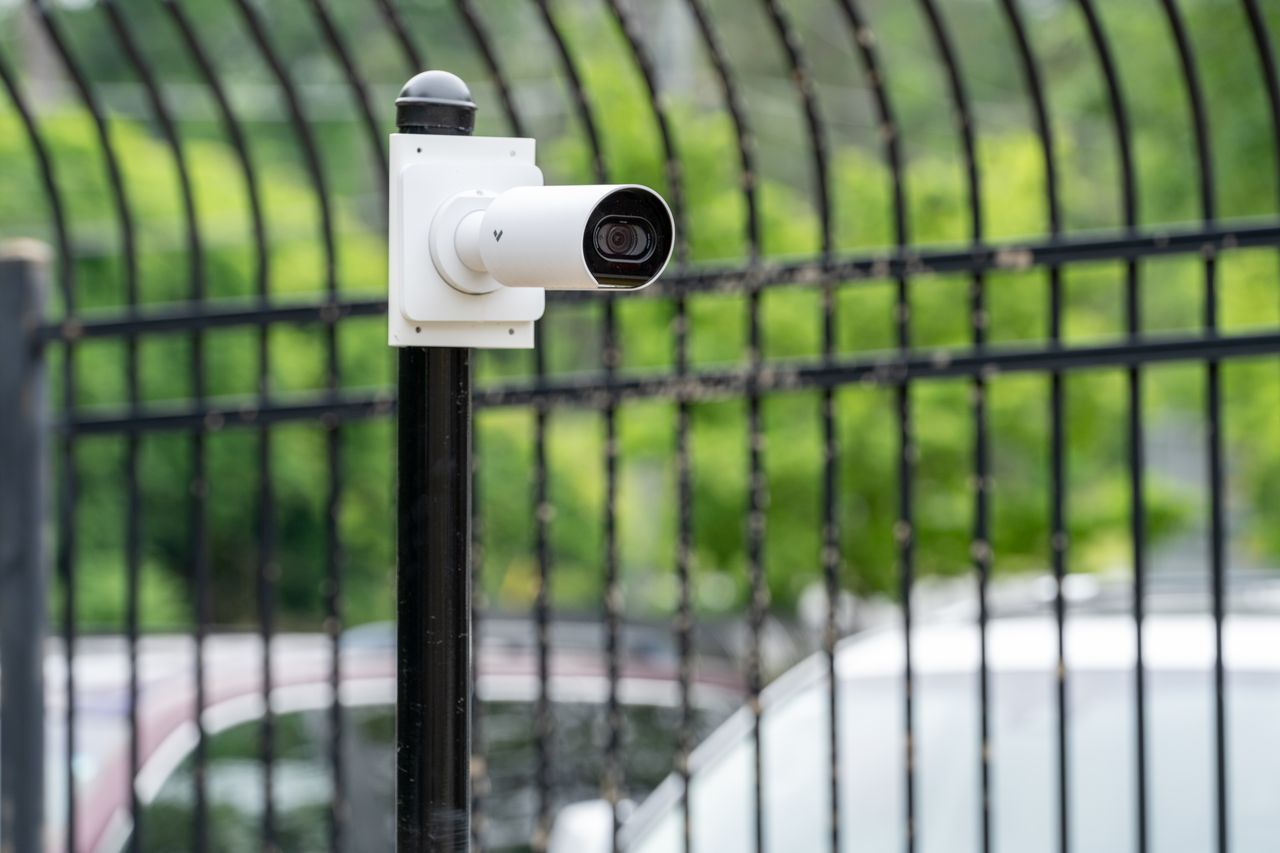
With traditional CCTV, recorded footage can sit unreviewed until something has already gone wrong. Then somebody spends two hours scrubbing through blurry video looking for "a guy in a dark hoodie." In a hotel. In winter.
Modern systems try to fix that in a few ways.
AI analytics instead of staring at screens
Avigilon describes AI-equipped hotel cameras that notify users when unusual activity is detected, so operators can spend less time watching screens and more time responding to alerts. Touchstone 1 lists video analytics such as object detection and license plate recognition among its hotel camera features.
If you're new to the idea, our guide to what an AI security system actually does explains it without the marketing fog. And if you're weighing whether it's worth the upgrade, here's our breakdown of the business benefits of AI security cameras.
A practical way to think about it for a hotel: you're not trying to make the camera smarter than your night auditor. You're trying to make sure the night auditor gets a tap on the shoulder when someone is lingering by the loading dock at 3 a.m.
Remote and cloud access
Avigilon notes that cloud-connected cameras let operators view footage in real time from anywhere, rather than being tied to a workstation. Touchstone 1 lists remote viewing on mobile devices too.
For a general manager who lives 40 minutes away, that's the difference between "I'll look at it Monday" and "I just pulled it up on my phone." That said, Avigilon also notes that larger hospitality properties may still need on-site security staff or a dedicated control room. Cloud access helps people watch from anywhere. It doesn't conjure people out of thin air.
Tying cameras to doors
Cameras get a lot more useful when they talk to your access control. Avigilon describes integrations where cameras and door locks work together, making unauthorized access easier to spot and giving staff visual verification of who opened which door. It also says these integrations can let authorized staff verify vendors or guests and unlock doors remotely.
Picture the difference. Without integration, you get a door log entry that says "Keycard 214, side door, 2:14 a.m." With integration, you get that same entry plus the video clip, so you can see whether it was the guest from room 214 or someone holding the door for six friends.
Storage and retention
Touchstone 1 lists several storage options: local storage, cloud storage, and network video recorders (NVRs). Neither source gives a recommended retention period, and the right answer depends on your insurer, your brand standards and any local rules. Ask those parties before you pick a number, because "we only keep footage for three days" is a painful thing to discover after a guest files a claim on day five.
Footage that's useful when it counts
Avigilon notes that hotel video can be handed to police as evidence and helps when searching for incidents tied to liability claims. That only works if the footage is clear enough to identify someone. A camera mounted too high, aimed into the sun, or covering too wide an area will record a lot of video and very few faces. That's why the doorway and lane cameras matter so much: they're your "who" cameras, and the wide views are your "what" cameras.
Putting it together
A solid hotel setup usually lands somewhere around here:
- Discreet cameras inside guest areas, visible ones outside
- Face-level coverage at every entrance
- Pole-mounted coverage in the lot, plus a camera on the entry and exit lanes
- Analytics that alert staff instead of expecting them to watch everything
- Cameras tied to door access in back-of-house and after-hours entries
- A retention period your insurer and counsel have signed off on
If you want help turning that list into an actual camera map for your property, talk to Monarch's team and we'll work through it with you.
FAQ
Can I put cameras in hotel hallways outside guest rooms?
Hallways are listed among recommended hotel camera areas, so they're generally considered fair game. The catch is that a hallway camera shouldn't be able to see into a room when a door opens. Privacy masking, which Touchstone 1 lists as a camera feature, can block out those parts of the frame.
Do my hotel cameras need to record audio?
Usually not, and audio adds legal complexity. Recording conversations is regulated differently from recording video, and the rules vary by state. Talk to your attorney before enabling microphones on any guest-facing camera.
How many cameras does a hotel actually need?
There's no universal number, since it depends on your entrances, floors, amenities and lot size. Start by listing every entry point, stairwell, elevator, amenity and cash-handling area, then add parking coverage. That list becomes your camera count far more reliably than any rule of thumb.
Is a light pole security camera worth it for a small hotel lot?
It may be worth considering if your building-mounted cameras can't see clearly into the far rows. The big questions are whether the pole has constant power and how you'll get video back to the building. If both have reasonable answers, compare a pole camera against adding more cameras to the building wall. Neither source we reviewed compares the two, so weigh coverage, cost and serviceability for your specific lot.
Can I check hotel cameras from my phone?
Many modern systems support it. Both Avigilon and Touchstone 1 describe remote and mobile viewing for hotel cameras. Just make sure accounts are secured and that only the right staff have access.
Will cameras make guests feel like they're being watched?
They can if every camera is a big bullet camera pointed at the breakfast buffet. Use discreet domes or flush-mounted cameras indoors and save the visible, deterrent-style cameras for the exterior and parking areas. Most guests notice the welcome long before they notice a ceiling dome.