


Updated September 16, 2026.
An automatic door lock system uses an electronic credential, such as a code, card or phone, to control entry. Some products replace a deadbolt; others work with separate readers, controllers and existing door hardware. That covers everything from a keypad deadbolt on a back door to a networked reader system managing dozens of entries in an office park. The category is broad, the marketing is noisy, and the wrong choice is expensive to undo. This guide walks through how these systems actually work, what to buy for which situation, and the installation and code details that trip people up.
What an Automatic Door Lock System Actually Does
Every automatic lock, from the cheapest keypad to a full commercial platform, is built from the same three parts:
- A credential (something you have, know, or are — fob, code, or fingerprint)
- A reader or sensor (the part that checks the credential)
- An electric locking mechanism (the part that actually moves the bolt)
In a residential smart lock, all three are packed into one battery-powered unit bolted to the door. In a commercial installation, they're spread across separate readers, a controller in an IT closet, and a management platform (cloud or local). The logic is the same; the scale and reliability requirements are very different.
The Main Types (and Which One Fits Where)
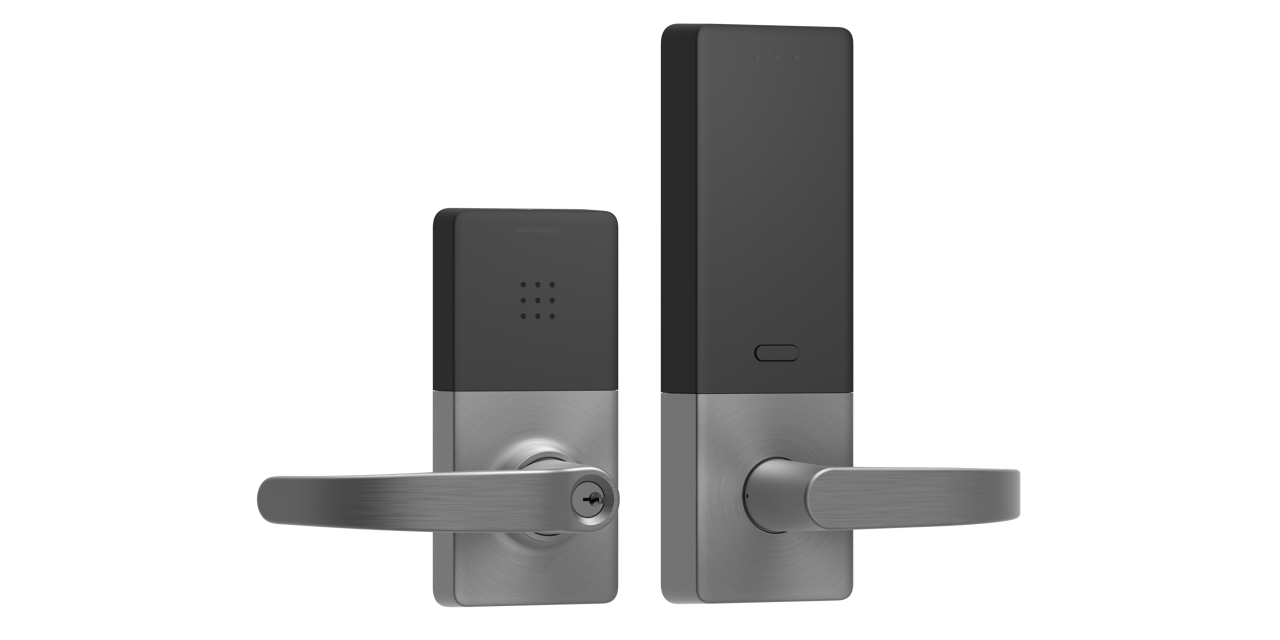
Start with the door and the people who use it. A lock that suits a private entrance may not suit a busy shared entrance. Ask for the hardware's published duty rating and confirm that the proposed assembly fits the door, frame and intended use.
| Option to discuss | Buyer decision | What to verify before ordering |
|---|---|---|
| Self-contained keypad or smart lock | Is this one opening with a small group of users? | Door preparation, credential management, battery service and backup entry |
| Electric strike with a reader | Can the proposed strike work with the existing latch and frame? | Hardware compatibility, power supply and approved exit operation |
| Electromagnetic locking arrangement | Does the opening need this particular arrangement? | Complete release design and local approval, not just holding strength |
| Centrally managed access control | Do multiple doors need shared administration? | Offline behavior, user permissions, support and recurring charges |
Buyer questions to ask before choosing: how many open/close cycles per day, is the door on an egress path, is it fire-rated, and does the frame currently accept electric hardware without modification?
How the Credential Handshake Works
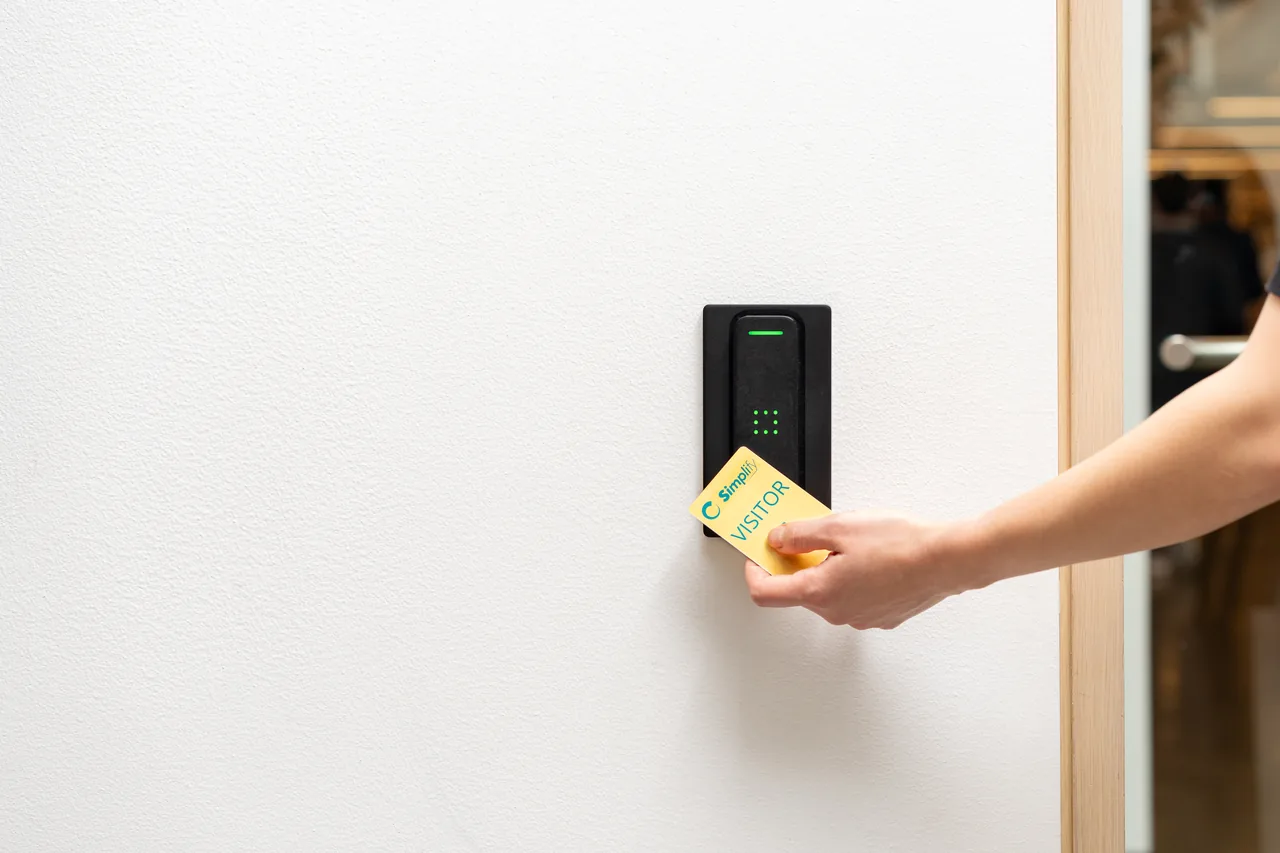
When a contactless credential is tapped on a reader, the reader energizes the card or fob through the RF field, receives an ID from it, and passes that ID to a controller that checks whether the credential is authorized for that door at that time. If authorized, the controller releases the lock.
The security of that handshake depends heavily on the credential format. Legacy 125 kHz proximity cards use a static ID that can be captured and replayed by inexpensive cloning tools; upgrading to encrypted smart-card credentials (for example MIFARE DESFire EV2 or newer) closes off the trivial cloning attacks. If you're specifying new hardware, insist on encrypted credentials and on readers that support secure channel communication to the controller.
Mobile credentials are a related area worth watching. The Connectivity Standards Alliance's Aliro specification defines how phones, wearables, and readers exchange trusted access credentials over NFC, Bluetooth Low Energy, and UWB, with backing from major mobile wallet ecosystems including Apple, Google, and Samsung — see the Renesas overview of Aliro-based smart lock architectures for a vendor-side walkthrough. If you expect to issue phone-based keys in the next few years, ask vendors what standard their mobile credentials use.
Wired vs Wireless: The Real Tradeoff
Wired systems (PoE readers, hardwired strikes, controllers in an IT closet) cost more up front because cable has to be pulled, but they don't need batteries and they don't depend on Wi-Fi to move a bolt. Wireless systems (battery-powered locks, wireless bridges, cloud controllers) install fast and reconfigure easily, but they need battery service and can be affected by network outages depending on how the vendor handles offline operation.
Practical rule: for a single home, wireless is fine. For a small business with a few doors, a hybrid setup is common. For larger door counts, wired or PoE hardware often wins on total cost of ownership once you factor in battery replacement labor. Ask vendors specifically what happens at each lock when the network, the controller, or the cloud is unreachable — including whether existing credentials keep working, whether local audit logs continue, and how new credentials get provisioned during an outage.
The Flat Door Entry System — a Special Case
Multi-tenant residential buildings aren't really buying a "smart lock" — they're buying a flat door entry system that has to handle visitor buzz-in, tenant credentials, delivery access, and code-required egress all at once.
A typical setup combines an outdoor intercom panel, a controller for the main lobby door, optional locks on individual units, and a video or audio call system that rings tenants on their mobile phones rather than a fixed handset in the apartment. The mobile-answer piece is what changed the category, because tenants can screen visitors from anywhere.
If you are weighing options for a building, browse our product catalog and ask which components support the visitor and resident workflows you need.
Installation: The Door and Frame Matter More Than the Lock
The lock is the easy part. The door and frame determine whether the installation actually works.
Before you buy anything, check:
- Door material (solid wood, metal, or hollow — hollow doors need reinforcement)
- Frame condition (a warped or out-of-square frame will prevent a strike or mag plate from seating correctly)
- Existing prep (is there a strike cutout, and is there a power source within reach?)
- Fire rating (fire-rated openings have specific listed-hardware requirements)
- Egress requirements (see the section below)
Egress: The Rules You Cannot Skip
This is the area where DIY commercial installs most often go wrong. NFPA 101 requires that components in a means of egress be under the control of occupants trying to leave: door leaves must be openable from the egress side whenever the building is occupied, locks and latches generally cannot require a key, tool, or special knowledge to operate from the egress side, and the releasing mechanism must release all latching and locking with not more than one motion in a single linear or rotational direction. See NFPA's summary of permissible egress door locking arrangements for the full list of specifics and exceptions.
Electrically locked egress doors need a defined, permitted release arrangement. Ask the qualified designer to identify the adopted code edition, occupancy, approved hardware, loss-of-power behavior and any required fire-system interface. A magnetic lock releasing when its power is removed does not by itself establish that the complete installation is compliant. Have the responsible authority review the proposed arrangement before purchase.
Power, Batteries, and Failure Modes
Ask the installer to explain loss of power at the lock separately from loss of the network. Those failures do not necessarily produce the same behavior.
For each opening, ask for a written answer to these questions:
- Can an authorized person enter if the internet connection fails?
- Can occupants still leave using the approved door hardware?
- What happens when lock power is lost, and what changes when backup power runs out?
- How are low batteries or a failed power supply reported, and who responds?
- Can an administrator revoke a credential while a controller is disconnected? When will that change reach the door?
Terms such as fail-safe and fail-secure describe a hardware condition; they are not a complete description of an exit arrangement. Have the installer document entry security and exit operation separately. Any required release function must be checked as part of the complete installation, including its backup power.
Managing Users Without Losing Track
The point of an access control system, versus a pile of keys, is that credentials are digital and revocable. When someone leaves, their fob is disabled in the platform and stops working at every door. When a contractor needs two hours of access on a Saturday, a time-limited code or mobile credential can be issued and expire automatically.
A serviceable management platform should give you:
- Time-based schedules (staff hours, cleaner hours, delivery windows)
- Per-user audit logs (who opened what, when)
- Remote unlock
- Group permissions (all sales reps get the same doors)
- Instant credential revocation
Treat these as a requirements checklist. Confirm the features you need in the proposed configuration instead of assuming every platform includes them.
Use our product catalog to identify options for a discussion, then ask for a demonstration of the administrative tasks your team needs.
How to Compare Costs Without a Misleading Per-Door Price
A useful quote starts with a door survey. Ask each bidder to price the same openings and the same operating requirements, including what happens during an outage. A hardware-only price and a complete installed-system price are not comparable.
Request separate lines for the lock and reader, controllers, power supplies and backup, cable runs, door or frame work, credentials, software, installation, commissioning and training. Ask which subscriptions, replacement credentials and support services recur after installation. Confirm what remains usable if you stop paying for a service.
For a hypothetical office with a public entrance and a staff entrance, ask the bidder to show each opening separately. The public entrance might need visitor handling while the staff entrance needs scheduled credentials. This makes differences in the proposed scope visible without inventing a universal installation price.
Before accepting, agree on a handover checklist: demonstrated entry and exit operation, tested outage behavior, administrator access, a current list of installed hardware, and clear responsibility for future changes.
Choosing a System That Won't Trap You
A few filters that help avoid regret:
- Open credential standards over proprietary formats, so readers and credentials can be swapped without re-badging everyone
- Choice of cloud OR on-prem management (being forced into one is a red flag)
- Documented phone and credential compatibility; distinguish mobile credential support from smart-home integration
- Responsive support — call the support line before you buy and see who picks up
- A published product roadmap and firmware update history
If you'd like a second opinion before you commit, our team can look at whether your existing hardware is worth upgrading or whether starting fresh is cheaper in the long run.
For the next planning step, see Door Access Control Systems: A Business Buyer's Guide.
FAQ
Can I install an automatic door lock system on any door?
Almost, but the door has to be in decent shape. Solid-core wood, metal, and fiberglass doors accept electric hardware well. Hollow-core doors need reinforcement plates, and warped or ill-fitting doors need to be corrected first — no lock compensates for a bad frame.
How long do the batteries in a smart lock actually last?
Use the published battery guidance for the exact lock and configuration. Ask what usage and temperature assumptions it makes, how low-battery alerts work, and how someone gains authorized entry if batteries run out.
Are automatic locks safe if the power goes out?
Confirm the behavior of the exact installation. Ask the installer to demonstrate both loss of network and loss of power, document the approved exit operation, and explain what happens when backup power is exhausted.
Can these systems be hacked?
Any connected device can be attacked. Legacy 125 kHz proximity credentials are known to be clonable with inexpensive tools; encrypted smart-card credentials (DESFire EV2 or newer) and reputable cloud platforms are substantially more resistant. Protect the management platform with unique administrator accounts and multi-factor authentication where supported. Ask the vendor how credentials are protected and how security updates are delivered.
What's the difference between a smart lock and a full access control system?
A smart lock is a single self-contained unit that replaces one deadbolt. An access control system manages multiple doors from a central platform, with detailed permissions, audit logs, and user management. Smart locks work well for homes; access control is what a business with multiple entries or more than a handful of users needs.
Do I need internet for an automatic door lock system to work?
Not for the lock to physically function, provided the vendor stores authorized credentials locally on the controller or lock. What you lose without internet is remote management, real-time notifications, and (on cloud-only systems) new credential provisioning. Confirm the offline behavior with the vendor before you buy.