
Warehouse Security Cameras: Placement, Types, and Planning for Real Facilities
Warehouse security cameras do the most good when you plan them around specific jobs. Watch the loading docks, every entry point, the high-value cage, and the yard. Pick camera types that fit each spot, and run cable and power that can actually reach the far wall. Skip that planning and you end up with plenty of footage and very few answers.
This guide is for warehouse operators and facility managers who need to make those decisions. It covers where cameras earn their keep, which types fit which spots, the cabling problem nobody budgets for, and the mistakes worth avoiding.
Want a second set of eyes on your layout? Talk to the Monarch team about your facility before you buy hardware.
What Should Warehouse Security Cameras Actually Do?
Start with a question that sounds obvious and usually isn't: what do you want the footage to prove?
"Security" is too vague to plan around. Here are some real jobs a camera might do:
- Show which pallet left on which truck at what time
- Identify the person who walked through the side door at 2 a.m.
- Settle a damage claim with a carrier ("it was fine when it left our dock," says everyone, always)
- Confirm a forklift near-miss happened the way the incident report says
- Warn you about someone climbing the fence before they reach the building
Each job calls for a different camera, angle, and level of detail. A camera that gives you a nice overview of an aisle won't read a trailer number. A tight shot of a doorway won't tell you where the person went next.
So before you look at a single spec sheet, write down your top five "I need to prove this" scenarios. Every camera on your plan should map to at least one of them. If a camera doesn't, ask why it's there.
Where to Put Cameras in a Warehouse
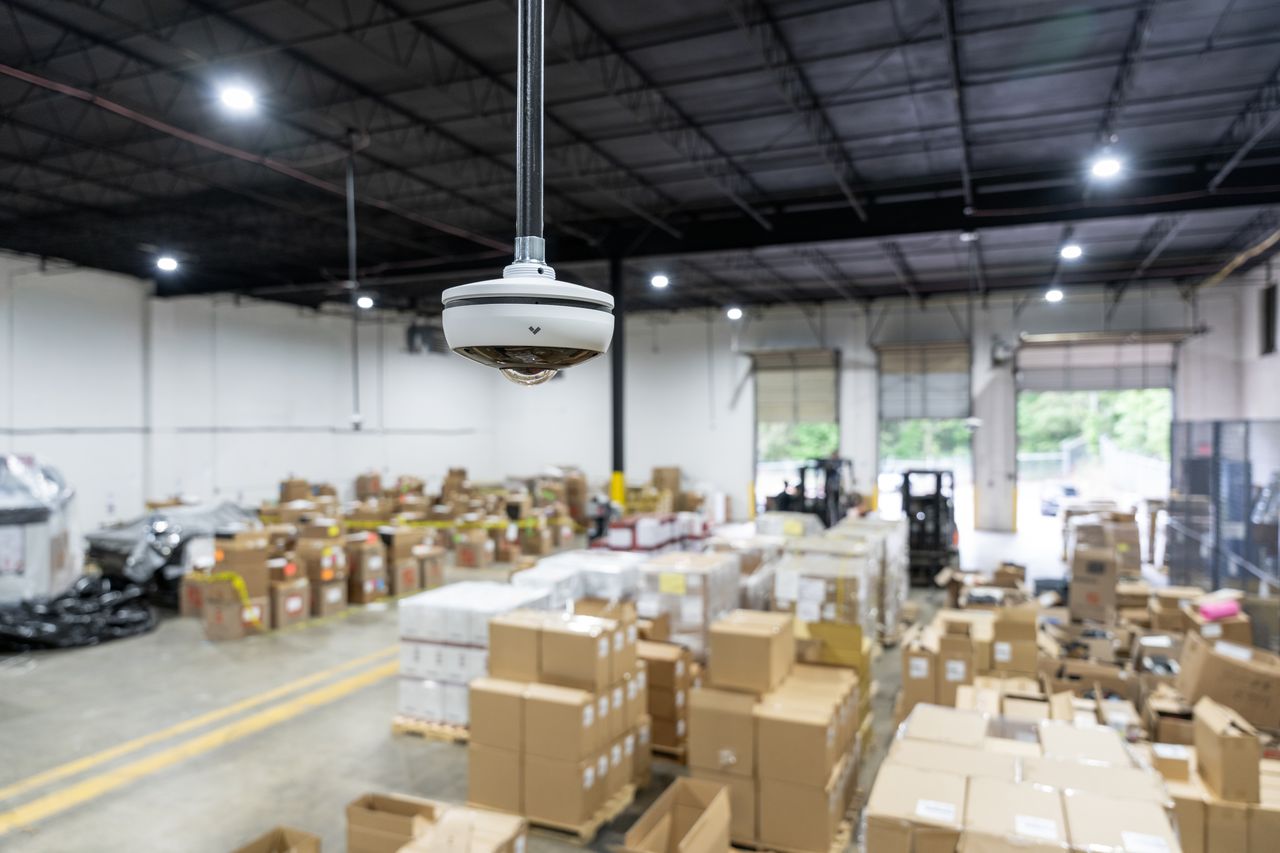
Placement matters more than megapixels. No amount of resolution fixes a camera aimed at the wrong thing.
Loading Docks
The dock is where inventory changes hands, so it's where most disputes start. You usually want two views here. One is an overview of the full dock apron. The other is a closer view of each door, so you can see what's loaded and who's loading it.
If carrier claims are a headache for you, angle at least one camera to capture trailer IDs and the condition of the load as it leaves.
Entrances and Exits
Every door that leads outside should have a camera aimed at faces, not the tops of heads. That includes the personnel door everybody forgets, the fire exit someone props open for smoke breaks, and the roll-up door by the trash compactor.
Mount the camera at a height and angle that catches a person walking toward it. A camera mounted straight down from 30 feet up is great for counting hard hats and terrible for identifying anyone.
Aisles and Racking
Aisles are long, narrow, and tall, which makes them awkward to cover. Some cameras can rotate their image into a tall, narrow frame (often called corridor mode). That fits a long aisle much better than a standard wide view, which wastes half the frame on the racking.
Not every aisle needs its own camera. Focus on aisles holding high-value or frequently miscounted stock, and cover the end caps where people turn.
High-Value Cages and Secure Storage
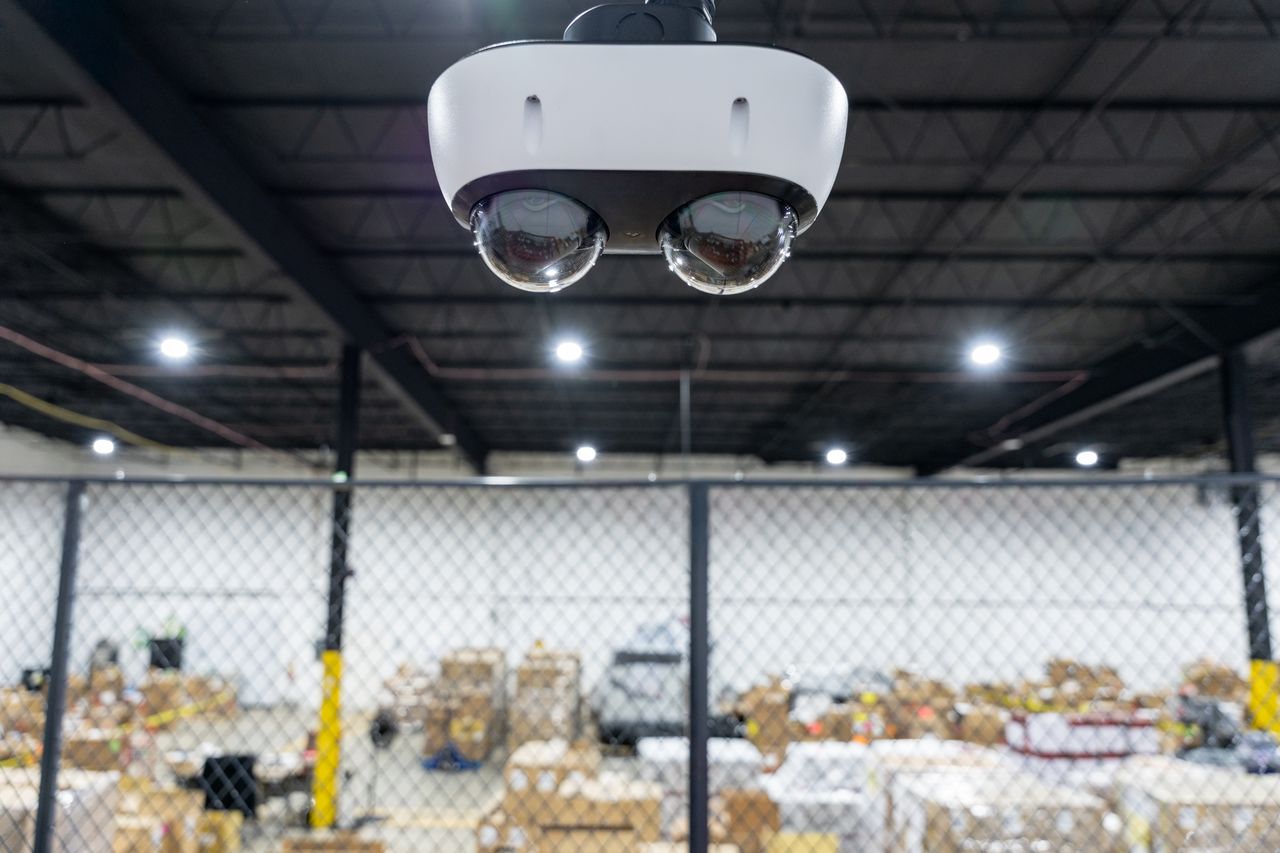
If you have a locked cage for electronics, pharmaceuticals, or anything that walks off easily, give it dedicated coverage. Point a camera at the cage door and another inside if the layout allows it. Pair it with access control so you know who badged in, not just that someone did.
Yard, Fence Line, and Parking
Outside coverage depends on your site. A fenced yard with trailer parking needs a different plan than a building that sits right on the street. If you store trailers or equipment outside, the perimeter is often where trouble starts. It's also where you get the earliest warning.
Break the outside into a few jobs:
- Gates and vehicle entry: This is your chokepoint, so treat it like a front door for trucks. Put a fixed camera where vehicles slow down or stop, aimed to catch the front of the cab and the driver's side. A second, wider view shows which way the vehicle went once it was through.
- Trailer parking: Trailers sitting overnight are tempting targets. Aim a camera down the row so it sees the trailer doors and seals, not just the roofs. If the row is long, cover it from both ends so nobody can work in the blind spot behind a parked trailer.
- Fence line: Bullet cameras are a common pick here because they're easy to aim down a long, straight run. Pair them with perimeter detection if you want an alert, not just a recording.
- Lighting: Walk the yard after dark before you finalize anything. If a stretch of fence is pitch black, either add site lighting or choose cameras with built-in infrared rated for that distance. Check the product sheet for the actual IR range rather than guessing.
A PTZ camera on a tall pole or building corner can handle live response across a big yard, but keep fixed cameras on the gate and trailer rows. More on why in the camera types section.
Shipping Desk and Office Areas
This one surprises people. The shipping desk is where paperwork gets signed, labels get printed, and "I never received that" arguments begin. A camera here can settle a lot of disputes quickly.
What the camera should capture:
- The desk surface, so you can see paperwork, packages, and labels changing hands
- The signing area, where a driver or clerk signs the bill of lading
- Who is standing there, including the face of whoever is on the customer side of the counter
For mounting, put the camera on the wall or ceiling behind the clerk's side of the desk, angled down toward the counter and out toward the person facing it. That way you get the desk and the visitor in one frame. Keep it off to one side so the clerk's head doesn't block the counter, and avoid aiming at a computer screen showing login details. If the desk sits next to a window or exterior door, watch for the same glare problem covered below.
Camera Types Compared for Warehouse Use
Here's how the common camera styles stack up in a warehouse. These are general tendencies, not specs for any one model, so always check the product sheet for the camera you're actually buying.
| Camera type | Best warehouse spots | Strengths | Watch out for |
|---|---|---|---|
| Dome | Interior entrances, offices, shipping desk | Compact, harder to knock out of position, less obvious | Can be harder to aim for long, narrow views |
| Bullet | Exterior walls, yard, fence line, dock aprons | Easy to aim at a long target area, visible deterrent | More exposed to tampering and weather |
| PTZ (pan-tilt-zoom) | Large yards, big open floors | One camera can cover a lot of ground with live control | Only sees one direction at a time, so it can miss events |
| Fisheye / 360° | Open floor areas, intersections of aisles | One camera, wide overview | Fine detail drops off toward the edges |
| Multi-sensor | Building corners, large dock areas | Several views from one mounting point | Higher per-unit cost, more cabling planning |
A common pattern is mixing types. Fixed cameras handle the close-up work at doors, overview cameras cover open floors, and a PTZ sits on the yard for live response. Don't rely on a PTZ as your only coverage of an area. If it's zoomed in on the gate when something happens at the dock, you've got nothing.
You can browse current options in the Monarch catalog once you know what each spot needs.
Lighting Problems Unique to Warehouses
Warehouses are rough on cameras. Here's why.
The Dock Door Glare Problem
Picture a camera inside the dock pointing toward an open door on a sunny afternoon. The inside is dim and the outside is blazing. A basic camera picks one exposure, so you either see a black silhouette in a bright rectangle or a washed-out white blob.
Cameras with wide dynamic range (WDR) handle this better by balancing bright and dark areas in the same frame. If any of your cameras face an open dock door, an exterior window, or a bright yard, WDR belongs on your must-have list.
Low Light and After-Hours
Plenty of warehouses dim the lights or go dark overnight. That's exactly when you most want usable footage. Look at how each camera performs in low light. That might mean built-in infrared illumination or a sensor tuned for dim scenes. If you can, ask to see sample footage from a similar environment.
A quick reality check: infrared reflects off nearby surfaces. A camera tucked tight against shrink-wrapped pallets or a racking upright can flood its own image with glare at night. Leave some clearance.
Cabling and Power: The Part Nobody Budgets For
[switches to serious face]
This is where projects quietly go over budget. Warehouses are big. The camera you want on the far corner of the yard might be a very long way from the nearest network closet. Standard Ethernet runs have distance limits. Go past them and you need extenders, extra switches, fiber, or a different approach entirely.
Reusing Old Coax from an Analog System
If your building already has coaxial cable from an older analog camera system, you may not have to rip it all out. Some manufacturers sell PoE+ over Coax kits that carry network data and power over existing coax.
Axis Communications publishes a range table for its PoE+ over Coax kits. It shows how the maximum distance changes with cable type and how much power the camera draws. Here's a slice of their data for single-channel kits (AXIS T8640 or AXIS T8645) powered from a PoE or PoE+ switch, without the additional power supply:
| Cable type | Camera at 5 W | Camera at 15 W | Camera at 20 W |
|---|---|---|---|
| RG-59 (22AWG copper-coated steel) | 225 m (750 ft) | 100 m (330 ft) | 60 m (200 ft) |
| RG-59 (20AWG core) | 300 m (1000 ft) | 300 m (1000 ft) | 300 m (1000 ft) |
| RG-11 (14AWG core) | 500 m (1600 ft) | 500 m (1600 ft) | 500 m (1600 ft) |
Two takeaways from that same Axis page are worth repeating:
- The cable matters a lot. Axis notes that the copper-coated steel figures show worst-case performance when you don't know your cable type. If nobody can tell you what's in your walls, plan for the worst-case numbers.
- Power draw matters too. A hungrier camera (think heaters for outdoor housings, or built-in IR) shrinks your usable distance on thinner cable.
Axis also notes that actual range depends on cable quality, thickness, connectors, and the camera itself. Treat those figures as a planning reference, not a guarantee. Have your installer test the existing runs before you count on them.
Power Planning
Count your power budget, not just your ports. A network switch can have plenty of open ports and still run out of total power if you load it up with PTZ cameras and outdoor units. Get the per-camera power draw from the product sheet and add it up.
Recording, Storage, and Retention
Footage you can't find or don't have anymore is worth exactly zero.
Storage needs depend on how many cameras you run, at what resolution and frame rate, whether they record all the time or only on motion, and how long you keep footage. That's too many variables for a responsible one-size-fits-all number. Get an estimate from your vendor based on your actual camera list.
Retention is a business and legal decision, not just a hardware one. How long you need footage can depend on your industry, your insurer, your customer contracts, and local rules. Check with your insurer and legal counsel. If you're unsure about a local requirement, ask the responsible local authority before picking a number.
A few practical points regardless of your retention period:
- Know who can export footage, and make sure they know how before there's an incident
- Make sure camera clocks are synced, because timestamps that disagree weaken your evidence
- Decide where the recorder lives and protect it, since a thief who walks off with the recorder takes the evidence too
Analytics and Alerts Without Alert Fatigue
Modern cameras can do more than record. Many detect people or vehicles, flag movement in restricted zones after hours, or trigger alerts when someone crosses a virtual line.
That's useful, until it isn't. Turn on every alert on day one and your team will get 400 notifications by lunch. By Thursday they'll be ignoring all of them. (Ask anyone who's lived through a car alarm neighborhood.)
Start small:
- Pick one or two high-value alert scenarios, like a person in the yard after close or motion at the cage door overnight
- Tune them for a couple of weeks
- Add more only when the first ones are reliable
If you're curious how detection and smart search can cut down the hours spent scrubbing footage, read more on AI-powered surveillance for commercial sites.
Pairing Cameras with Access Control, Audio, and Sensors
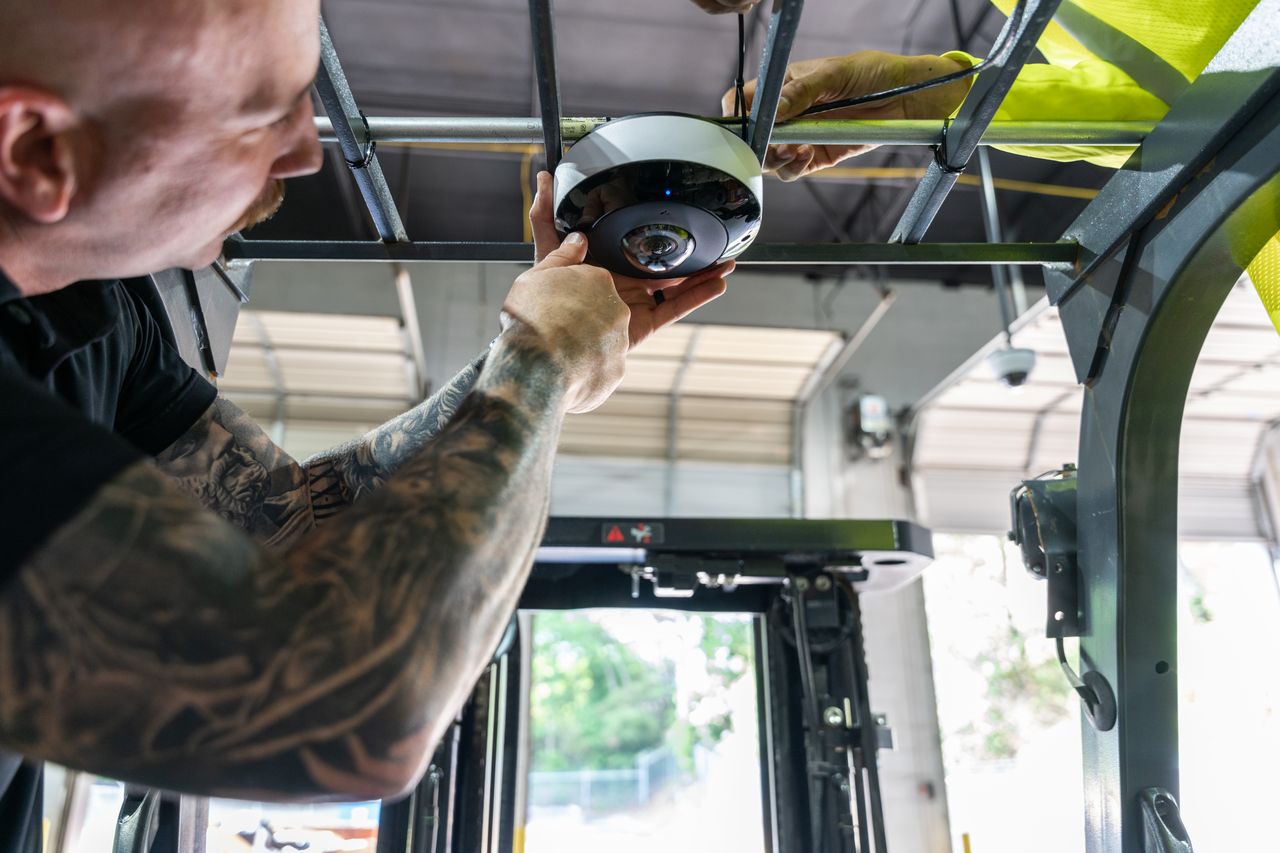
Cameras get smarter when they talk to the rest of your security setup.
- Access control plus cameras: When a badge opens the cage door, you see the badge record and the video clip together. "Who went in?" becomes a quick search instead of an afternoon of scrubbing.
- Network audio: A speaker that lets someone say "You're on camera, please leave the yard" can stop a problem before it escalates. Before you record audio, check your local laws, since rules on audio recording vary by jurisdiction.
- Perimeter detection: Fence-line detection can alert you before someone reaches the building.
Industrial camera makers cover these combinations directly. The Axis industrial and manufacturing newsroom includes material on network audio for industrial sites, perimeter protection, intrusion protection, and using network cameras for operational efficiency. It's worth browsing if you want to see how these pieces fit together beyond basic recording.
A Planning Checklist You Can Steal
This is an illustrative planning checklist, not a legal or technical standard. Adapt it to your site.
- List your top five "I need to prove this" scenarios
- Walk the building with a floor plan and mark every exterior door, dock door, and high-value storage area
- Note lighting problems: open dock doors, skylights, dark corners, after-hours lighting
- Identify where your network closets are and estimate cable distance to each camera spot
- Find out what existing cabling is in the walls (and whether anyone actually knows)
- Add up camera power draw against your switch capacity
- Decide retention with your insurer and legal counsel
- Decide who watches live, who reviews, and who exports footage
- Plan for integration with access control and any existing alarm system
- Budget for maintenance: lens cleaning, firmware updates, re-aiming bumped cameras
Example scenario (illustrative): A mid-size distribution warehouse walks the floor with this list. They discover the side personnel door has no coverage, two dock cameras face straight into afternoon sun, and the old analog coax to the yard is unlabeled. Instead of buying more cameras, they relocate two, upgrade the dock units to WDR models, and test the coax before reusing it. Same budget, much better footage.
Common Mistakes That Waste Money
Now hold on a second. Before you sign anything, check this list:
- Buying by megapixel count alone. Resolution helps, but placement, lighting handling, and lens choice usually matter more.
- Ignoring the yard. Thieves don't politely use the front door.
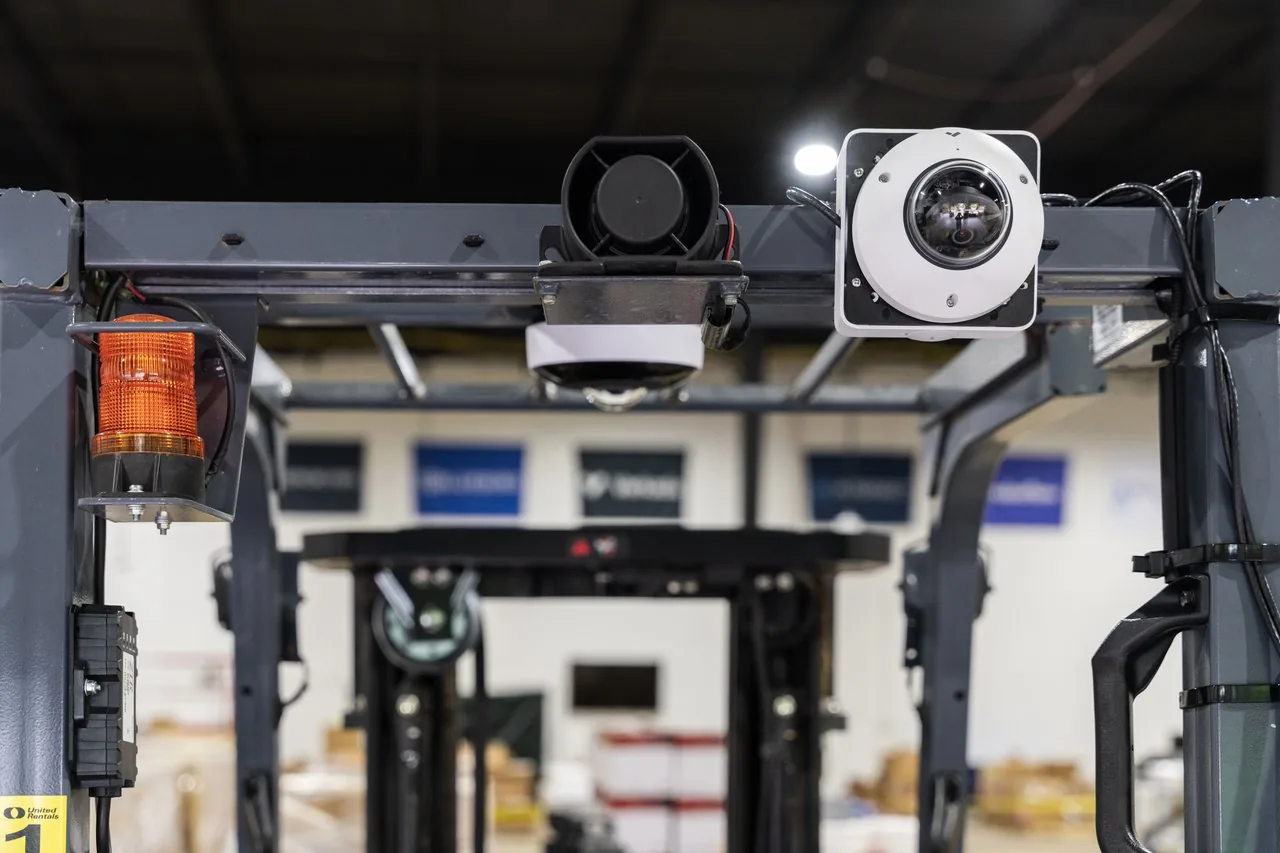
- Forgetting forklifts. Cameras mounted where forklift masts can hit them get knocked out of alignment, or knocked off the wall.
- Signing off in daylight only. Review every camera's footage after dark before the install is called done, because that's when most of the problems show up.
- Leaving default passwords in place. Cameras are network devices. Change the default credentials at install and put firmware updates on someone's calendar.
- No one owns the system. If nobody checks that cameras are recording, you'll find out one is broken the day you need it.
If you'd rather not learn these the expensive way, ask Monarch to review your warehouse camera plan. You can also read more about who we are and how we work.
FAQ
Can we reuse the old coax from our analog camera system?
Often, yes, with the right equipment. Some manufacturers, including Axis, sell PoE+ over Coax kits that send network data and power over existing coaxial cable. Usable distance depends heavily on the cable type and how much power the camera draws, so test the existing runs before you count on them.
How many cameras does our warehouse actually need?
There's no honest universal number, because it depends on your layout, door count, racking, yard size, and what you need to prove. Start by mapping every exterior door, dock door, and high-value area, then add overview coverage for open floors. A walk-through with a floor plan will give you a far better count than any rule of thumb.
Will the cameras see anything at the dock door when it's bright outside?
Not if they're basic cameras pointed into the light. A camera facing an open dock door on a sunny day can turn people into silhouettes. Wide dynamic range (WDR) cameras balance bright and dark areas in the same frame, so prioritize them for any spot facing a door, window, or bright yard.
How long should we keep warehouse camera footage?
That depends on your insurer, customer contracts, industry, and local rules, so there's no single correct answer. Talk to your insurer and legal counsel, and check with the responsible local authority if you're unsure about a requirement. Once you pick a period, size your storage to actually meet it.
Can cameras help with operations, not just theft?
Yes. The same footage that catches theft can help you review forklift near-misses, settle carrier damage disputes, and spot bottlenecks at the dock. Camera makers like Axis publish material specifically on using network cameras for operational efficiency in industrial settings.
Do we need someone watching the monitors all day?
Not necessarily. Many sites rely on recorded footage plus targeted alerts, like a person in the yard after hours, instead of a full-time monitor watcher. Start with a few well-tuned alerts so the ones you get are worth responding to.