


Updated September 16, 2026.
Panic buttons are one of those purchases most businesses put off until an incident forces the conversation. This guide is meant to help you make that decision without the pressure of a crisis — what the categories actually are, what questions to ask a vendor, and where the common failure points live.
Whether you run a small reception desk, a hotel, a clinic, or a school, the answer to "which panic button do I need?" depends on factors that rarely appear on a product page. Let's work through them.
What a Panic Button Actually Does
At the most basic level, a panic button is a device that, when pressed, sends an alert to someone who can send help. The person on the other end is the part that matters most.
There are three broad recipients:
- Your own team (a manager's phone, a security desk, or all staff via mass notification)
- A central monitoring station (a 24/7 alarm company that verifies and dispatches police)
- Local law enforcement dispatch directly (used in certain school implementations under state laws like Alyssa's Law)
The critical question isn't "what does it do?" — it's "what happens in the minute after I press it, and who exactly is on the other end?" A button that pings a manager's phone at 2 AM when the phone is on Do Not Disturb is not a safety device.
A panic button also isn't a shield. It doesn't stop an incident — it shortens the window between the incident starting and help arriving. Everything else follows from that.
Wired vs. Wireless vs. Mobile: Choosing the Right Type
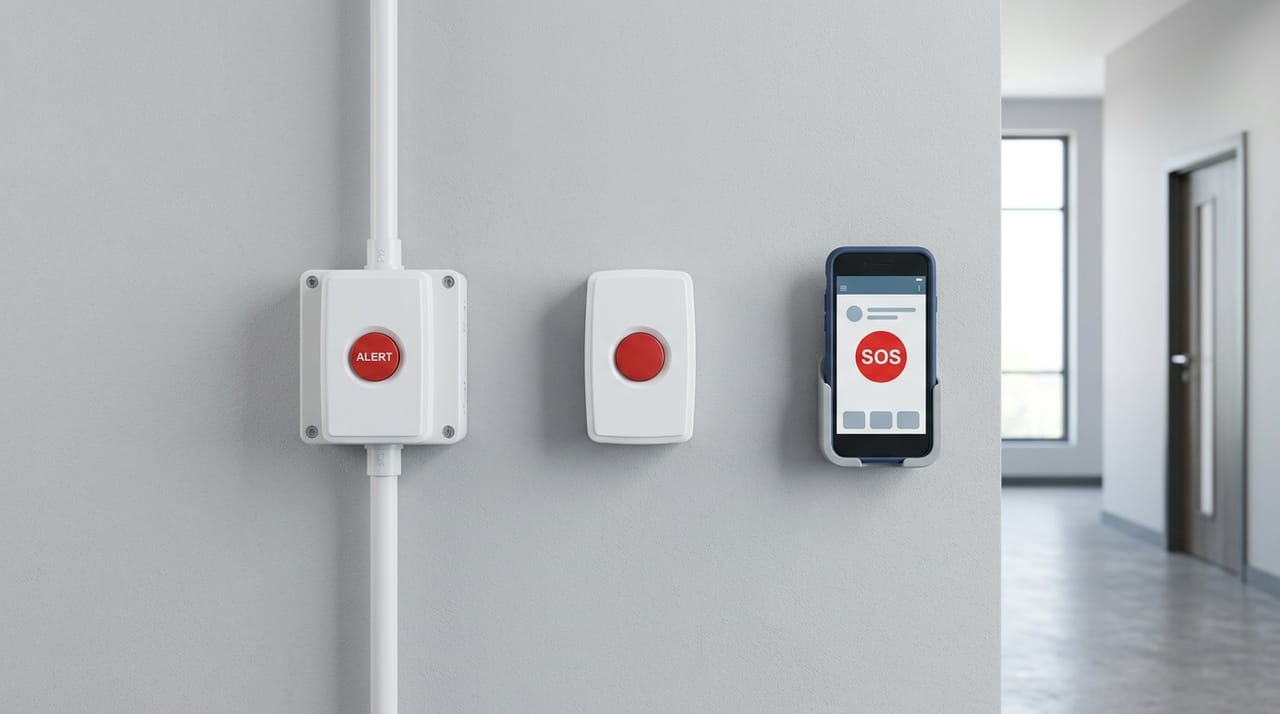
Vendors love to make this complicated. It breaks down into a few clear categories.
Hardwired panic buttons
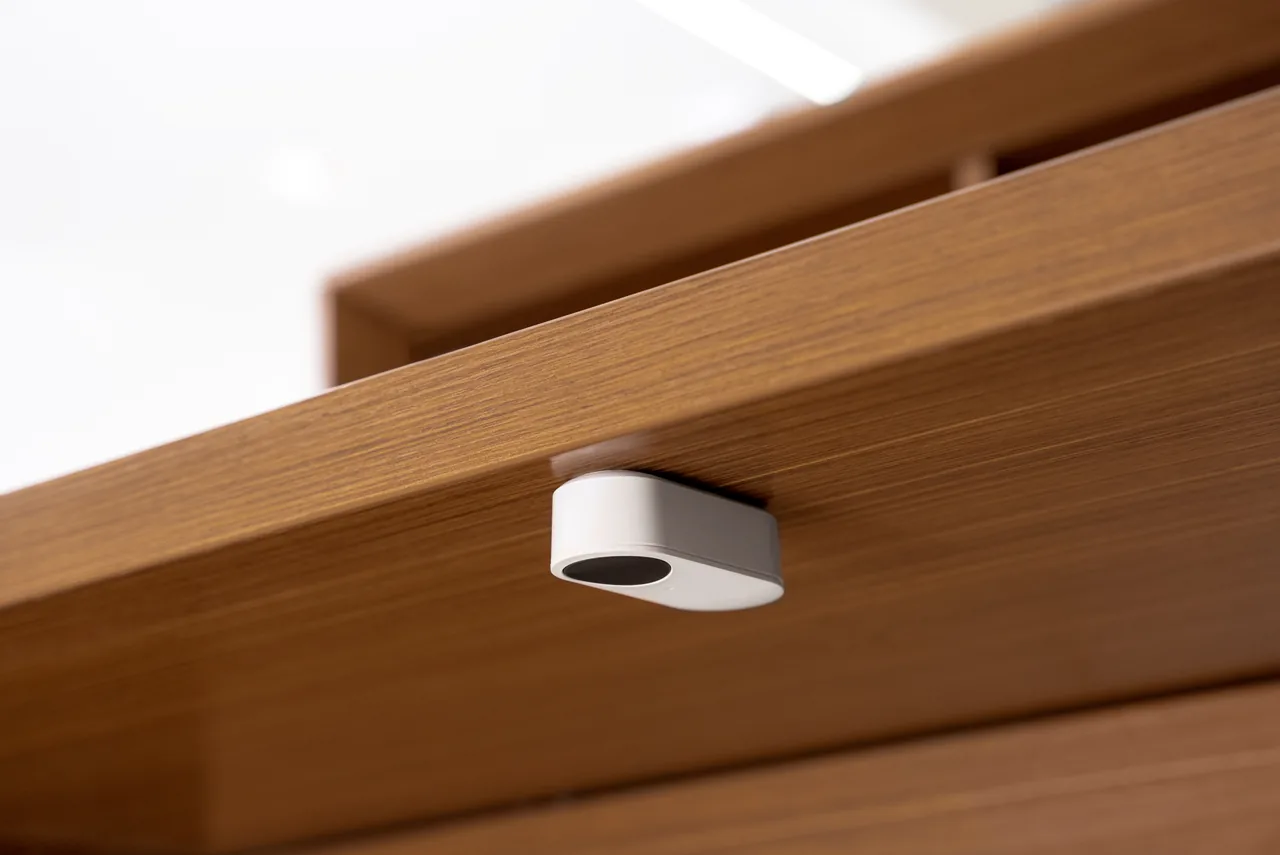
The classic under-the-counter button, wired into an alarm panel, triggering a silent alarm to a monitoring station. Reliable and well understood. Downside: it lives in one place — great for a teller window, not useful for a nurse walking a hallway.
Wireless panic buttons
Battery-powered devices that communicate to a base station over RF or Wi-Fi. They can be mounted under a desk, clipped to a lanyard, or placed in a break room. Downsides: batteries need managing, signals can be blocked by walls, and range varies widely by system.
Mobile / app-based panic buttons
A smartphone app or a wearable that pairs to a phone. These can send GPS location, which helps for staff who move around outdoors. Downsides: they inherit every weakness of the phone — battery, connectivity, and the need to unlock or interact with a touchscreen under stress. Ajax and similar vendors document these tradeoffs in their overview of panic button types.
Wearables (badge, pendant, wristband)
A fast-growing category, especially in healthcare. Pinpoint's taxonomy notes that badge-clip and lanyard wearables sit where the hand naturally reaches under stress, which matters when a staff member can't get back to a wall panel. See their breakdown of wearable form factors and use cases.
Most businesses end up with a hybrid: hardwired at fixed high-risk points (front desk, cash room, pharmacy counter), plus wireless or wearable devices for staff who move. One category alone almost always leaves a gap.
Who Actually Needs a Panic Button
The traditional picture is a bank teller, but the list has grown. Common use cases include:
- Retail with cash on hand — cannabis, jewelry, pawn, liquor
- Hotels — several states legally require panic buttons for housekeeping (see the compliance section below)
- Schools — coordinate the device and alert route with the district’s emergency operations plan and current local requirements
- Healthcare — ERs, clinics, behavioral health, and dental offices where patient aggression is a growing concern
- Property management and real estate — leasing offices and solo agents at showings
- Government offices and courts
- Nonprofits and shelters — domestic violence programs, homeless services, food pantries
- Corporate reception and lobbies
Two risk profiles keep showing up: "one person alone with a member of the public," and "cash or small valuable inventory on-site." If either pattern exists in your operation, it's worth planning for.
Check the requirements for your workplace
Ask the responsible workplace-safety team or adviser to identify the current requirements for your location, sector and workforce. Record which workers and areas are covered, what assistance must be available and how the response is documented. Avoid selecting a device from a national list of laws without checking the actual local requirements.
OSHA's workplace violence prevention guidance for healthcare and social service workers discusses protective measures in those settings. Its scope is not a universal panic-button specification for every business. Use the guidance with the people responsible for your workplace's prevention and response plan.
Turn the resulting requirements into acceptance tests: a worker can activate the device, the alert reaches the designated responder, the location is understandable, and the fallback procedure works when the first contact is unavailable.
What to Look for in a Panic Button System
Here are the factors that matter most, roughly in priority order.
1. Who receives the alert, and how fast
This is the whole game. Ask a vendor to walk you through the exact path, from press to responder, and ask for a written description of their dispatch protocol and typical timing. If the answer is vague, that's your answer.
2. False alarm handling
Cities can fine businesses for false police dispatches, and repeat false alarms may affect response prioritization. Verification protocols (video, audio, callback) reduce this risk. Ask specifically how the monitoring center verifies before dispatching, and whether that verification step can be skipped for hold-up or duress alarms where a callback would be dangerous.
3. Location accuracy
Does the alert identify the specific room or zone, or only the building address? GPS is often unreliable indoors — Pinpoint's guide notes that walls and floors weaken satellite signals, and that RF-based indoor systems can provide room-level location without depending on GPS. For multi-story facilities, this matters a lot. Ask specifically: "If someone presses a wearable on the third floor east wing, what does the responder see?"
4. Discreet activation
If the person causing the threat can see the button being pressed, that's a problem. Under-desk mounts, wearables that don't look like safety devices, and silent duress signals all address this. Pinpoint frames the tradeoff clearly: in a staffed facility where the threat is already close, a silent alert to on-site security is usually safer than an audible alarm that could escalate the encounter. An audible alarm may still make sense where deterrence is the goal — for example, an opportunistic outdoor threat where drawing attention encourages an attacker to flee.
5. Supervised vs. unsupervised systems
This is one of the most overlooked distinctions. In an unsupervised system, devices are assumed to work until someone tests them — a dead battery can go unnoticed for months. A supervised system continuously confirms every device is connected, charged, and communicating, and alerts an administrator if any device drops off. For a safety-critical device, supervision matters. Pinpoint's article on supervised systems explains the difference in more depth.
6. One-action activation and false-press protection
Washington's guidance is explicit: activation should be a single action (push, pull, or tap) with no password entry or wake-up delay, and the device should minimize accidental activation. Vendors handle the false-press problem differently — some use a two-button press design (like Ajax's DoubleButton), others use a transparent lid or a required long-press. Ask how the vendor balances "easy to press in a crisis" against "hard to press by accident in a pocket."
7. Integration with cameras, access control, and alarms
Modern systems can lock or unlock specific doors, start high-resolution recording, and push a live camera feed to a monitoring station when a button is pressed. If your button is on an island by itself, you're leaving capability on the table. Ask whether the integration is native or depends on a third-party middleware layer, since the latter tends to be more fragile.
8. Battery life and communication path
For wireless devices, ask about battery life, low-battery notification, and what happens if the base station loses internet. Cellular backup is standard on serious systems for a reason.
Panic Button vs. Alarm System vs. Security Guards
These solve different problems. A rough comparison:
| Solution | Best for | Weakness |
|---|---|---|
| Panic button (monitored) | Active incidents, lone workers | Requires a human to press it |
| Traditional alarm system | After-hours intrusion, fire, environmental | Doesn't help during open hours |
| Video surveillance | Deterrence, evidence, verification | Doesn't stop the incident |
| On-site security guard | Physical presence, de-escalation | Cost, coverage gaps |
| Access control | Preventing unauthorized entry | Doesn't help against invited-in threats |
None of these alone is a complete answer. Layering them — cameras and access control for prevention, alarms for after-hours, panic buttons for the "someone is here right now" moment — is how most well-designed programs work.
Cost: What to Ask Instead of Guessing
Public pricing is scarce and the range is wide, so instead of quoting numbers I'd rather you leave with the right questions. When you get a quote, ask a vendor to break it into:
- Hardware cost per device
- Installation and configuration
- Monthly monitoring per device or per user
- Any per-alert or dispatch fees
- Cost of adding devices later or replacing batteries
Also ask about false alarm fees in your city (many municipalities publish them online) and whether your commercial insurance carrier offers a premium credit for monitored systems. Terms vary by carrier and jurisdiction, so ask your agent directly rather than assuming.
If a quote seems dramatically cheaper than others, ask what "monitoring" actually means: is it a UL-listed central station with documented dispatch protocols, or an app notification with no human in the loop? Those are very different products at very different price points.
Installation, Testing, and the Part Most Programs Skip
Buying the device is the beginning, not the end.
Test the button regularly. Monthly is a reasonable cadence. Test it with the monitoring station on the line so you know the alert made it end-to-end. Test what happens if the primary contact doesn't answer — does escalation actually work?
Train your team on the approved response plan. Coordinate practice with the people responsible for workplace safety and the response provider. Staff should understand activation, any callback process, assistance routes and the fallback if an alert is not acknowledged. Avoid an unannounced live test that could cause an unintended emergency response.
Document protocols. Name the response owner, review schedule and triggers for an update, such as staffing or layout changes. Keep the current instructions available to the people expected to act.
Keep contact and escalation lists current. When someone leaves the company, remove them from the notification tree the same week.
A modest panic button with good training and a supervised system will usually outperform a premium device that nobody has tested in six months.
For the next planning step, see Alarm Monitoring: What Actually Happens When It Trips and Burglar Alarm Systems: Sensors, Monitoring and Site Testing. Contact Monarch with the site requirements to discuss the next step.
FAQ
Does a panic button call 911 directly?
Routing depends on the configured system and the agreed response arrangement. Ask the provider to show the path from activation to the designated responder and confirm it with the relevant local stakeholders. Do not assume that pressing a button directly contacts public emergency dispatch.
Can a panic button work without Wi-Fi or cell service?
Hardwired panic buttons typically run over an alarm panel's dedicated communication path, which is usually cellular with an IP or landline backup, so they keep working if office Wi-Fi goes down. Pure Wi-Fi or app-based buttons are more fragile. For high-stakes environments, ask specifically about primary and backup communication paths.
How is a panic button different from a regular burglar alarm?
A burglar alarm watches for after-hours intrusion via door contacts and motion sensors and is armed on a schedule. A panic button is a manual, human-triggered alert that works 24/7 regardless of arm state, and it usually generates a higher-priority hold-up or duress signal.
Will pressing a panic button lock down my building?
Only if you've integrated it that way. On its own, a panic button just sends an alert. When tied into access control and video, you can configure automatic responses — lock certain doors, unlock others for police entry, start recording, and push a live camera feed to the monitoring station. Ask your integrator to design that response sequence explicitly.
Are hotel panic buttons legally required?
In several U.S. states, yes — including Illinois, New Jersey, and Washington, with pending legislation in Massachusetts, Pennsylvania, and Georgia, and a city-level ordinance in Glendale, CA. Requirements vary by jurisdiction, room count, and industry, so check your state and municipal labor code before buying.
What's the difference between a panic button and a duress button?
The terms overlap, but there's a useful distinction. A panic button signals an active emergency — send help now. A duress button is designed to be triggered covertly and always sends a silent signal, which matters when a visible or audible alert could escalate the encounter. Some systems support both with different response protocols.
What does "supervised" mean, and why should I care?
A supervised system continuously verifies that every device is connected, charged, and able to send an alert. If a device drops off, an administrator is notified immediately. An unsupervised system assumes devices are working until a manual test proves otherwise — which means a dead battery or lost connection can go unnoticed until an emergency reveals it. For a safety-critical device, supervision is worth paying for.