


Updated September 16, 2026.
A camera tower gives a job site or lot a movable surveillance platform. The right unit depends on where it will stand, what it must show, how it stays powered and who responds to an event. Start with those operating requirements before comparing mast height or the number of cameras.
Mobile units vary. Some use trailers, others use different mounting arrangements; power and connectivity also differ. Require a configuration-specific proposal rather than assuming that every tower includes solar power, battery backup, cellular service and professional monitoring.
Define the coverage task
Mark the perimeter, entrances, material storage and expected vehicle paths on the site plan. Identify which views need an overview and which must show enough detail to investigate a specific event. Record likely obstructions as construction progresses or vehicles park.
Test the proposed location during the relevant hours. A tall mast does not automatically remove blind spots or provide a useful view of every face or plate. Ask for sample footage from the intended geometry, lighting and recording settings.
Review the physical installation
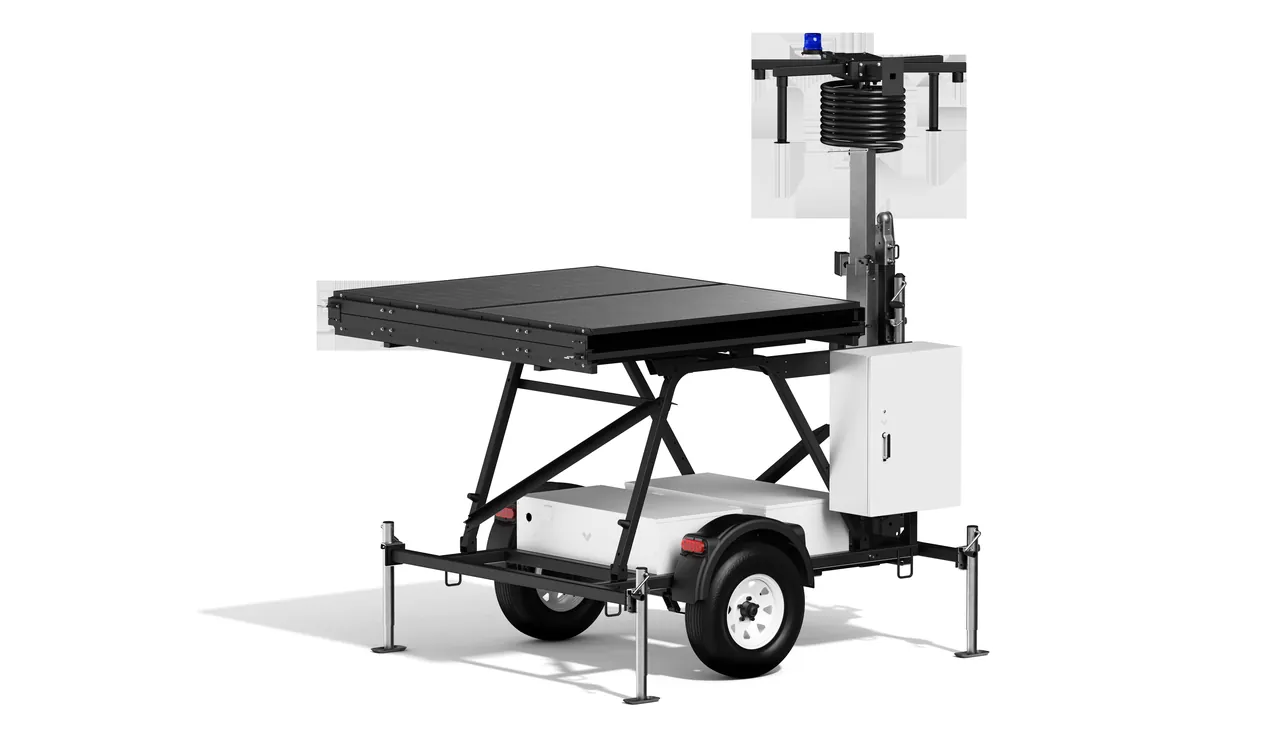
Have the supplier document siting, stabilization, mast operation, applicable weather limits and safe access for servicing. Identify who is allowed to move or raise the equipment and what inspection is required after relocation. Coordinate traffic separation and site access with the people responsible for the work area.
A demonstration unit on level pavement does not establish suitability for a particular construction site. Provide the supplier with the actual surface, access route and expected environmental conditions. Use the manufacturer's instructions for the configured unit; do not substitute a generic tower-height recommendation for an installation plan.
Size power around the actual workload
List cameras, communications equipment, lighting, audio and other loads. Ask the provider to explain its power assumptions, expected operating conditions and the action required when energy reserves fall. Include the effect of any optional equipment you intend to use.
LVT's mobile surveillance unit overview describes power and communications options for its products. Treat those as vendor-specific capabilities, not a universal runtime guarantee for every mobile tower.
For a solar configuration, ask how the supplier evaluates your site, season, shading and maintenance needs. If a backup power source is included, identify who replenishes or services it. Put responsibility for a low-power alert in the service plan.
Test communications separately from recording
A tower may continue recording locally while remote alerts or viewing are unavailable. Ask exactly which functions continue during a communications interruption and how a reviewer retrieves the stored video afterward.
The Verkada GC31 gateway page describes a specific cellular connectivity product. Its presence on a proposal does not establish carrier coverage or usable throughput at your intended tower location. Test the configured service and workload on site.
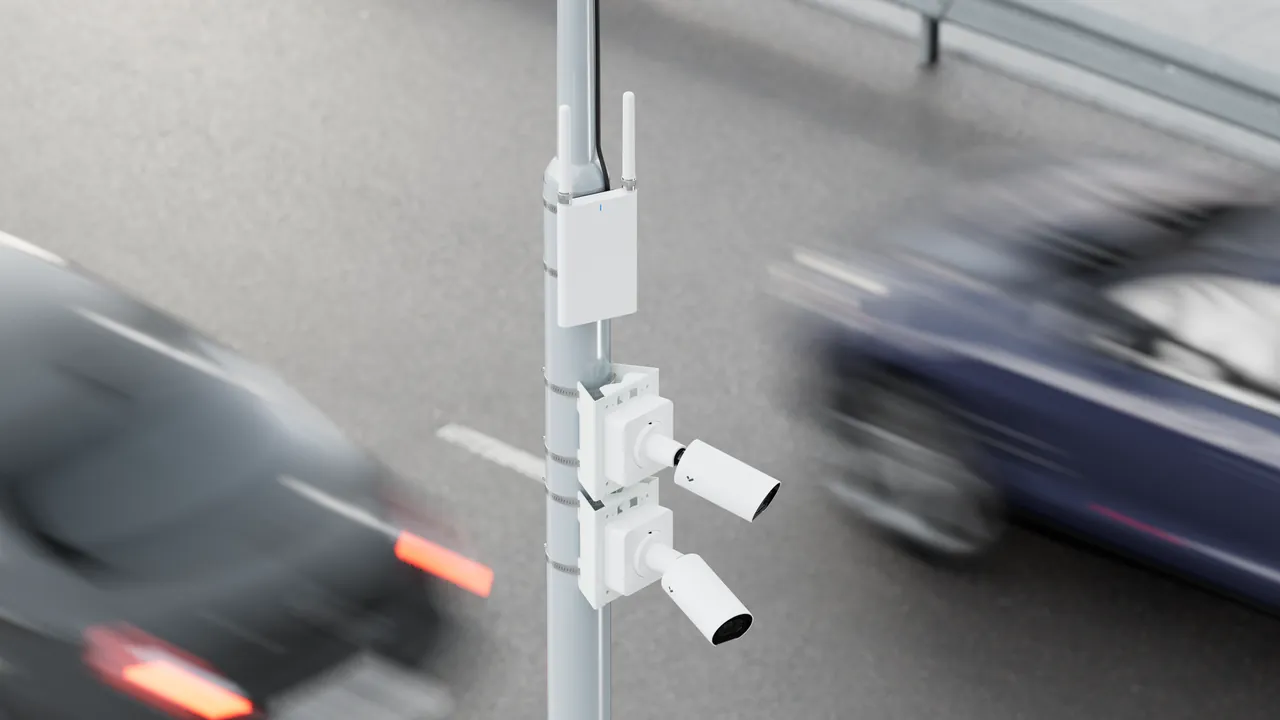
Review who pays for data, what usage is included and how limits affect service. Ask how often the system checks its own health and who receives connectivity faults. Keep local recording, remote management and alert delivery as separate acceptance items.
Decide who acts on an alert
| Service arrangement | Responsibility to confirm | Test to request |
|---|---|---|
| Staff receive notifications | Who watches alerts and covers absences | A staged event delivered to the normal on-call person |
| Provider reviews events | What is reviewed and when | A coordinated test following the contracted response procedure |
| Remote audio intervention | Who may speak and under what policy | A supervised demonstration at the actual listening area |
| Escalation to a site contact | Contact order and fallback | An unreachable first contact during an agreed test |
Detection and deterrence features do not guarantee that an incident will be prevented. Define the response and its limits. If a provider promises a response time, ask what interval is measured and where that commitment appears in the contract.
For the human response chain, see our alarm monitoring guide. For a fixed alternative, compare the planning questions in our parking-lot camera guide.
Compare rental, purchase and managed service
Use the same expected deployment period and service scope. Itemize delivery, setup, equipment, connectivity, software, monitoring, maintenance, relocation and collection. Identify damage responsibility and any minimum term or early-return charge.
For a purchase, include storage and transport between projects and the staff time needed to maintain the equipment. For a rental or managed service, specify fault handling and replacement arrangements. Neither approach is automatically cheaper; compare the actual proposals and your operating responsibilities.
Complete a handover test
Review each required view, retrieve a known recording and export it. Test the agreed alert route, user permissions and a coordinated service interruption. Record the equipment configuration and the person responsible for each fault condition.
Plan when coverage will be reviewed again. A new structure, stacked materials or a changed access road can alter the view even when the tower itself has not moved. Contact Monarch with the site plan and intended deployment period to define the comparison.
Frequently asked questions
How tall should a camera tower be?
Use the height that supports the defined coverage task within the equipment's installation limits. Have the supplier demonstrate the resulting view and document safe siting and operation for your location.
Will a solar tower run indefinitely without attention?
Do not assume that. Ask for the configuration-specific power plan, maintenance responsibilities, low-power reporting and backup procedure for your site's conditions.
Does cellular connectivity guarantee remote viewing?
No. Test the actual service at the installed location under the intended workload. Document what continues locally when the remote connection is unavailable.
Is monitoring included in a rental?
Only if the agreement includes it. Confirm the monitoring hours, reviewed events, response procedure, contact responsibilities and any additional charges before comparing prices.