


Types of Access Control: Models, Methods, and How to Pick One
Updated September 16, 2026.
"Access control" answers a simple question: who gets in, where, and when. The reason there are so many different types is because that question looks different at a dentist's office than at a data center, a cannabis grow facility, or a gym. Different risk, different doors, different users.
This guide walks through the classic access control models, the newer ones you'll see in vendor pitches, the physical hardware that actually clicks the door open, and a practical way to combine them without overspending or confusing your staff.
What Access Control Actually Means
When people say "access control," they usually mean one of two things:
- Physical access control — doors, gates, turnstiles, elevators; keeping people out of rooms.
- Logical access control — usernames, passwords, MFA; keeping people out of systems and data.
The models below (DAC, MAC, RBAC, ABAC) come from the IT/cybersecurity world, but the same logic applies to a front door. A card reader is essentially an authentication prompt attached to a lock. OWASP's access control overview lays out these models in a software context, and the definitions map cleanly to physical hardware.
Monarch focuses on the physical side and helps businesses match an access control system to the building they actually have.
The 3 Classic Access Control Models
If you remember only three types of access control, remember these. We have a deeper dive on what are the 3 types of access control; here's the short version.
1. Discretionary Access Control (DAC)
In DAC, the owner of a resource decides who else gets access. Per OWASP, a subject with certain access permissions "is capable of passing on that access, directly or indirectly, to other subjects."
A physical analogy: the office manager holds the master key and can lend it out at their discretion. In IT, it's a shared drive folder where the owner clicks "share" and adds an email.
- Strengths: flexible and fast to set up.
- Limitations: hard to audit at scale, because access decisions are distributed across many owners.
DAC can be reasonable for very small teams with clear trust boundaries. It gets messy as headcount grows.
2. Mandatory Access Control (MAC)
In MAC, permissions are set centrally based on classifications assigned to resources (for example, Confidential vs. Top Secret). OWASP notes that MAC "restrains subjects from setting security attributes on an object and from passing on their access" — users can't override the policy, and neither can the resource owner.
This is common in government, defense, and some regulated research environments. It is strict by design.
- Strengths: strong, consistent enforcement; good fit for classified data and strict compliance regimes.
- Limitations: rigid; slow to accommodate one-off exceptions.
Most private-sector buildings won't use pure MAC, but elements of it show up in high-security zones inside otherwise flexible systems.
3. Role-Based Access Control (RBAC)
RBAC assigns permissions to roles, and users inherit permissions by being placed in a role. OWASP describes roles as "collections of subjects that all share common needs for access."
A hypothetical: "Front Desk" opens the lobby door from 7am–7pm; "Manager" opens the lobby 24/7 and the stockroom; "Janitor" gets after-hours access to common areas but not the safe. When someone changes jobs, you change their role rather than rewriting individual permissions.
- Strengths: scales well, easier to audit, faster onboarding and offboarding.
- Limitations: role definitions can multiply until they lose meaning. If you find yourself creating a new role for nearly every employee, you're back to per-user permissions with extra steps.
For most small and mid-sized organizations, RBAC is the sensible default.
Newer Models Worth Knowing
4. Attribute-Based Access Control (ABAC)
ABAC evaluates multiple attributes at decision time. OWASP lists examples such as time of day, location, and current threat level; a rules engine weighs the attributes and returns an allow/deny.
A hypothetical policy: "Engineers can enter the server room during business hours, only if they've badged into the lobby earlier that day, and only from a company-issued credential." That's several attributes stacked into one decision.
- Strengths: granular and context-aware.
- Limitations: more complex to design and maintain; requires clean, reliable attribute data (accurate role, device, and schedule information).
5. Zero Trust and Policy-Based Access Control
Zero trust is a design philosophy — "never trust, always verify" — rather than a specific product. Every request is evaluated on its merits, regardless of network location. Policy-based access control (PBAC) is one common way to express that in practice: you write policies ("Finance can access payroll from managed devices during business hours") and the system enforces them.
You don't buy zero trust; you design toward it in how identities, devices, and policies are managed.
6. Rule-Based Access Control
Rule-based access control layers explicit rules on top of another model, usually RBAC. Examples: "back door locks 6pm–6am for everyone except security," or "the vault requires two-person authentication." Most modern cloud access platforms are a blend of RBAC plus rule-based scheduling, with optional ABAC-style conditions for sensitive doors.
Least Privilege: The Discipline That Ties It Together
You can pick any model and still get burned without one habit: least privilege. OWASP frames it plainly — "allow running code only the permissions needed to complete the required tasks and no more." The same idea applies to people and doors.
A sales rep doesn't need server room access. A cleaning contractor doesn't need after-hours access to executive offices unless they're scheduled to clean them. Least privilege isn't a model; it's a discipline you apply on top of whatever model you choose.
Set a documented review schedule based on the sensitivity of the areas and how often roles change. Review access promptly when employment, responsibilities or contractor work changes. Name the person who approves permissions and the person who confirms removal; these are physical-access planning steps, not an application of a federal IT account-review timetable.
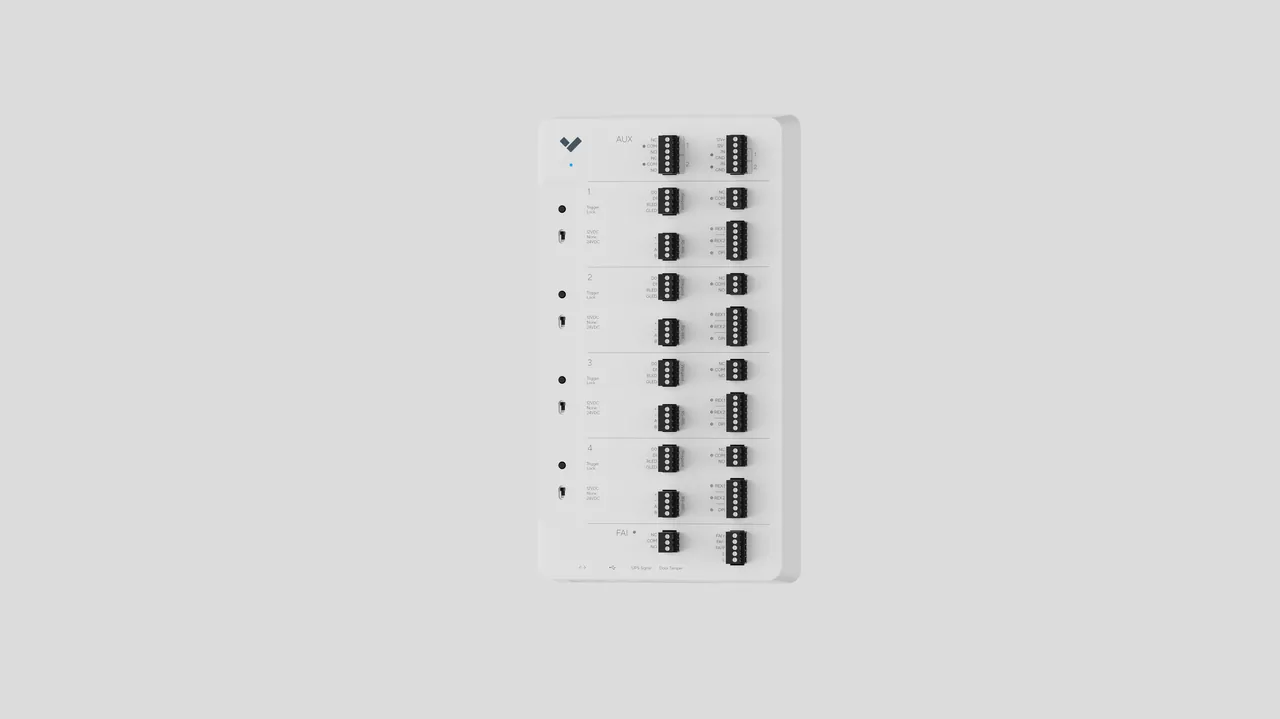
Physical Access Methods (What Actually Opens the Door)
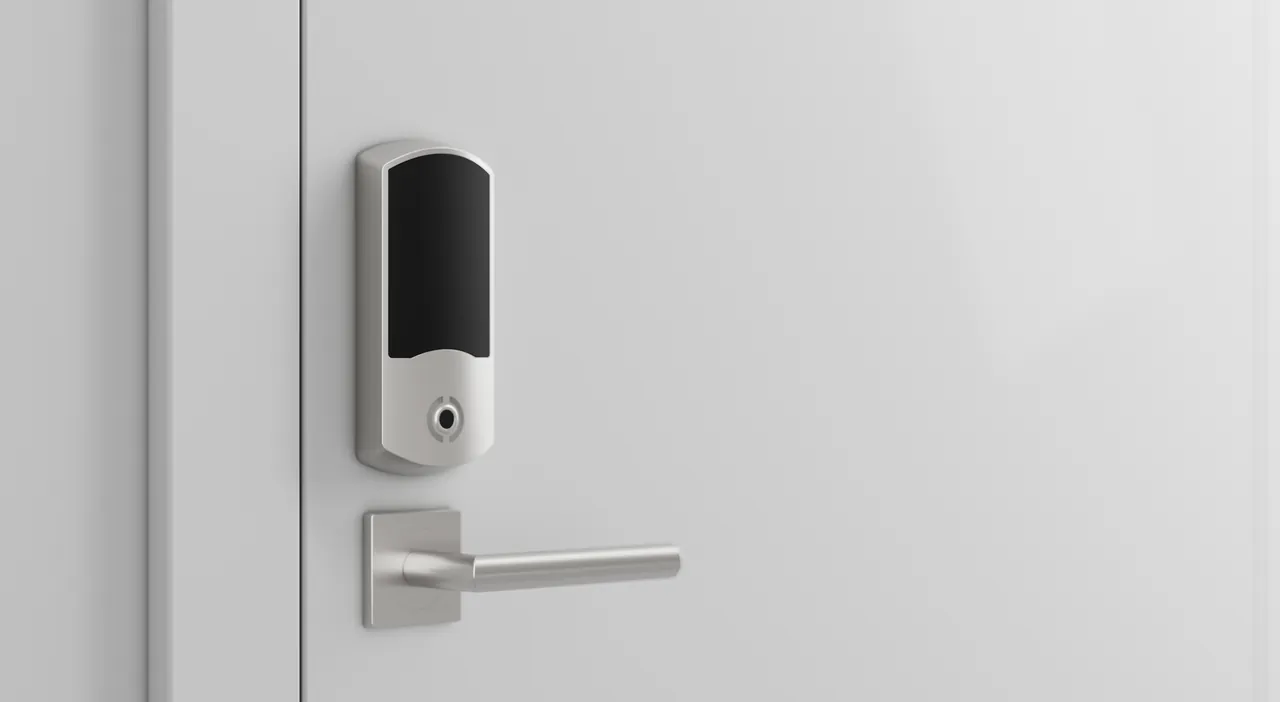
The models above are the logic. These are the mechanisms.
Keys and Mechanical Locks
Cheap, no power required, no software. But there's no audit trail, no remote revocation, and lost keys often mean rekeying. Reasonable for low-risk interior doors; weak for main entrances or anything you need to log.
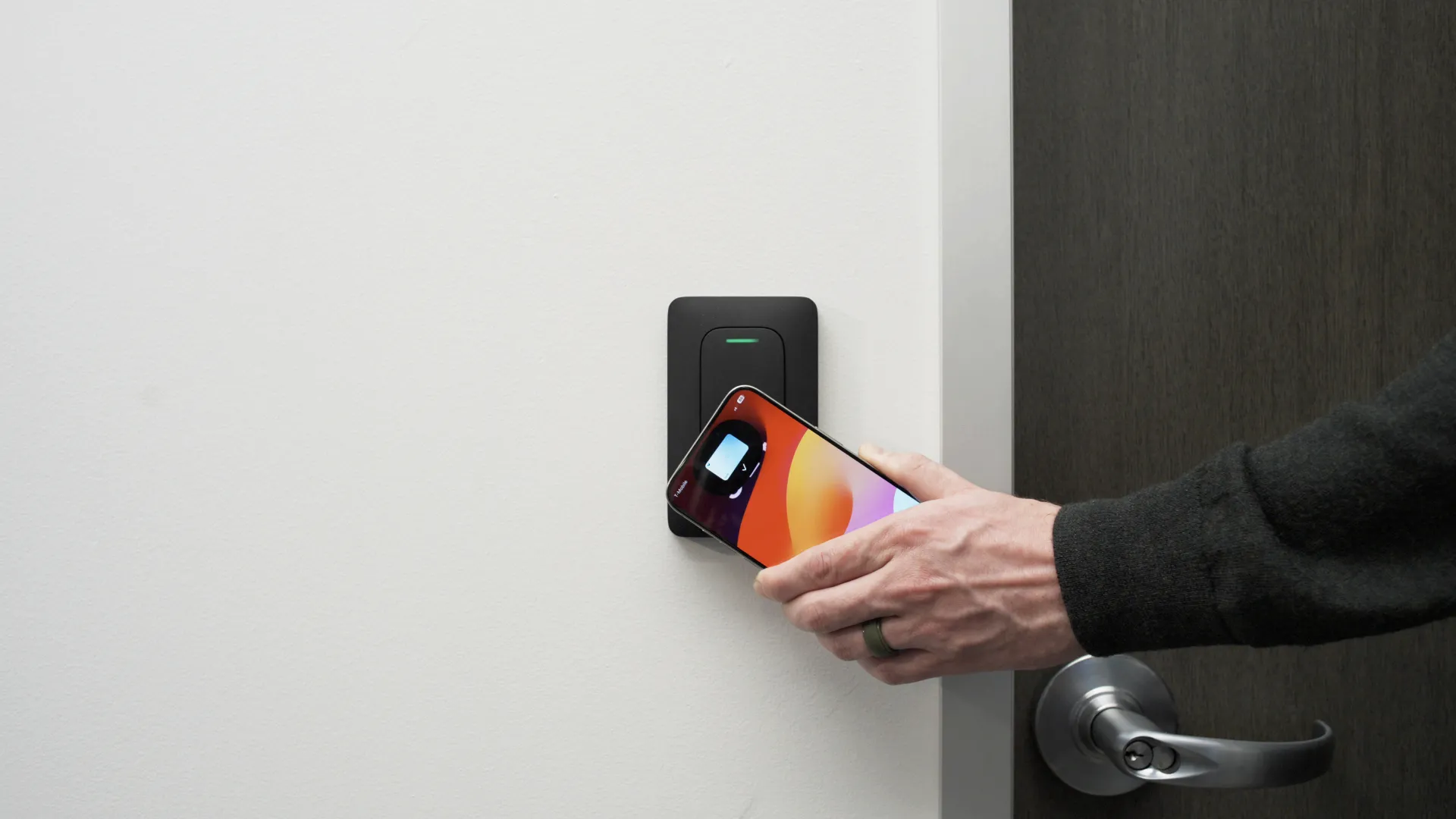
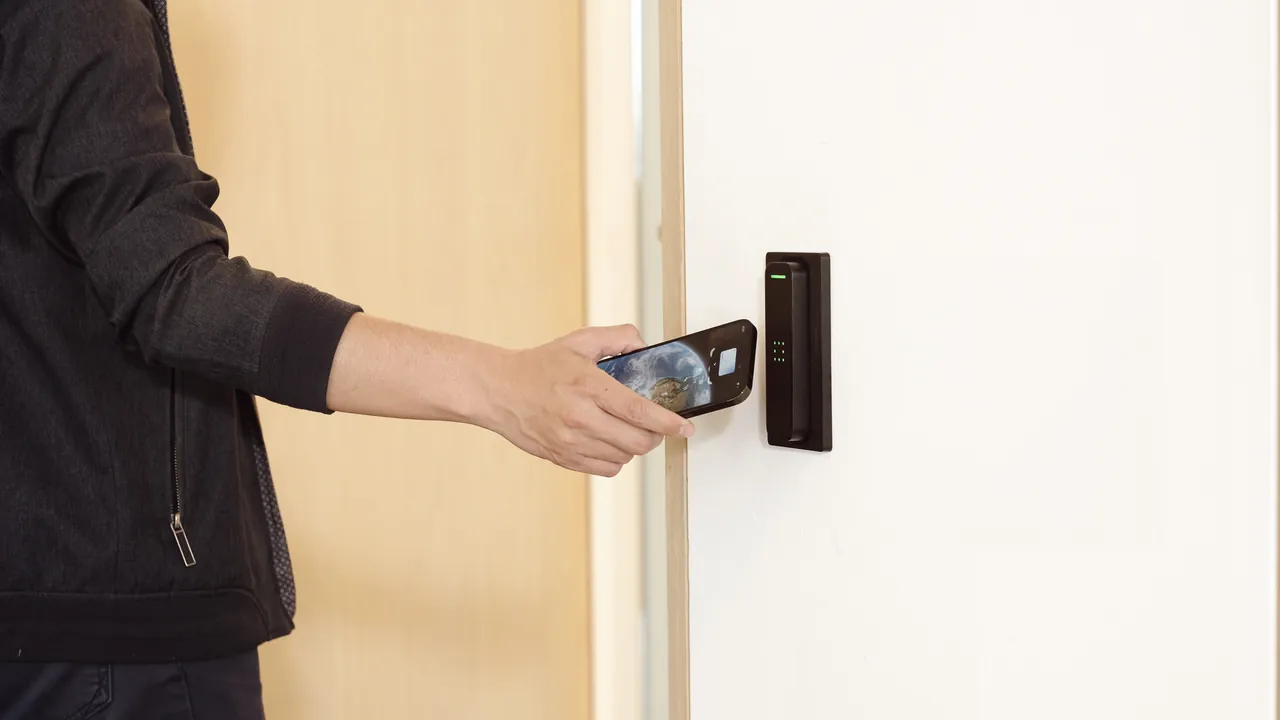
Keycards, Fobs, and Mobile Credentials
RFID cards or fobs, or a credential on a phone (Bluetooth/NFC). The system logs entries and lets you issue or revoke credentials remotely. Mobile credentials reduce the "mail me a new fob" cycle and can be provisioned quickly, though they depend on the user's phone being charged and enrolled.
Buyer questions worth asking:
- Which mobile wallets and phone OS versions are supported today, and what's the roadmap?
- What happens if the internet goes down — does the reader fail secure, fail safe, or cache credentials?
- Are credentials tied to a per-user license, and what does year-three pricing look like?
Biometrics
Fingerprints, facial recognition, iris, and palm vein readers. Biometrics can't be handed off the way a card can, but they also can't be reissued if the underlying data is compromised. They tend to fit high-security areas (server rooms, pharmacies, cash rooms, R&D) rather than general lobbies.
Biometric data collection is regulated in several U.S. jurisdictions (Illinois's BIPA is the most cited example). Before deploying, confirm with counsel or your compliance team what notice, consent, retention, and storage rules apply in your state and industry.
Multi-Factor Physical Access
Card plus PIN, or mobile credential plus fingerprint, or credential plus facial verification. Reserve it for doors where the consequence of a single stolen credential is unacceptable — server rooms, controlled substance storage, vaults.
How to Pick an Access Control Approach
A practical sequence:
- Inventory doors and count what actually needs electronic control. Not every interior door needs a reader.
- Rank doors by what they protect. A supply closet and a records room should not get the same treatment.
- Choose a base model. RBAC is the usual default. Layer rule-based scheduling and, where warranted, ABAC-style conditions on the highest-risk doors.
- Match authentication to risk per door. Cards or mobile credentials for general doors; add a second factor for sensitive areas.
- Apply least privilege from day one. It's easier to grant access later than to claw it back.
- Set a review cadence. Quarterly is a reasonable target for most businesses; more frequent for higher-risk systems.
Common Mistakes to Avoid
- A single shared code that "everyone knows." That's a password, not access control.
- No offboarding process. Former employees and contractors keep working credentials.
- Unplanned hybrids of mechanical keys and electronic access. Hybrid by design is fine; hybrid by drift is not.
- Delegating credential issuance with no oversight, so DAC creeps into a system you meant to run as RBAC.
- Evaluating a system on the demo without pricing three years of licensing, credentials, and support.
- Deploying access control in isolation from cameras and alarms, so events have no visual context during an investigation.
For formal role terminology, see NIST’s RBAC definition. For physical systems, the NPSA access-control guide addresses the building-security context. An information-security model and a door credential are different layers of the decision.
Contact Monarch with the site requirements to discuss the next step.
FAQ
What are the main types of access control?
The four most cited models are Discretionary (DAC), Mandatory (MAC), Role-Based (RBAC), and Attribute-Based (ABAC). DAC lets resource owners decide; MAC is centrally enforced by classification; RBAC assigns permissions by role; ABAC factors in attributes like time, location, and device context. Most modern deployments use RBAC as a base with rule-based scheduling and some ABAC-style conditions layered on top.
What's the difference between physical and logical access control?
Physical access control protects spaces — doors, gates, server rooms, vaults. Logical access control protects systems and data — logins, files, applications. The same underlying models apply to both, but the hardware and software stacks differ. Sharing a single source of user identity between them makes offboarding much cleaner.
What is least privilege and why does it matter?
Least privilege means each user gets only the permissions required to do their job. OWASP recommends the principle at the code level; the same logic applies to doors. It limits the blast radius if a credential is misused and keeps audits manageable.
Which model is best for a small business?
For most small businesses, RBAC on a cloud-managed platform is the practical starting point. It scales as headcount grows and doesn't require a dedicated administrator. Mobile credentials handle daily access; add a second factor at the doors that warrant it.
Do I need biometrics for my building?
Usually not for every door. Biometrics make sense at higher-risk doors like server rooms, pharmacies, and cash handling areas. For general office doors, cards or mobile credentials are typically faster to manage. Confirm applicable biometric privacy laws in your state before deploying.
How often should I audit access permissions?
Use a schedule appropriate to the sensitivity of the areas, staff turnover and applicable requirements. Also review permissions when a person leaves, changes roles or finishes a contract. Document who performs the review and how unresolved exceptions are followed up.
Can I mix different types of access control in one building?
Yes, and most buildings do. A common pattern is RBAC as the base, rule-based scheduling for after-hours behavior, and stronger authentication (multi-factor or biometrics) at sensitive doors. Document which doors follow which rules so staff and auditors can follow the logic.
How long does an installation take?
For a small office with a handful of doors, plan on a day or two of installation plus configuration. Larger projects with many doors, multiple sites, or camera and alarm integrations take longer. Most of the time is spent on planning — mapping roles, schedules, and permissions — before any hardware is mounted.