


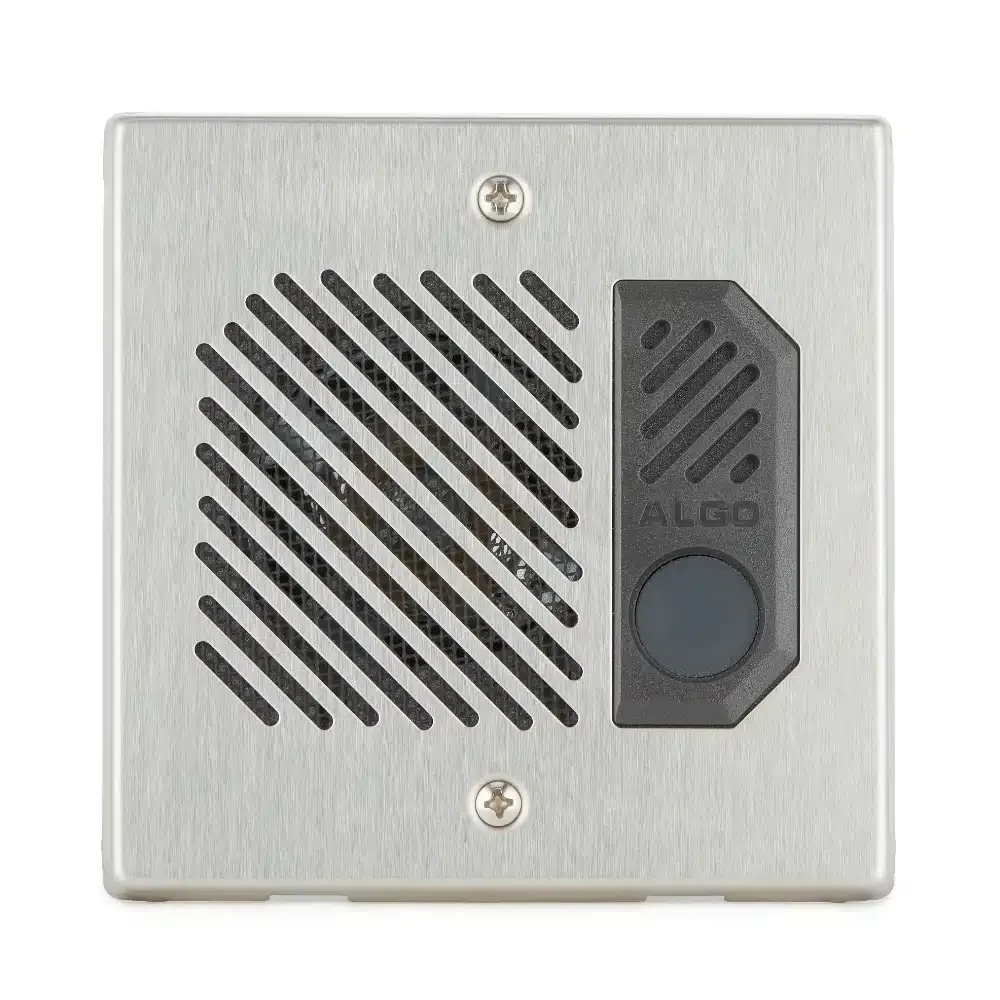
Updated September 16, 2026.
If your building's old analog buzzer has finally given up and nobody seems to know who services it anymore, you are probably meeting the phrase "SIP intercom" for the first time. This guide explains what a SIP intercom actually is, how it fits into a modern building, and what to ask before you buy one.
A SIP intercom is an intercom that speaks the same protocol as modern VoIP phone systems. SIP — Session Initiation Protocol — is used to set up, maintain, and terminate voice and video calls between devices. Instead of running dedicated intercom wiring back to a proprietary base station, a SIP intercom sits on your network, registers to a SIP server, and places calls to extensions, softphones, or a mobile app when the button is pressed.
What Makes an Intercom a SIP Intercom
There is a lot of gear on the market labelled "IP," "network," or "smart," and not all of it is standards-based. A true SIP intercom registers to a SIP server — a PBX, a cloud UCaaS service, or a unified communications platform — and places or receives calls using the SIP standard.
That "standard" part is doing real work. Because SIP is an open protocol, a SIP intercom from one vendor can, in principle, ring a phone from another vendor routed through a PBX from a third. In practice, firmware quirks and codec negotiation still cause problems, and most vendors publish a list of validated SIP servers and phones. Verkada, for example, documents which SIP servers and handsets it has tested, including Cisco CUCM, Cisco Webex, FreePBX, and RingCentral, plus specific phone models from Cisco, Yealink, and Grandstream. Checking that kind of compatibility matrix before you buy is worth ten minutes of your time.
By contrast, a legacy analog intercom typically speaks a proprietary language only its matching base station understands. If that base station fails and the manufacturer no longer supports it, you are looking at a full system replacement rather than a swap.
Why Buyers Are Replacing Analog Systems
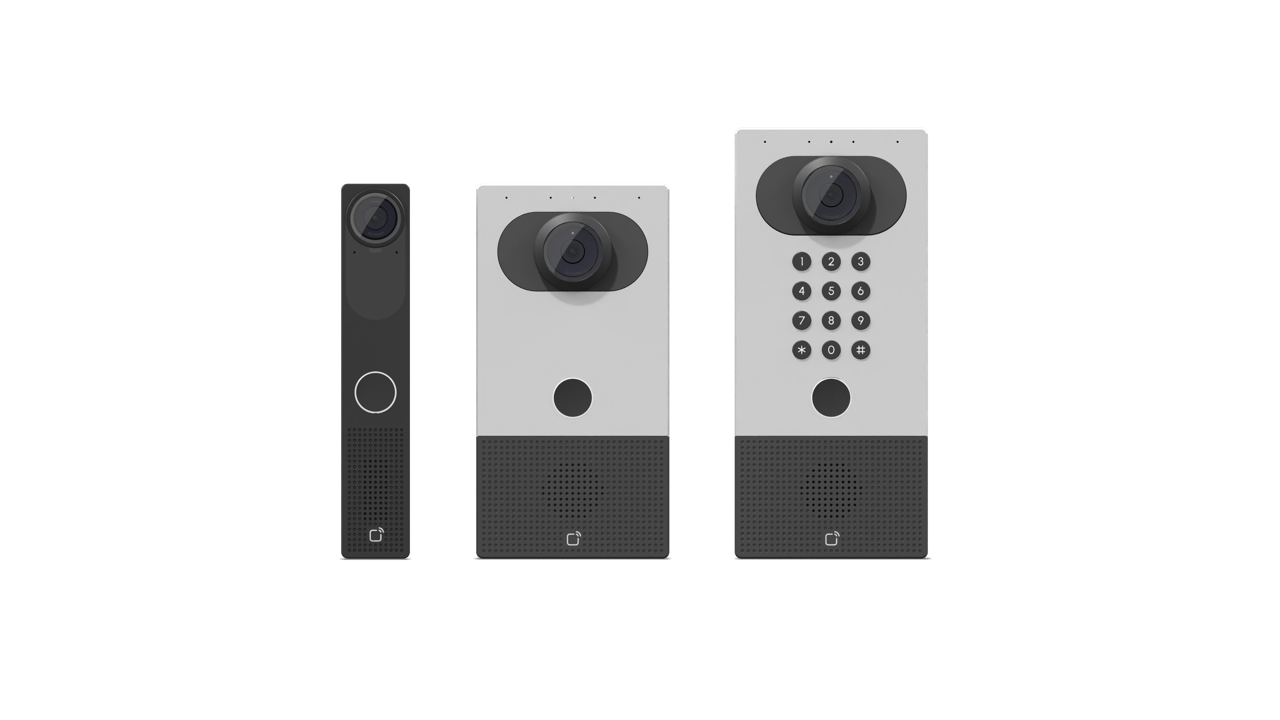
A few common reasons show up when people ask about switching:
- Older intercoms that dial a tenant's landline stop working as households move to mobile-only service.
- Physical keys and fobs get lost, copied, and shared. SIP intercoms pair naturally with mobile credentials, video verification, and access control platforms.
- Analog intercoms typically produce no audit trail. SIP intercoms log calls and, when integrated with access control, log door releases too.
- Video verification is now expected at most new commercial and multi-tenant installations, and SIP intercoms are where the video-capable options live.
Once the entry is on IP, it can also integrate with the rest of the building's technology — cameras, access control, visitor management — rather than living on its own dedicated wiring.
How a SIP Intercom Actually Places a Call
Understanding the call flow makes troubleshooting much easier. Axis's SIP overview walks through the full SIP handshake, but here is the practical version for an intercom:
- A visitor presses the call button at the door.
- The intercom, already registered to a SIP server, sends an INVITE to a preconfigured destination — an extension, a ring group, or a mobile app.
- The SIP server routes the call. It can fan out to a desk phone, a softphone, and a mobile app simultaneously.
- Whoever answers gets two-way audio, plus video if the intercom has a camera.
- To unlock the door, the answering party presses a DTMF digit on their phone keypad, which the intercom is configured to interpret as an unlock command. The specific digit is configurable per device — Algo's 8039 quick-install procedure, for example, uses digit 6 to activate the door control relay for three seconds, but the actual mapping should be confirmed and set to fit your site.
- If integrated with access control, the door release event is logged with a timestamp.
That last step matters more than people expect. When there is a dispute about who was let in and when, having a log is the difference between a two-minute check and a long conversation.
Where SIP Gets Finicky: Codecs, NAT, and One-Way Audio
SIP is clean on paper and quirky in practice. Two problems come up repeatedly.
The first is one-way audio: the visitor can hear the answerer, or vice versa, but not both. This is usually a NAT traversal issue. When the intercom sits behind a router doing Network Address Translation, the media stream (RTP) has to find its way back to a device with a private address. Axis's SIP paper describes three standard mitigations — STUN, TURN, and ICE — that SIP-capable devices can use to work around NAT. STUN handles most cases; TURN relays media through a server when STUN cannot punch through; ICE combines both. Which one you need depends on your firewall and whether calls stay on the LAN or traverse the internet.
The second is codec mismatch. If the intercom offers one set of audio codecs (say, PCMU or G.722) and the PBX insists on another, the call will connect but no media will flow. The Axis paper notes that uncompressed L16 is fine on a local network but PCMU is a safer bet when calls traverse the internet or mobile networks. Locking a common codec on both ends usually resolves it.
Neither of these problems is a reason to avoid SIP. They are reasons to work with an installer who has commissioned SIP intercoms before, and to confirm your PBX or cloud platform appears on the vendor's validated compatibility list.
Doorbell, Lobby Panel, or Full Access Terminal?
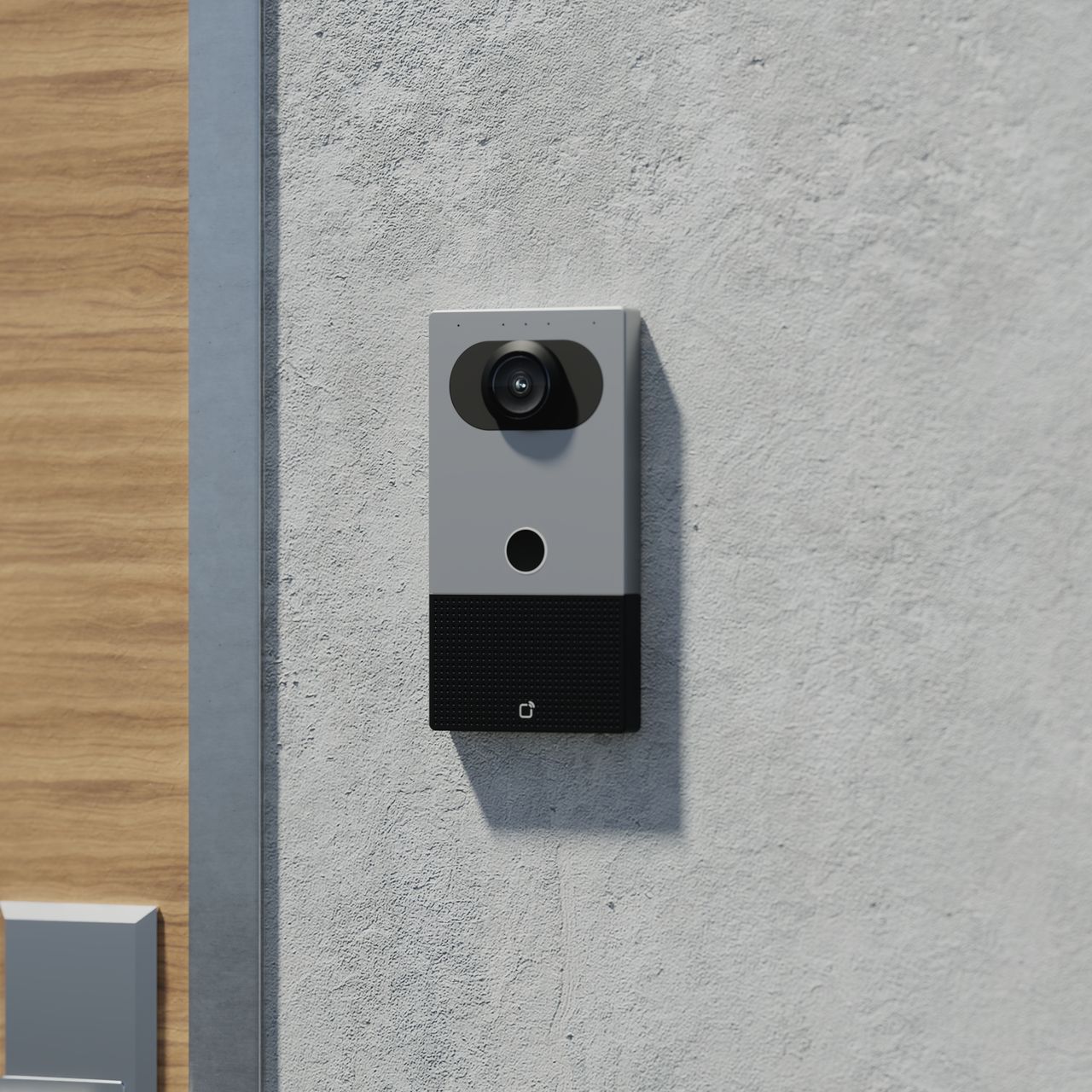
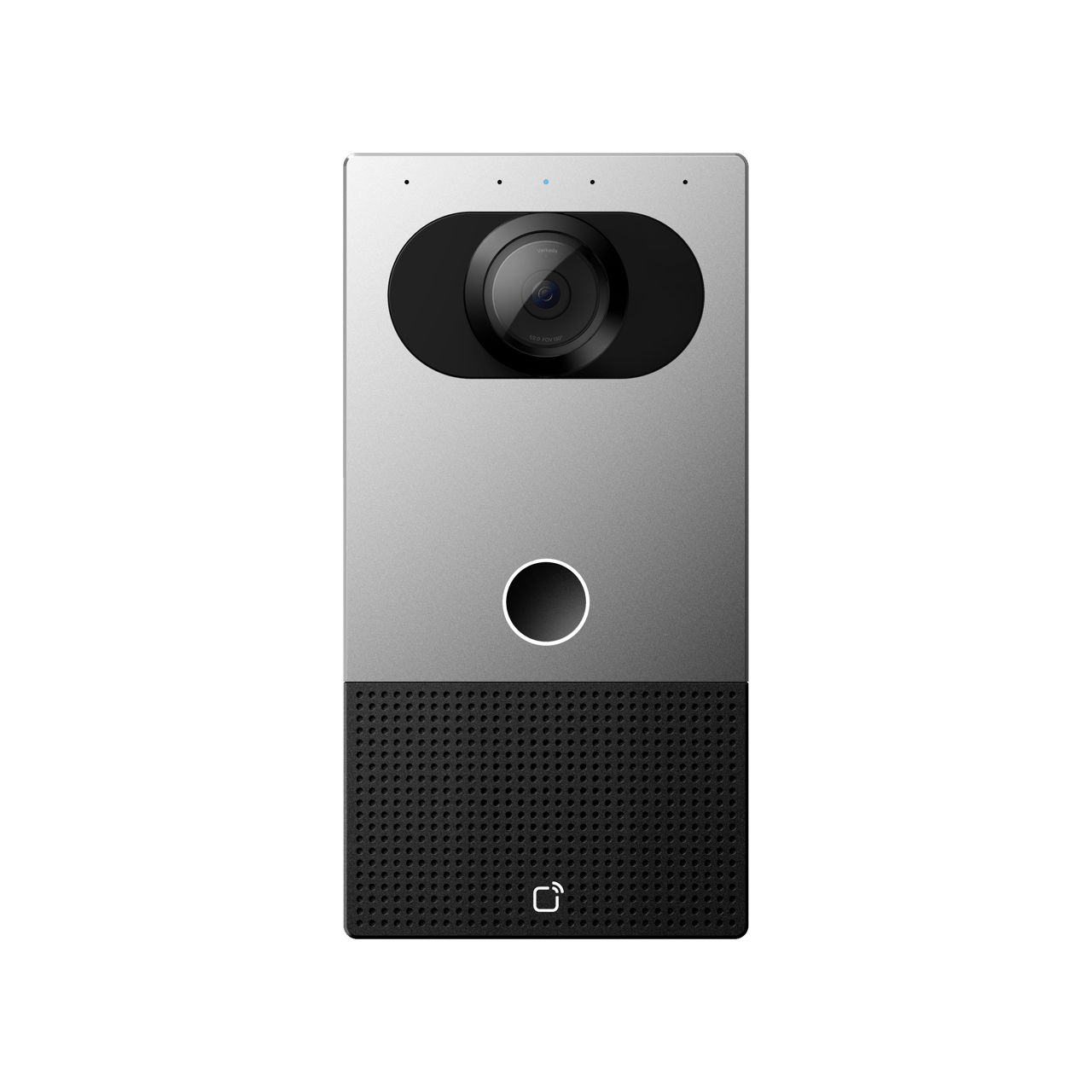
SIP intercoms come in a few form factors, and the right one depends on how many endpoints you need to reach.
- Single-button door station: one call button, one destination (or one ring group). Suits a small office, a private clinic, or a warehouse side door.
- Multi-tenant directory panel: a screen or scrollable keypad listing tenants or departments. Standard for office lobbies, residential buildings, and mixed-use properties.
- Combined access terminal: a single unit that combines a keypad, card reader, camera, video intercom, and sometimes a biometric reader.
Which one fits depends on tenant count, whether you want the intercom doubling as a primary access control point, and how demanding the outdoor environment is. Vandal-resistant housings and appropriate IP weather ratings matter for public-facing installations.
Power, Wiring, and PoE
Buy a SIP intercom that supports Power over Ethernet. PoE delivers both data and power over a single Cat5e or Cat6 run, which simplifies installation.
Check the required PoE standard and power budget in the exact device’s documentation. The Algo 8039 user guide, for example, specifies its supported power arrangement. A supply rating is not the same as measured device consumption. Include every powered component in the switch budget and verify the installation under its intended workload.
For wiring, respect the 100-metre Ethernet limit, use outdoor-rated cable for exterior runs, and add surge protection anywhere the cable leaves the building perimeter. Algo's documentation is explicit that cabling extending beyond the building perimeter requires lightning protection to protect the network switch. This is not optional in Canadian climates.
Cloud PBX, On-Prem PBX, or Vendor Cloud?
Your SIP intercom needs a SIP server to register to. There are three broad options:
- Cloud-hosted UCaaS platforms such as Microsoft Teams, Cisco Webex, RingCentral, or Zoom. Subscription-based, no on-site server, integrates with the rest of your unified communications. Note that Teams integration for SIP intercoms often requires a middleware layer — Verkada, for example, uses Cybertwice for its Teams integration.
- Self-hosted PBX such as FreePBX or Cisco CUCM. More configuration control, no per-seat cloud fees, but you own the patching and maintenance.
- Vendor-specific intercom cloud. Some intercom manufacturers run their own cloud platform for their devices. Convenient, but less flexible if you later want to route intercom calls to a general-purpose phone system.
For most small and mid-size buildings, a cloud PBX is the lower-maintenance choice. For enterprises with an existing Cisco or on-prem UC estate, the intercom typically registers to that.
Security: An Intercom Is a Network Device That Opens a Door

Treat the intercom like any other networked security device. Practical measures:
- Change the default password at commissioning. The Algo 8039 ships with the default password "algo" and its documentation explicitly recommends changing it if the device is directly reachable on a public network.
- Use Secure SIP (SIPS) with TLS transport for signalling, and SRTP for media. Axis's guide notes that a plain "sip:" address only guarantees the first hop is encrypted, whereas a "sips:" address requires TLS end to end. Not all clients support SIPS, so check compatibility before mandating it.
- Prefer SIP INFO for DTMF signalling when using encryption, because it travels inside the encrypted signalling channel rather than the media stream. Note that SIP INFO support varies between clients, so verify both ends before relying on it.
- Place intercoms on a dedicated VLAN, isolated from general network traffic.
- Keep firmware current, and confirm the vendor has a documented vulnerability disclosure process.
- For higher-security sites, consider using a separate relay device rather than the intercom's onboard relay for door release. Algo, for example, offers the 8063 IP Relay Controller as a more secure option than the relay on the public-facing intercom itself, so that tampering with the outdoor unit cannot directly release the door.
Common Mistakes at Deployment
- Buying a SIP intercom without checking whether your PBX or cloud platform is on the vendor's validated list.
- Skipping video to save on the initial purchase, then retrofitting a year later at higher total cost.
- Configuring only one answering endpoint, so calls ring into the void whenever that person is away. A ring group or failover destination is essential.
- Poor camera placement — mounted too high, or aimed to capture the top of every visitor's head.
- Assuming the intercom's onboard relay is sufficient for a large multi-door site. For anything beyond a few doors, pair the intercom with a real access control system.
- Overlooking elevator integration in multi-storey buildings. Unlocking the front door is only half the job if visitors then need floor access.
Illustrative Deployment Timeline
For a single-site commercial project, a rough sequence might look like this (durations vary widely by scope and site condition):
- Site walk: count doors and endpoints, identify PBX or cloud target, check PoE switch capacity, VLAN plan, and internet uplink.
- Procurement and scheduling: confirm PoE class and any electrical work needed for non-PoE accessories.
- Installation: run and terminate cabling, mount intercoms, configure SIP registration, provision endpoints (phones, apps, ring groups), and add surge protection on outdoor runs.
- Commissioning: user training on which button to press, audio-level tuning, camera aiming, and documentation of the final configuration.
Buyer's Questions to Ask Vendors and Installers
Before you commit, get answers on these:
- Is my PBX or UCaaS platform on your validated compatibility list? Can you show me the version tested?
- What PoE class does the device require, and does my switch have the budget across all planned devices?
- Does the intercom support TLS for SIP signalling and SRTP for media? Which DTMF methods does it support (in-band, SIP INFO, RFC 2833) for the unlock digit?
- What is the default admin credential, and does the setup process force a change?
- How are firmware updates delivered, and how do you handle disclosed vulnerabilities?
- Can the door release run through a separate relay device rather than the intercom's onboard relay?
- What is the failover behaviour if the primary answerer is unavailable or the internet is down?
- What weatherproofing and vandal-resistance ratings does the outdoor unit carry?
When SIP Might Not Be the Right Answer
SIP is not always the best fit. For a single-family home with one door and one occupant, a consumer smart doorbell is often simpler and cheaper. If a site has no network infrastructure and no plans to add any, a purpose-built LTE-cellular intercom may be a better match. And if you are committed to a specific proprietary access control ecosystem, that vendor's native intercom may integrate more tightly than a generic SIP unit — at the cost of switching flexibility later.
Match the tool to the job. If someone recommends SIP before understanding the site, the tenants, and the existing phone system, they are selling rather than consulting.
For the next planning step, see Commercial Door Entry Systems: What Actually Works in 2026. Contact Monarch with the site requirements to discuss the next step.
For audio placement and intelligibility testing, see the intercom speaker guide.
FAQ
Do I need an existing phone system to use a SIP intercom?
You need something for the intercom to register to. That can be your existing VoIP PBX, a cloud UCaaS platform, or a vendor's intercom cloud. If you have no phone system at all, most deployments include provisioning one or two cloud PBX seats specifically for the intercom.
Can a SIP intercom ring my staff's mobile phones?
Yes. A softphone or UC app on a mobile device is just another SIP endpoint. The intercom places a single call, and the PBX fans it out to whichever desk phones, softphones, and mobile apps are in the ring group.
Will a SIP intercom work if the internet goes down?
It depends on where the SIP server lives. If the intercom is registered to a cloud PBX and your internet drops, it cannot reach cloud endpoints. If it is registered to an on-prem PBX on the same LAN, local calls still work. Some models also support an offline PIN code so people with the code can enter when the network is impaired — check the device's documentation.
How is a SIP intercom different from a consumer smart doorbell?
Consumer smart doorbells are tied to one vendor's app and cloud and typically ring a single account's devices. A SIP intercom uses an open standard, registers to real phone systems, supports ring groups and failover, produces audit logs, and integrates with commercial access control. For anything beyond a single small office, SIP scales further.
Can I keep my existing door strike and wiring?
Usually yes for the strike or maglock itself, provided it is a standard 12V or 24V device the intercom's relay can drive. The intercom's own network cable will need to be new Cat5e or Cat6, because older intercom wiring is not rated for Ethernet.
How many endpoints can one SIP intercom ring at once?
The intercom itself only places one SIP call. The phone system fans that call out to the endpoints in the ring group, so the practical limit is set by your PBX or cloud platform rather than the intercom.
Is a SIP intercom secure enough for a high-security site?
It can be, if configured correctly. Use TLS for signalling and SRTP for media, isolate the device on a dedicated VLAN, enable tamper alerts, use a separate relay device for door release rather than the intercom's onboard relay, and pair the intercom with proper multi-factor access control rather than treating it as the sole security layer.