


Updated September 16, 2026.
A PoE security camera runs on a single cable. One Ethernet line carries both the camera's power and its data, so there's no separate power supply at the camera, no electrician needed at every mounting point, and one tidy run back to a network closet. For a business putting up more than a couple of cameras, that's the difference between a clean, scalable install and a tangle of outlets and adapters.
This guide explains what PoE (Power over Ethernet) actually is, how it works, why nearly every business camera system uses it, whether you still need an NVR, and what to look for. It's an explainer, not a "best products" list — because the right PoE setup depends on your building, not a ranking.
What is a PoE security camera?
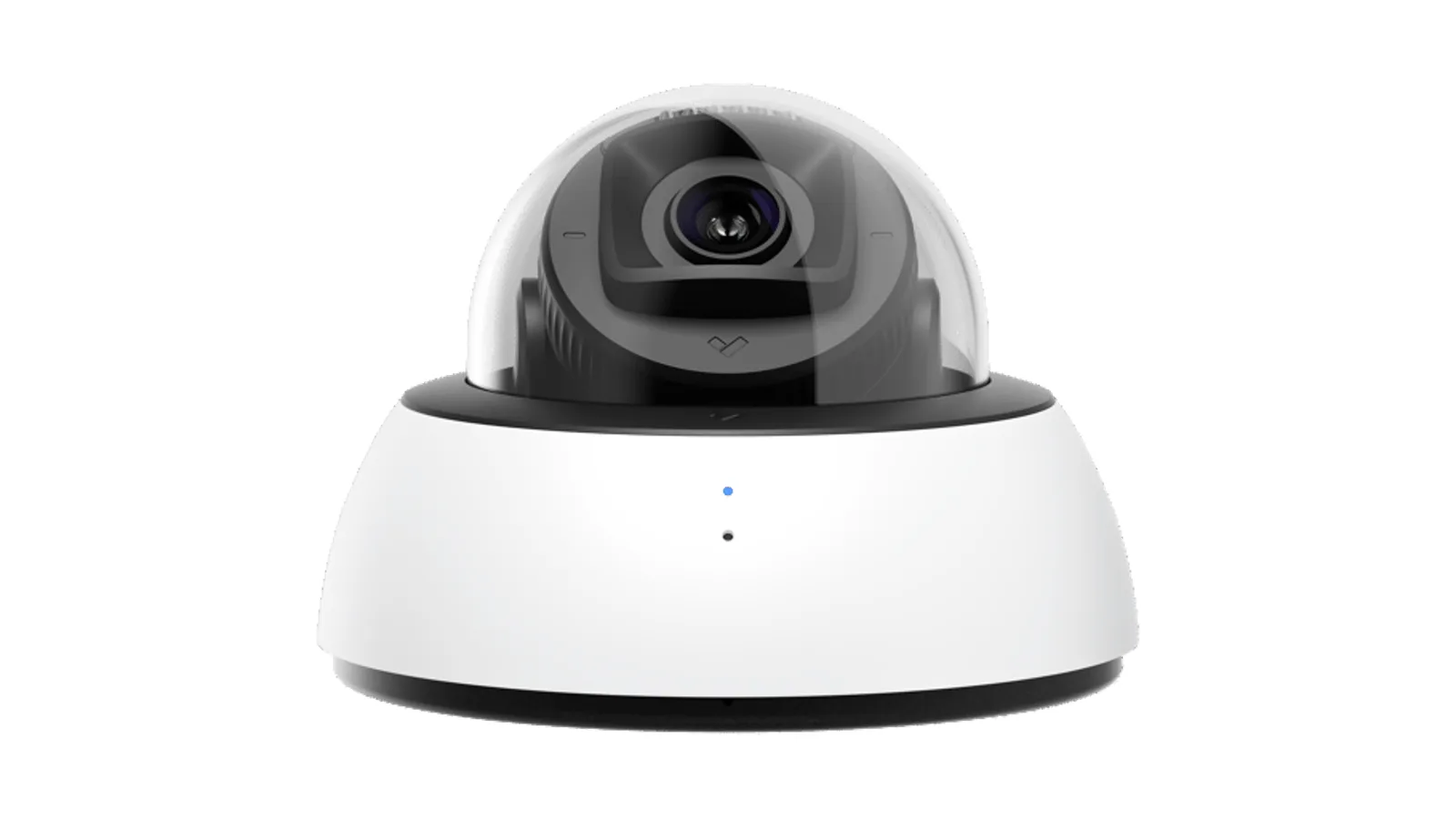
PoE stands for Power over Ethernet. A PoE security camera receives both its electrical power and its network connection through one standard Ethernet cable (Cat5e or Cat6), instead of needing a separate power adapter plugged into a nearby outlet.
That one-cable design is the whole appeal. A traditional camera needs two things at its location: data (a network cable or Wi-Fi) and power (an outlet). Outlets are rarely where you want a camera — up high, on a soffit, in a stairwell, over a loading dock — so powering cameras conventionally means hiring an electrician or running unsightly cords. PoE removes that problem: the same cable that connects the camera to the network also powers it, drawn from a PoE-capable switch or injector back in the IT closet.
The result is that a camera can go wherever it provides the best view, as long as you can run a network cable to it — up to about 100 meters (328 feet) per run, the standard limit for Ethernet.
How PoE cameras work
Behind that simple "one cable" promise are a few details worth understanding, because they determine whether your cameras get enough power and how you wire them up.
The power source. PoE power comes from one of two places: a PoE switch (a network switch whose ports supply power) or a PoE injector (a small device that adds power to a regular Ethernet line). The camera draws what it needs; the switch or injector supplies it over the same wires that carry data.
The standards (and why wattage matters). PoE comes in tiers, each delivering more power:
- 802.3af (PoE) — about 15 W per port, enough for many fixed cameras.
- 802.3at (PoE+) — about 30 W per port, needed for cameras with heaters, strong infrared, motorized zoom, or pan-tilt-zoom motors.
- 802.3bt (PoE++) — 60–100 W, for the most demanding devices.
This matters because a camera with a heater for cold weather or a power-hungry PTZ motor typically needs PoE+, not basic PoE. As a hypothetical: an outdoor bullet with an integrated heater and long-range IR illuminator will usually be spec'd for PoE+ because basic PoE simply doesn't have the headroom to run the sensor plus heater plus IR at once. Match the switch to the cameras, or some cameras won't power up.
Power budget. A switch has a total power budget across all its ports. Eight cameras at 25 W each need a switch that can deliver 200 W, not just eight ports. Undersizing the budget is a classic install mistake — the cameras nearest the switch work, and the rest brown out.
How many cameras can one PoE switch support?
It comes down to two numbers: the port count and the power budget, and the smaller of the two wins. A 24-port switch sounds like 24 cameras — but if its total PoE budget is 370 W and your cameras draw 25 W each, you can only fully power about 14 of them. The honest way to plan is to add up every camera's actual draw (outdoor cameras with IR and heaters pull more, often on PoE+), leave roughly 20% headroom, and pick a switch whose budget clears that number with the port count you need. For larger sites, it's normal to use several switches rather than one giant one — which also keeps a single switch failure from taking down every camera.
Can I plug a PoE camera straight into my router?
Usually not directly — most routers' Ethernet ports don't supply power. You connect the camera to a PoE switch or add a PoE injector between the router and the camera. The switch (or injector) provides the power; the router still handles the network. Some all-in-one recorders (NVRs) include built-in PoE ports for exactly this reason.
Why businesses choose PoE cameras
PoE became the default for commercial security for practical reasons:
- One cable per camera. Power and data together means simpler, cheaper, faster installs and far less to go wrong.
- Cameras go where they're needed. No dependence on a nearby outlet — mount for the best view, not the nearest plug.
- Centralized, protected power. Because power comes from the switch, you can put the whole system on a single uninterruptible power supply (UPS) in the closet, and every camera rides through a power blip. Protecting one rack beats protecting dozens of outlets.
- Wired reliability. A wired connection isn't subject to Wi-Fi interference, congestion, or a dropped wireless signal — important when the footage is evidence.
- Scales cleanly. Adding cameras means running more cable to the same switch (or adding a switch), not rethinking power everywhere.
PoE vs. Wi-Fi cameras for business
Wireless cameras have their place — temporary sites, rentals, spots where running cable is impossible — but for permanent business installations, PoE tends to win on the things that matter most:
| Consideration | PoE (wired) | Wi-Fi (wireless) |
|---|---|---|
| Reliability | Consistent wired link | Subject to interference and dead spots |
| Power | From the cable; one UPS protects all | Needs an outlet or batteries to manage |
| Security | Physically wired, harder to disrupt | Wireless signal can be jammed or congested |
| Bandwidth | Handles high-res, continuous streams | Shared airtime; degrades as cameras add up |
| Best for | Permanent, multi-camera sites | Temporary or no-cable locations |
For sites where you genuinely can't run a cable, the better answer is usually a purpose-built remote camera with cellular and battery/solar power, rather than relying on building Wi-Fi.
Do PoE cameras need an NVR?
This is where modern PoE systems split into two camps, and it's worth understanding before you buy.
The traditional way: cameras connect over PoE to a network video recorder (NVR) — a box on-site that stores all the footage. The NVR is the heart (and often the single point of failure) of the system: lose it, and you lose your recordings and often your remote access.
The cloud-managed way: each camera stores footage onboard (on a built-in drive) and syncs to the cloud, with no NVR required. Footage lives on the camera and is accessible via the cloud, and administration is done from a browser or app — there's no recorder box to buy, secure, patch, or replace. This is the architecture Verkada uses.
Neither approach is universally better. A traditional NVR gives you full local control and one place to size storage; a cloud-managed system removes the recorder as a piece of hardware to maintain and generally makes remote access simpler. Ask any vendor: where does footage live, what happens when the internet drops, how is it encrypted, and who is responsible for patching the storage and the management software?
Do PoE cameras still record without internet?
Yes — and this is a key advantage of onboard storage. A camera with local storage keeps recording to its own drive even if the internet connection drops; once the connection returns, it syncs to the cloud. PoE supplies the power and the local network, so as long as the camera has power, it keeps recording regardless of the internet. A camera that streams only to the cloud with no local buffer can't make that promise — another reason to ask specifically where footage is written.
What's the difference between PoE and PoE+?
They're the same idea at different power levels. PoE (802.3af) delivers about 15 W per port — enough for many fixed indoor and basic outdoor cameras. PoE+ (802.3at) delivers about 30 W, which is what cameras with built-in heaters, strong infrared illuminators, or motorized/PTZ lenses typically need. A PoE+ switch can power a PoE camera, but a basic PoE switch can't fully power a PoE+ camera — so when in doubt, spec PoE+ for outdoor and higher-end models. There's also PoE++ (802.3bt) at 60–100 W for the most demanding devices.
Do PoE security cameras need a special switch?
They need a switch (or injector) that supplies PoE — a regular unpowered network switch or router won't power them. Beyond that, "special" mostly means adequate: enough powered ports, a high enough total power budget for all your cameras, and ideally a managed switch so you can keep the cameras on their own network segment for security. It doesn't have to be exotic, but it does have to be sized correctly.
Are PoE cameras hard to install?
For a business, PoE is generally the easier path, because it removes the electrical work — there's no outlet to add at each camera, just one network cable per camera back to the switch. The real skill is in the planning (camera placement and cable routing) rather than the wiring itself. A cloud-managed system removes the other hard part — there's no recorder to set up — so cameras come online as soon as they're cabled and adopted in the management software.
How long do PoE cameras keep footage?
That's a function of storage, not of PoE itself. With a traditional NVR, retention depends on the recorder's drive size, the number of channels, bitrate, and whether you're recording continuously or on motion/events. With cameras that store footage onboard (plus cloud sync), retention depends on the camera's internal storage capacity and settings.
The practical way to plan retention: decide the minimum number of days you need to keep footage (often driven by insurance, policy, or how long it typically takes to notice an incident), then work backward to storage size using resolution, frame rate, and recording schedule. Ask the vendor for their retention estimates at your intended settings, in writing, for the specific models you're buying.
How far can a PoE camera run from the switch?
The standard limit for a PoE run over Ethernet is about 100 meters (328 feet) — that covers both the data and the power on a single Cat5e or Cat6 cable. Most buildings fit comfortably inside that, but campuses, large warehouses, parking areas, and gate houses often don't, and there are clean ways to go farther:
- An intermediate switch. Run cable to a smaller PoE switch partway out, then fan cameras off it. The most common and reliable approach.
- A PoE extender. A small inline device that adds roughly another 100 m per hop, useful for a single distant camera.
- Fiber plus a media converter or fiber switch. For long hauls between buildings, run fiber (which goes far beyond 100 m) to a remote PoE switch that powers the cameras locally.
The mistake to avoid is simply running a 150-meter cable and hoping — past the limit, you get a camera that powers unreliably or drops off the network intermittently, which is difficult to diagnose after the walls are closed up. Plan the distances before the cable goes in.
What to look for in a PoE camera system
If you're specifying a PoE camera system for a business, these are the decisions that matter — and the questions to put to any vendor:
- PoE standard and wattage. Confirm whether each camera needs PoE or PoE+, then size the switch's per-port and total power budget accordingly.
- Switch quality and capacity. Enough powered ports, enough total wattage, and room to grow. A managed switch also lets you keep cameras on their own network segment.
- Cabling. Cat5e or Cat6, within the ~100 m run limit; plan longer runs with intermediate switches or fiber.
- Storage architecture. NVR vs. onboard + cloud. This is the biggest long-term decision — it dictates what you maintain, how footage is backed up, and how you access it remotely.
- Cybersecurity. Who patches the cameras and the recorder or management software? Are default credentials forced to change on setup? Is management access encrypted and role-based?
- Outdoor rating. Weather (IP66/67) and impact (IK10) ratings for any exterior camera, verified per model — not assumed across a product line.
- Remote management. Can you administer cameras, users, and footage from anywhere, or are you tied to a machine on-site?
What a PoE camera installation involves
One reason PoE dominates commercial security is that the install is straightforward and predictable. At a high level it's four steps:
- Plan the camera positions and cable runs. Decide where each camera needs to see, then map a cable path from each spot back to the network closet, keeping every run inside the ~100 m limit. This step — not the gear — is what determines whether the footage is actually useful.
- Run the Ethernet. A single Cat5e/Cat6 cable goes from each camera location to the closet. No electrician at each camera, no outlets to add — just network cable.
- Power it from the switch. All those cables terminate at a PoE (or PoE+) switch sized for the camera count and power budget, ideally on a UPS so the whole system rides out power blips.
- Mount, aim, and configure. Cameras are mounted and focused, then brought online. With a cloud-managed system this last step is usually a matter of plugging in the camera and adopting it in software — there's no recorder to configure separately.
The upshot: adding cameras later is mostly a cabling job, not an electrical project, which is a big part of why PoE scales well as a business grows.
Can PoE cameras use my existing network?
Often, yes — but with a recommended caveat. PoE cameras run on standard Ethernet, so they can share your existing network infrastructure. Best practice for security and performance, though, is to put cameras on their own dedicated network segment or VLAN, separate from general office traffic. That keeps camera bandwidth from competing with everything else and limits exposure if any one device is ever compromised. A managed PoE switch makes that segmentation simple.
PoE with Verkada: one cable, cloud management
The cameras Monarch designs and installs — Verkada's lineup — are PoE cameras powered over a single Ethernet cable. What sets Verkada's architecture apart is that footage is stored on the camera and synced to Verkada Command in the cloud, so there is no separate NVR box on-site to buy, secure, or maintain. You add a camera by running one cable to your PoE switch; it appears in Command, where you manage cameras, users, and clips from a browser or phone.
That means a Verkada PoE system is, in practice, the cameras, a PoE switch, and the cloud management platform — not a rack of recording hardware. Browse the camera catalog to see the indoor and outdoor models. For locations where you truly can't run a cable, Verkada also offers a cellular remote camera line as an alternative to standard PoE.
If you're evaluating Verkada specifically, ask for model-specific documentation on PoE power tier, onboard storage capacity, and expected retention at the recording settings you plan to use — those numbers vary by model and should come from current datasheets rather than a general marketing description.
Limitations and best practices
PoE is robust, but a few realities will make or break an install:
- Respect the 100 m run limit. Beyond about 328 feet, you need an intermediate switch or a PoE extender — don't just run a longer cable and hope.
- Size the power budget, not just the port count. Add up every camera's draw (especially PoE+ models) and leave headroom.
- Use quality switches and cable. Marginal switches and off-spec cable are common culprits behind cameras that randomly reboot.
- Put the closet on a UPS. The biggest reliability win PoE offers is centralized power — use it by backing up the switch.
- Plan PoE+ where it's needed. Heaters, strong IR, and PTZ motors need the higher power tier; basic PoE will leave them under-powered.
- Segment the network. Cameras on their own VLAN keep surveillance traffic separated from general office traffic and reduce blast radius if any device is compromised.
Choosing the right PoE setup
PoE can simplify installations that support suitable cable routes and compatible powered devices. Compare it with the practical alternatives for the site rather than assuming it fits every location. Specify the switch power budget, recording design, network support and outage behavior as part of the complete system.
If you're planning or upgrading a PoE camera system, that's exactly what we do. Talk to a Monarch security expert and we'll size the switch, the cabling, and the storage architecture around your building — and walk through the trade-offs between an on-site NVR and a cloud-managed approach.
For manufacturer introductions to PoE camera architecture, compare Avigilon’s guide and Pelco’s guide. Use the exact camera and switch documentation for the supported power standard, cable channel and total load; a general guide is not a product-specific power budget.
For the next planning step, see Types of CCTV Cameras: What Actually Works Where.
Frequently asked questions
Can any network switch power a PoE camera?
No. Match the camera’s required power standard and load with the switch’s supported ports and total budget. Include other connected devices and the intended operating conditions.
Does PoE mean the camera works during a power failure?
Only if the necessary equipment remains powered. Review the camera, switch, recorder and communications path, then test the proposed backup arrangement with the installer.
What should be checked on a long cable route?
Verify the supported channel length, cable quality, connectors and power delivery for the exact equipment. Include any required intermediate equipment or fiber connection in the design.
Is an internet connection needed for local recording?
It depends on the recording architecture. Ask which recording, viewing and notification functions remain available locally, and demonstrate the configured system during an agreed connectivity test.