



The Honest Guide to the Intrusion Detection System
Updated September 16, 2026.
If your alarm panel goes off so often that your staff has started treating it like background noise, the sensors probably aren't the problem. The design is. Most detection systems fail not because the hardware is bad, but because nobody clearly defined what "unauthorized" means for that specific building, network, or shift.
This guide walks through what an intrusion detection system actually does, the choices worth making carefully, and the questions to ask any vendor before you sign.
What an Intrusion Detection System Actually Does
An intrusion detection system has three jobs:
- Detect activity that shouldn't be happening.
- Notify a human or another system quickly enough to matter.
- Leave a record you can use later for investigation, insurance, or compliance.
Notice what isn't on that list: stopping the intruder. That's the job of a prevention system, and we'll come back to the IDS-vs-IPS distinction below. A detection system's value is in noticing and reporting.
In physical security, this usually means a control panel, sensors (door contacts, motion detectors, glass-break sensors, vibration sensors), a communicator that reaches a monitoring station, and a user keypad. In cybersecurity, it means software watching network traffic or host logs for patterns that match known attacks or unusual behavior. NIST's SP 800-94, Guide to Intrusion Detection and Prevention Systems is still the standard reference on the cyber side, and it organizes IDPS into four categories: network-based, wireless, network behavior analysis, and host-based.
The Main Families: Network, Host, and Physical
Network-based intrusion detection (NIDS)
A NIDS sits at a network chokepoint — often near the firewall — and inspects traffic for known attack signatures, unusual patterns, or traffic that doesn't belong. It's effective for wide-scope threats like port scans, malware beaconing, or brute-force login attempts. It won't see activity that happens entirely inside a single endpoint.
Host-based intrusion detection (HIDS)
A HIDS runs on the endpoint — a server, workstation, or point-of-sale device — and watches logs, file integrity, and running processes. It catches things a NIDS can't see, such as a critical file being modified after hours or a process spawning unexpectedly. NIST SP 800-94 explicitly recommends combining host-based and network-based approaches because each covers the other's blind spots.
Physical intrusion detection
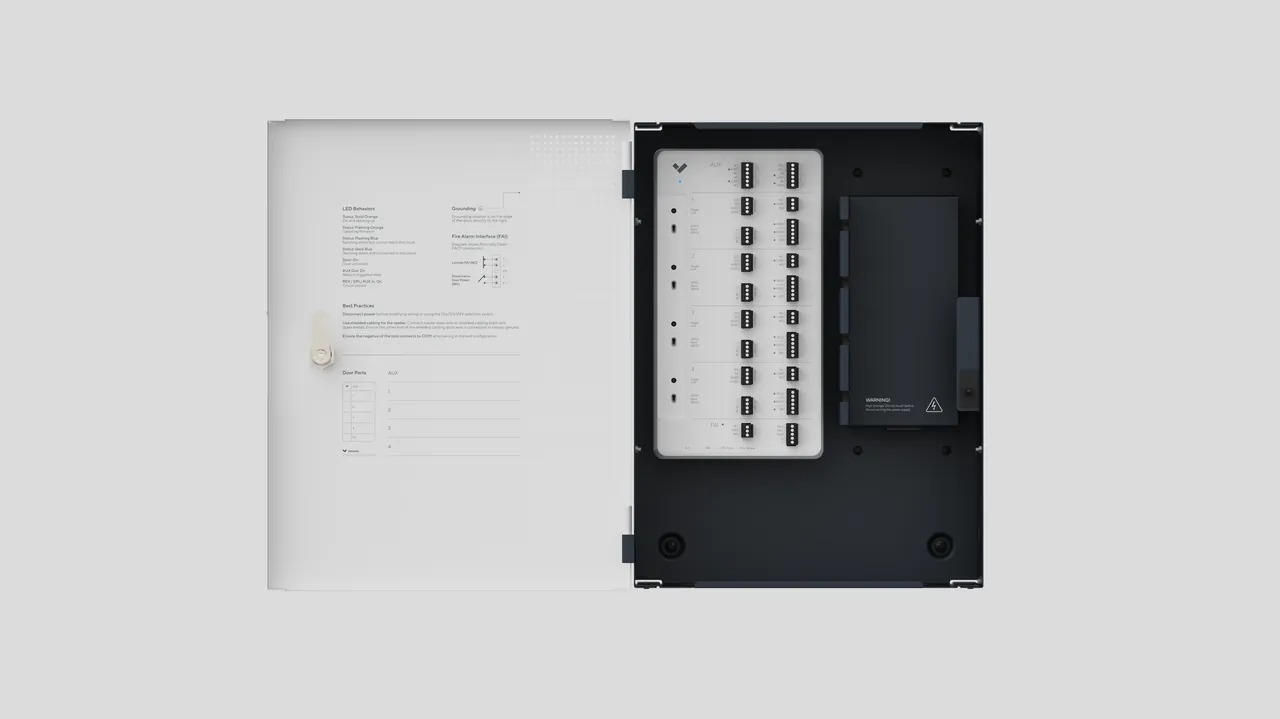
Door contacts, motion sensors, glass-break sensors, vibration detectors, and the panel that ties them together. The hardware isn't the hard part — the design is. Sensor placement should reflect how people actually move through the building at night, where cleaners go, and what mechanical systems (HVAC, delivery doors, roll-up bays) might trigger false alarms.
Detection Methods
Signature-based detection
The system compares events against a list of known-bad patterns. Fast and accurate for known threats, blind to anything new. Cisco's IDS documentation describes several signature techniques including simple pattern matching, stateful pattern matching, protocol decode-based analysis, and heuristic analysis.
Anomaly-based detection
The system builds a baseline of "normal" activity and flags deviations. Useful against novel attacks; also prone to flagging legitimate but unusual behavior (the accountant working at midnight during year-end close, for example).
Behavioral / heuristic detection
Looks at sequences of events rather than single events. A badge-in followed immediately by access to an unfamiliar server and a USB insertion tells a story that no single signature would flag. Cisco's materials note that heuristic engines are used for patterns like SYN-flood rate detection where a single packet isn't meaningful but the rate is.
Mature environments layer all three. Signatures handle known threats, anomaly detection catches the unusual, and behavioral detection catches attackers who move slowly enough to look normal in isolation.
IDS vs IPS
- IDS (Intrusion Detection System): detects and alerts. Passive.
- IPS (Intrusion Prevention System): detects, alerts, and blocks in-line. Active.
An IPS sounds strictly better, but every detection technology produces false positives, and an IPS's false positive is a blocked legitimate transaction. The typical compromise is an IPS at the perimeter for obvious automated threats and IDS deeper inside for traffic that needs human judgment before anything is dropped. The right answer depends on where the sensor sits, what traffic it inspects, and who receives the alert.
What a Real Commercial Deployment Looks Like

A well-designed commercial setup has redundant communication paths from the panel to the monitoring station (typically cellular plus IP, not either alone), door contacts on every perimeter opening, motion sensors covering the paths an intruder would actually walk, glass-break sensors tuned to the specific glass in the building, and duress codes for staff who might be forced to disarm under threat.
Integration matters more than any single component. When alarm, access control, and video are on one platform, a valid badge can automatically disarm the system for that user, and an unexpected door opening can trigger both a full-resolution recording and an alert with video attached to the monitoring station. Cisco's IDS design documentation describes similar layered thinking on the network side: sensors deployed at policy enforcement points, host agents on business-critical servers, and centralized management aggregating alerts.
For an example of the integrated-platform approach on the physical side, Verkada's platform is one we deploy frequently because the integration behaves as advertised.
On the cyber side, the same building should have a NIDS at the network edge, a HIDS on servers and any device handling payment or personal data, and centralized logging that a human actually reviews on a regular cadence. Logs nobody reads aren't security — they're storage cost.
Common Design Mistakes
- Never testing the response. You don't have a working system until you've confirmed that a real alarm produces the intended response in a defined time. Test quarterly.
- Relying on a single detection method. Signatures alone miss novel threats; anomaly alone drowns you in false positives. Layer them.
- Skipping tuning. Every false alarm trains staff to ignore the next one. Adjust sensor sensitivity, reposition sensors, and update schedules for cleaning crews and after-hours workers. NIST SP 800-94 and Cisco's deployment guidance both emphasize that tuning is where most of the operational value comes from.
- Ignoring the human factor. If a badge reader is inconvenient, someone will prop the door open. Design around actual behavior.
- No documented response plan. Who gets called at 3 a.m.? Who is authorized to dispatch police, or to override a dispatch during a clear false alarm? Write it down before you need it.
- Treating physical and network security as separate problems. Modern attacks cross the boundary routinely.
Standards and Compliance
Which standards apply depends on your industry and jurisdiction. Rather than list requirements that may or may not apply to you, ask any prospective vendor to tell you specifically which standards apply to your building or environment, and how their proposed system meets each one. If they can't answer clearly, that's useful information.
On the cybersecurity side, NIST SP 800-94 remains the primary federal reference for designing, deploying, and operating IDPS. Note that NIST retired a 2012 draft revision and has not yet released a replacement, so SP 800-94 is dated in specifics but still sound on fundamentals.
How to Choose a System
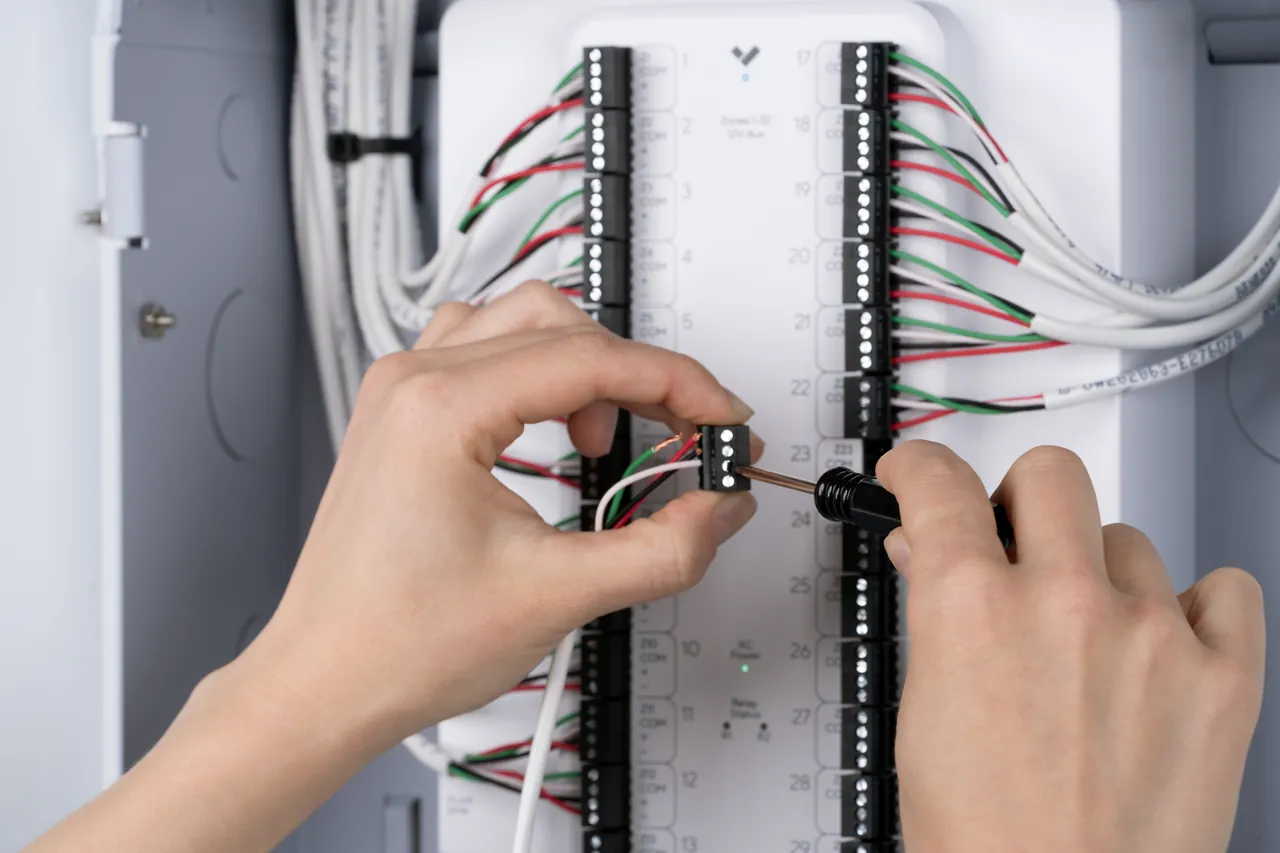
Useful questions to ask before signing anything:
- What am I protecting, and what does losing it cost? The system's price should be proportional to the loss it prevents.
- What is the realistic threat model? Opportunistic theft, organized retail crime, insider misuse, and targeted intrusion all call for different sensor mixes.
- Who monitors alarms, and what is the documented response time? Self-monitoring via a phone app is fine for a small office and inadequate for a warehouse.
- How does the system integrate with existing access control, cameras, and network security? Integration is where most of the practical value shows up.
- How does the installer approach tuning? If the answer is "we use the defaults," keep shopping.
- Where does the data live, and what happens during a vendor outage? Ask specifically about offline-fallback behavior.
- What is the process and cost for signature and firmware updates over the life of the system?
Our solutions overview goes into the design process by industry, and the contact page is the fastest way to get someone on site for a walk-through.
What Maintenance Actually Requires
A detection system needs ongoing attention:
- Quarterly walk-tests of every sensor, with confirmation that the panel and monitoring station both receive the signal.
- Annual replacement of wireless sensor batteries and the panel backup battery.
- Regular firmware updates on networked equipment. Out-of-date firmware on physical security devices is a common entry point for compromise.
- Periodic user audits — codes and badges should be reconciled against current employees at least every six months.
- Monthly false-alarm review, looking for repeat causes rather than treating each event in isolation.
We publish real (anonymized) failure-mode write-ups on our blog if you want examples of what these reviews turn up.
Integrating Detection With Cameras and Access Control
The practical difference between a modern integrated system and a standalone panel shows up at 3 a.m. A monitoring operator with live video can often dismiss a false alarm in seconds. Without video, the default is to dispatch police, which is expensive (many jurisdictions fine repeat offenders), erodes trust in the system, and consumes public-safety resources.
If you want to see the components we actually deploy, our catalog is intentionally short — we don't list gear we wouldn't install ourselves.
A Note on AI

AI-assisted analytics have improved substantially at distinguishing people from shadows, recognizing vehicles, and clustering related events. They're a genuine force multiplier for reviewing large volumes of video and log data.
They are not a replacement for human judgment. AI systems need training data, ongoing tuning, and periodic audit. They fail in ways that are sometimes hard to predict — a broken sprinkler flagged nightly as an intruder, for instance, until someone intervenes. Treat AI as a filter that reduces the volume a human has to review, not as an autonomous decision-maker.
Bringing It Together
A good intrusion detection system is a combination of sensors, software, monitoring, procedures, and people. Buying components without designing the flow gets you components. Designing the flow gets you security.
If your current setup produces more noise than signal, the fix is usually tuning, occasionally a few better-placed sensors, and sometimes a panel that predates modern communication paths. A site walk is usually enough to identify which.
For a product-specific alarm setup, Verkada’s New Alarms guide explains its configuration workflow. For the separate outdoor boundary problem, the NPSA perimeter-detection guide discusses perimeter technologies. Neither should be read as a universal interior sensor layout.
FAQ
How should a communications failure be tested?
Coordinate with the monitoring provider and installer so the test cannot trigger an unintended dispatch. Confirm which local functions continue, who receives the fault and how normal service is verified after recovery.
What's the difference between an intrusion detection system and a burglar alarm?
"Burglar alarm" is the older consumer term; "intrusion detection system" is the broader term used across commercial physical security and cybersecurity. Commercial-grade systems generally include monitored response, integrated video and access control, and detailed event logging that a basic residential burglar alarm doesn't provide.
How much does a commercial intrusion detection system cost?
The main cost drivers are the number and type of sensors, the monitoring arrangement, and the depth of integration with existing systems. Reliable pricing requires a documented site walk — square-footage estimates tend to be misleading in either direction.
Can I monitor my own intrusion detection system instead of using a monitoring service?
For very small sites, self-monitoring via a phone app can work. For commercial properties it usually isn't sufficient: alerts get missed during off-hours, and self-monitoring users generally lack the established relationship with local dispatch that a UL-listed central station provides.