



Updated September 16, 2026.
A central alarm system exists so that when something goes wrong at your property, a trained person — not just an app notification — sees the signal and decides what happens next. That distinction is the entire point of paying for professional monitoring, and it's the difference between a system that reliably brings help and one that just makes noise.
If you're trying to figure out whether you need one, what to look for, and how to avoid the traps that turn a security investment into a monthly annoyance, this guide walks through the moving parts, the standards that matter, and the questions worth asking before you sign anything.
What a Central Alarm System Actually Is
The phrase "central alarm system" gets used for two related but distinct things, and it's worth separating them.
The first is the physical setup at your building: a control panel, keypads, sensors on doors and windows, motion detectors, glass-break detectors, smoke and heat detectors, and a communicator that transmits signals over cellular, internet, or both. Everything reports back to the panel, and the panel decides when and how to send a signal outbound.
The second is the monitoring service — the "central station" or "monitoring station." This is a commercial facility, staffed around the clock, that receives alarm signals and follows agreed-upon procedures for each account. According to UL Solutions, a monitoring station is "a commercial entity that monitors fire, commercial security, managed video, and residential security alarm signals and/or live feeds," where a trained operator records the signal and initiates the appropriate response.
You need both halves for the system to be useful. A capable panel with no monitoring is a local noisemaker. A monitoring contract paired with a flaky panel is paying for signals that may never arrive.
The Standards That Actually Mean Something
There are a few certifications worth understanding, because vendors will drop these into a sales pitch without explaining what they cover.
UL 827 is the standard for central-station alarm services. Monitoring stations that want to be UL Listed must demonstrate compliance with UL 827 and undergo an on-site examination, with annual audits to confirm continued compliance (UL Solutions). UL offers four monitoring station listing categories: central station fire alarm service, central station burglar alarm service, hosted central station, and managed video monitoring service.
NFPA 72, the National Fire Alarm and Signaling Code, sets the requirements for fire alarm systems — including how signals from a protected premises are supervised, retransmitted, and acted on by a central station (NFPA). If you're installing fire alarm monitoring, NFPA 72 is the governing document your integrator should be able to speak to fluently.
Local jurisdiction rules matter too. In New York City, for example, central station monitoring of fire alarm systems is governed by § 901-01 of the Fire Department rules. Your city or county likely has its own requirements around alarm permitting, verified response, and false alarm fees.
Note that UL Listing under UL 827 and third-party industry designations (such as trade-association program marks) are separate programs run by different organizations. If a vendor claims multiple certifications, ask which body issued each one and when it was last audited.
How the Signal Actually Gets From Your Door to a Dispatcher

The trip a single alarm signal takes is straightforward:
- A sensor triggers — door contact opens, motion is detected, glass breaks, smoke is sensed.
- The control panel receives the trigger and evaluates it against its programming: is the system armed, is this zone in a delay window, does the event meet the criteria to transmit?
- If the panel decides to send, it transmits a signal — typically over encrypted cellular, with IP as a backup path, since traditional phone lines are being phased out on most new installs.
- The central station receives the signal, the operator pulls up your account, sees the zone that tripped, and follows the written action plan you agreed to at install.
- The operator calls the premise to verify, runs through the confirmation protocol, and dispatches police, fire, or EMS as appropriate.
The exact timing depends on the account setup, verification requirements, and dispatch procedures. What matters is that a trained operator is the one making decisions, not you or an app.
The Sensors and Devices That Make Up the System
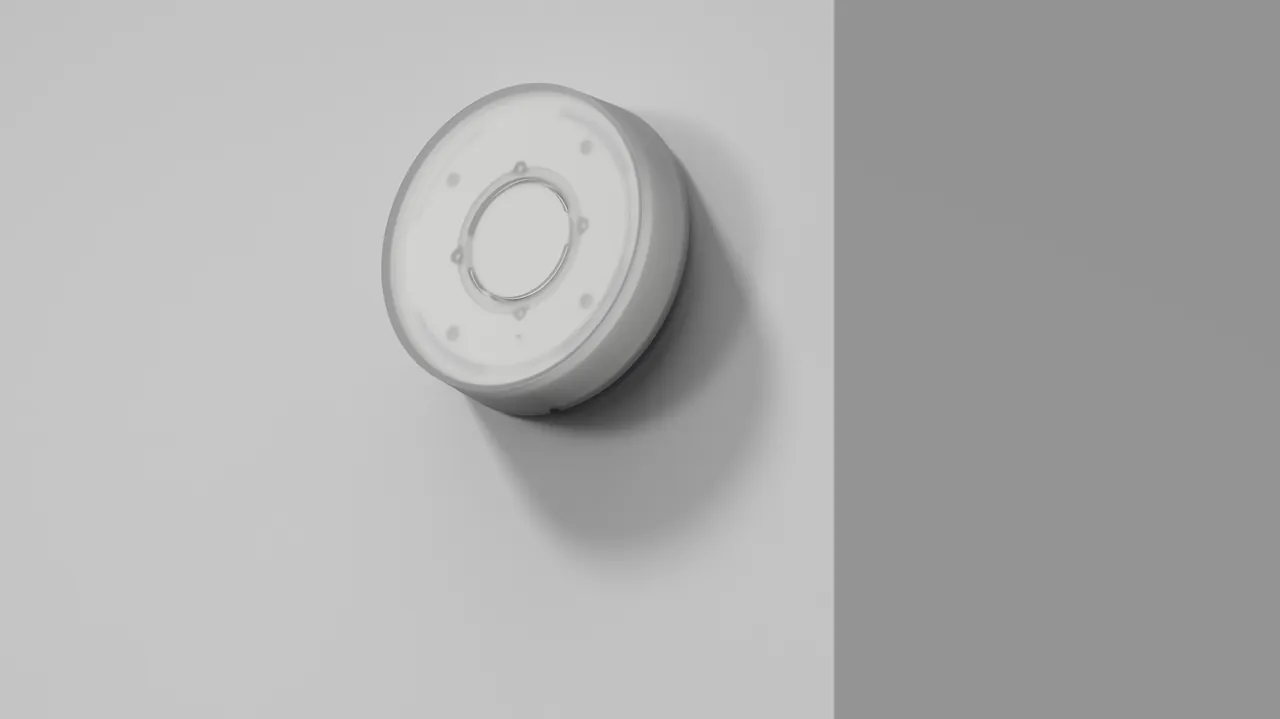
A small office might use a handful of devices; a warehouse could use dozens. The common categories:
- Door and window contacts (magnetic — simple and reliable)
- Motion detectors (PIR, dual-tech, and pet-immune variants)
- Glass-break detectors (acoustic sensors tuned to specific frequencies)
- Smoke, heat, and CO detectors tied into fire monitoring
- Panic buttons (fixed under-counter, on-desk, or wearable for lone workers)
- Environmental sensors — water leak, freezer temperature, equipment room temperature
- Duress codes (a PIN that appears to disarm the system while silently signaling that the user is under coercion)
The right mix depends on the building and the risk. A retail jewelry store weights toward glass-break, interior motion, and hold-up signaling. A self-storage facility cares about perimeter contacts and outdoor detection. A medical office might prioritize door contacts, motion, and a freezer temperature sensor to protect refrigerated inventory. TMA's A Practical Guide to Central Station Burglar Alarm Systems is a useful reference on system design and levels of protection (TMA).
Why Professional Monitoring Beats Self-Monitoring for Commercial Sites

Self-monitoring — where the panel sends push notifications to your phone and you decide what to do — can work fine for a small residence. For a commercial property, it tends to fall apart in predictable ways: you miss the notification, you see it but can't act (driving, in a meeting, asleep), or you act but have to call 911 yourself and explain the situation from scratch.
A central station handles all of that in parallel, using a written action plan tied to your account.
There's also the compliance angle. For UL "full-service" categories such as Central Station Burglar Alarm Systems (CPVX) or Central Station Fire Alarm Systems (UUFX), UL-listed stations can issue Protected Property Alarm System Certificates that document the features of an installed system and its associated services — certificates that insurance companies and code officials often require (UL Solutions). If your insurance carrier or local code authority asks for evidence that your alarm is professionally monitored to a defined standard, this is the paperwork that answers it.
Verified response is another factor. Many municipalities now require verification — audio, video, or a second confirmed sensor — before police will dispatch. A central station operator can perform that verification live; a push notification cannot.
What It Costs (In Rough Buckets)
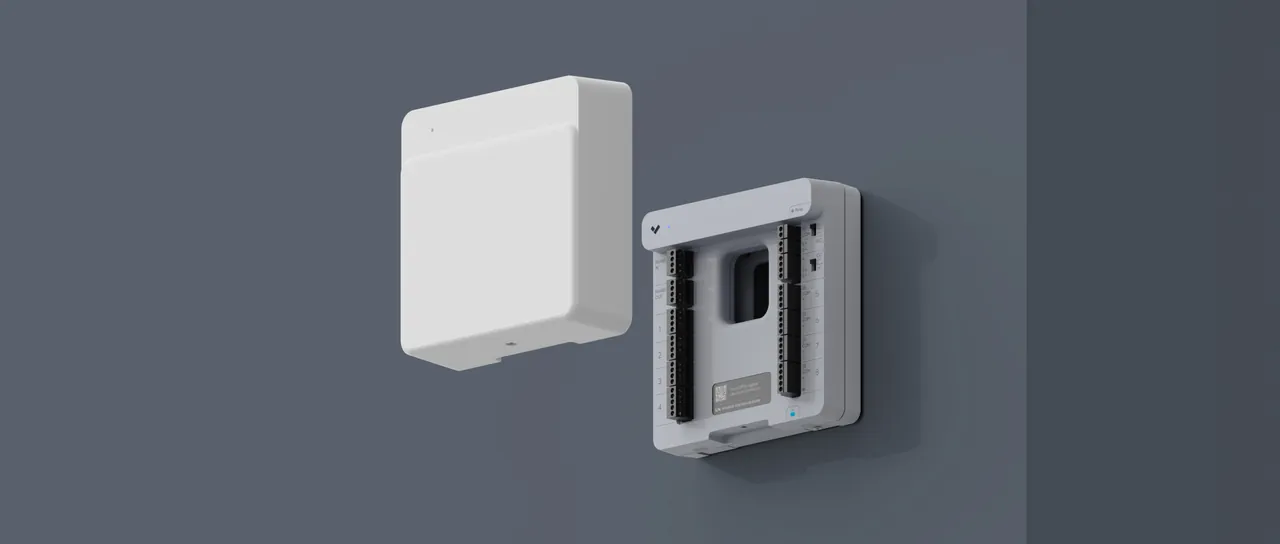
Rather than quote numbers that vary wildly by market and site, think in terms of three cost buckets to get bids on:
Equipment. Panel, keypad, communicator, and sensors. The device count and any specialty devices (fire, glass-break arrays, video verification cameras, panic buttons) drive most of the variation.
Installation, programming, and training. This is where a good integrator earns their fee — clean wiring, logical zone programming, staff training, and thorough documentation are the difference between a system that stays trusted for years and one that everyone starts ignoring after six months.
Ongoing monitoring. Base intrusion monitoring is priced per account per month; adding fire, two-way audio verification, or video verification increases the rate. If a monitoring quote seems dramatically lower than others, ask what's included in the action plan and how failover to a backup central station works.
If you want to see current-generation panels and sensors, our security product catalog is a starting point.
Managing False Alarms and Local Fees
Most jurisdictions charge fees for repeated false alarms — the specific structure and dollar amounts vary by city or county, so check your local ordinance before you assume anything. The way to avoid them isn't to ignore alarms; it's to design the system so it stops generating false ones.
That means proper sensor placement, pet-immune motion detectors where appropriate, regular testing, employee training on arm/disarm procedures and the use of duress codes, and pairing intrusion detection with video verification so the operator can confirm what's happening before dispatch. A verified alarm generally gets a faster response and is far less likely to trigger a fine.
Questions Worth Asking a Provider
Before signing a monitoring contract or install agreement, get clear answers to:
- Is the central station UL Listed under UL 827, and in which categories? (You can verify listings through UL's Product iQ directory.)
- Where is the backup central station located, and what event triggers failover?
- What is the primary communication path — cellular or IP — and what is the backup path?
- Who owns the equipment at the end of the contract, and can the panel be re-monitored by another provider if you switch?
- What is the contract length, what are the renewal terms, and what are the cancellation provisions?
- Is service handled by the provider's own technicians or subcontracted?
- For fire monitoring, does the installation and monitoring comply with NFPA 72 and any applicable local rules?
- Can the station issue a UL Protected Property Alarm System Certificate if your insurer or code authority requires one?
If a vendor can't or won't answer any of these directly, treat that as the answer. Talk to our team at Monarch if you'd like an honest walk-through of what makes sense for your site.
For the next planning step, see Alarm Monitoring: What Actually Happens When It Trips.
FAQ
Does a central alarm system work if the power or internet goes out?
A properly designed system should. Control panels are required to run on a backup battery, and modern installs typically use cellular as either the primary or backup communication path so a cut internet line or power outage doesn't blind the system. Ask your integrator about the standby battery duration on your specific panel and confirm that the communicator uses dual-path (cellular and IP) rather than a single path.
What's the difference between a central alarm system and a smart home security app?
A central alarm system uses a 24/7 monitoring center with trained operators who follow a documented action plan for each account and dispatch emergency services on your behalf. A smart home app sends you a notification and waits for you to act. For commercial properties — or any site where insurance carriers, code officials, or significant assets are involved — the monitored route is typically the one that meets compliance requirements.
How long does installation take?
It depends on the site. A small commercial location with one entry and a handful of zones is often a one-day install; a larger facility with multiple entries, fire integration, and video verification can take longer, plus programming and staff training. The site walk-through and zone mapping done before install are what determine whether the finished system is usable day-to-day.
Can I keep my existing panel and just switch monitoring companies?
Sometimes. If the panel is owned outright rather than leased, and isn't locked to the previous provider, it can often be re-programmed and monitored by a different central station. Some panels are proprietary or firmware-locked to a specific provider and need to be replaced. A reputable integrator will tell you upfront which situation you're in.
What happens if there's a false alarm?
Under a typical action plan, the central station calls the premise first, runs through the verification protocol (passcode, two-way audio, or video check), and only dispatches if they can't confirm it's a false trip. If dispatch does respond to a false alarm, local fees may apply depending on your jurisdiction's ordinance. The best defenses are correct sensor placement, staff training on arm/disarm and duress procedures, and video verification so the operator can see what's happening before anyone is sent.