


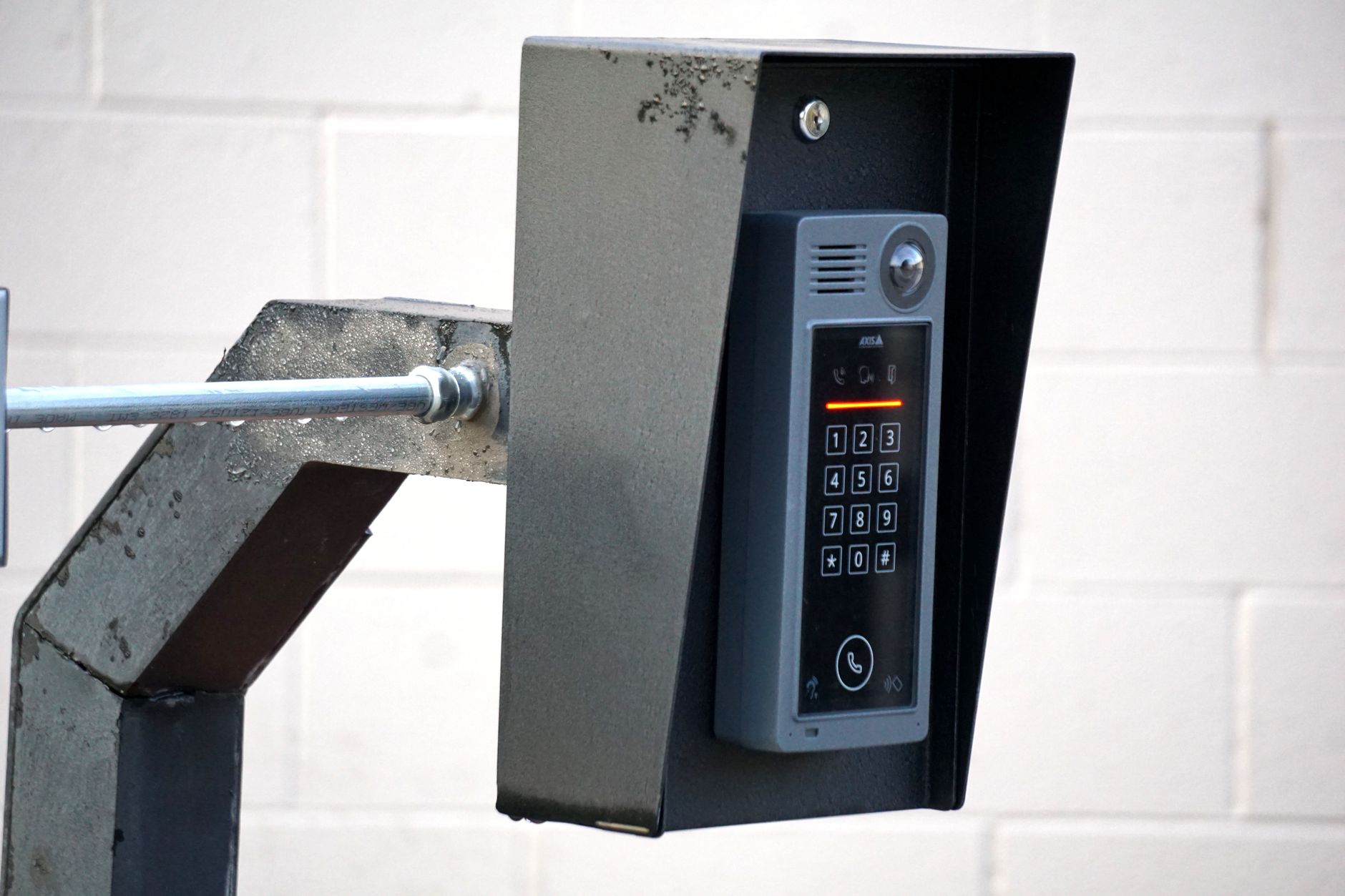
Updated September 16, 2026.
If you're evaluating a building intercom system in 2026, the category has changed enough since the last hardware refresh cycle that many older assumptions no longer hold. This guide walks through what these systems do today, the categories that exist, the features that matter, the ones that don't, and the practical constraints of installation, maintenance, and compliance.
The goal is decision support, not a product pitch. Where a claim depends on your jurisdiction or building, we'll flag it.
What a Building Intercom System Actually Does
At its core, a building intercom is a two-way communication device that lets a visitor at an entry talk to someone inside the building and, if the person inside approves, releases the door lock. The British standard BS EN IEC 62820-3-1:2018 defines the wider scope for planning, installation, commissioning, operation, and maintenance in a security context.
Modern systems layer additional functions on top of that basic call-and-release flow:
- Video, so residents can visually verify who is at the door
- Mobile answering, so calls route to a smartphone whether the resident is home or away
- Visitor logs and audit trails
- Delivery handling via one-time PIN or QR codes
- Integration with access control for gyms, garages, and secondary entries
- Directory management that can be updated without swapping physical nameplates
A modern intercom effectively becomes the front door's control point, combining visitor communication with access control functions in a single device.
The Three Main Categories
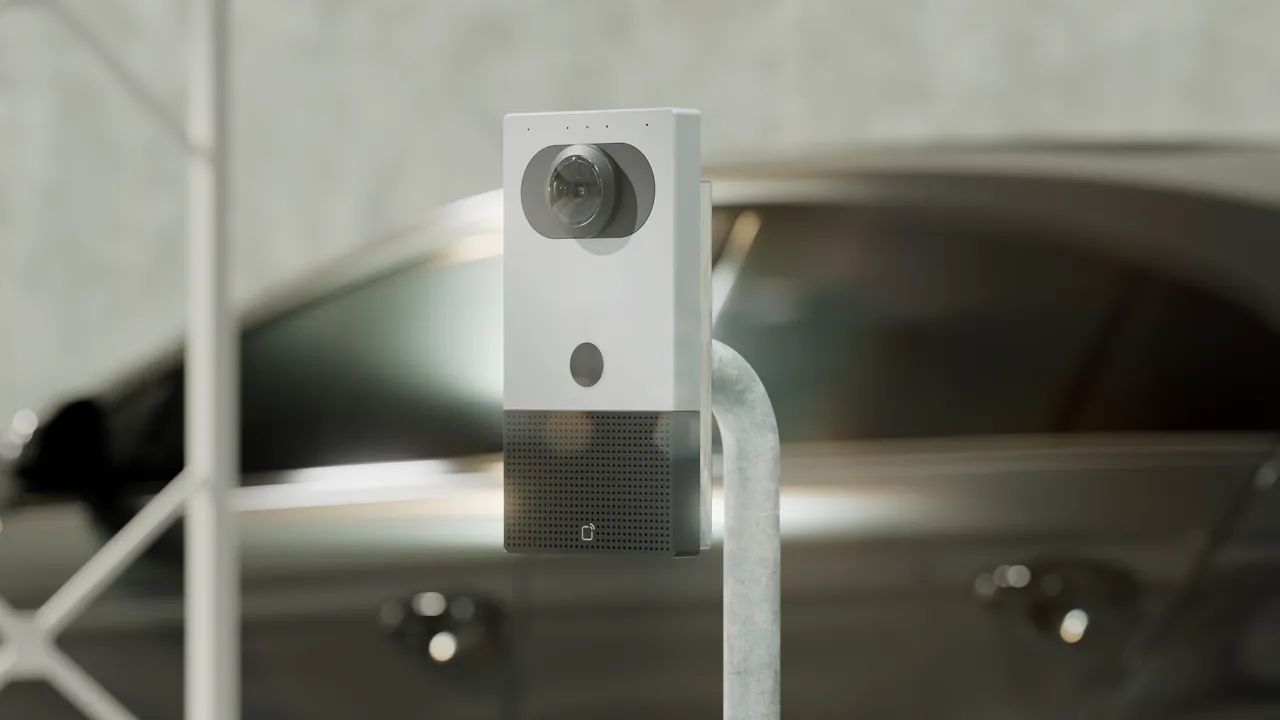
Marketing language aside, there are three categories that matter.
1. Audio-Only Intercoms
A speaker, a microphone, a button. Voice-only communication between the entry panel and an in-unit handset. Still common in older buildings where cost and simplicity are the priority. Worth noting: modern audio IP intercoms can support remote management, access control integration, and mobile forwarding even without a camera, so "audio-only" doesn't automatically mean "basic."
Trade-offs: no visual verification, and in analog form, no logs or remote management.
2. Wired Video Intercoms
A camera at the entry, a screen in each unit or at a concierge desk. Visual verification meaningfully reduces the risk of buzzing in the wrong person. Retrofits are expensive because you're typically running dedicated cable to every unit, and in-unit screens have a finite service life.
3. IP / Cloud-Based Video Intercoms
These run over standard IP networks. Calls can route to a smartphone app, the system is managed through a cloud dashboard, and integration with access control, VMS, or building management systems is generally straightforward. Most use wired Ethernet, though some support Wi-Fi or cellular where new cabling isn't practical — useful for retrofits.
Trade-offs: dependence on internet connectivity, ongoing subscription costs, and tenants who may resist a phone-based answering model.
Residential vs Commercial
Residential and commercial intercoms solve related but distinct problems.
Residential systems typically prioritize:
- Directories that scale to hundreds of units
- Handling frequent tenant turnover
- After-hours visitor access without a concierge
- Delivery courier workflows
- Occasional guests, tradespeople, and family visits
Commercial systems typically prioritize:
- Employee credentials tied to a broader access control system
- Vendor management with time-windowed access
- After-hours building security
- Visitor check-in workflows
- Multi-tenant scenarios where one building hosts several organizations
Mixed-use buildings often need a system that can hold multiple directory "personalities" at once — a residential directory for the apartment lobby, a separate one for an office tenant, and back-of-house entries for deliveries.
Features That Actually Matter
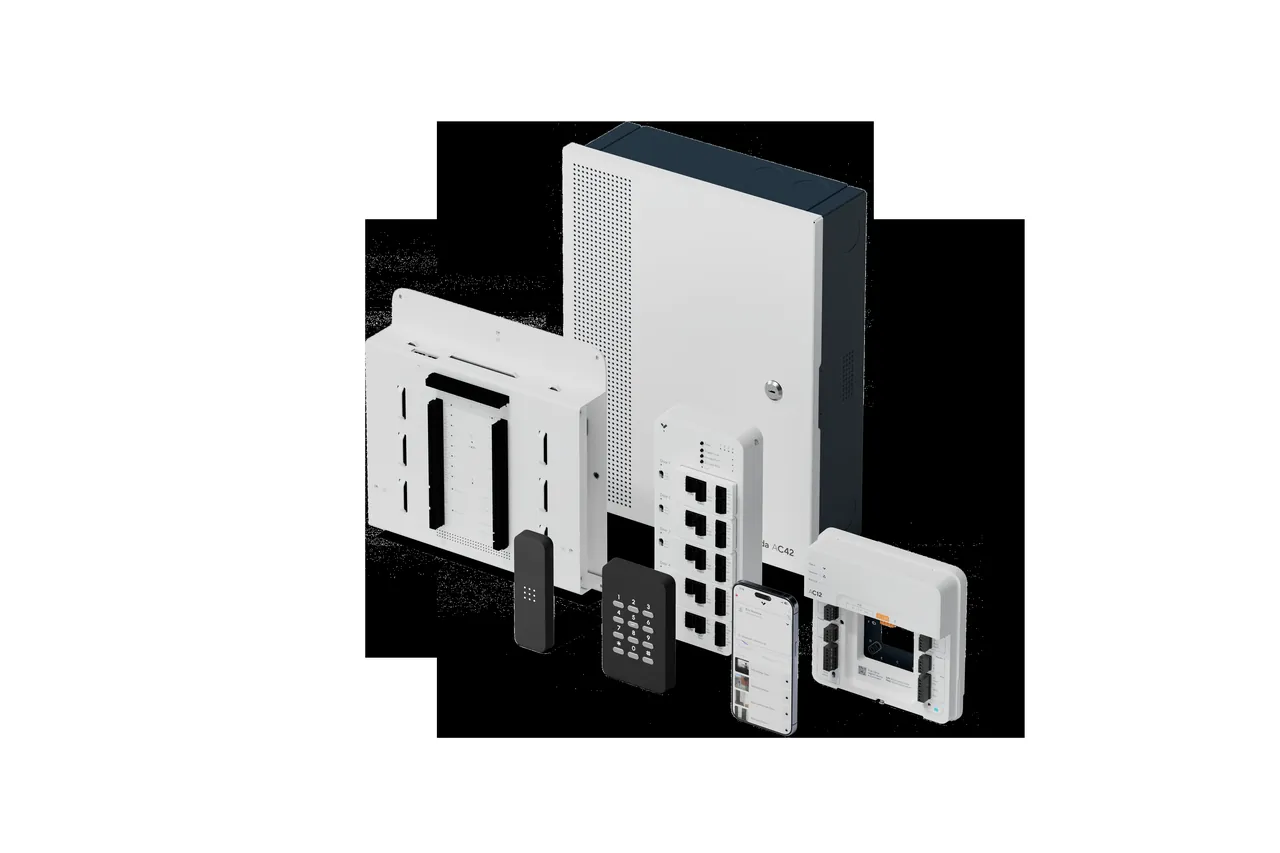
Not every feature on a spec sheet is worth paying for. Here's what to weight heavily.
Mobile Answering That Works Reliably
If tenants can't answer the door from their phone quickly, they stop using the feature. Ask vendors to demonstrate the alert time on a real phone in the same network conditions your building will use. Test with the app in the background and closed, not just open.
Two-Way Video With Low Latency
Real-time conversation only works if latency is low enough for natural speech. Test this before you sign — a laggy video call encourages residents to buzz people in without actually verifying.
Visitor PIN Codes and QR Codes
Residents need a fast way to grant one-time access to a contractor, dog sitter, or delivery. The workflow should be as short as possible in the tenant app. Long web-portal forms don't get used.
Delivery Handling
Deliveries are a large share of front-door traffic in many residential buildings. Look for support for one-time PINs or time-windowed courier codes.
Audit Logs With Video
Every entry event should be logged with time, unit called, outcome, and ideally a still or short clip. When something goes wrong — theft, unauthorized entry, a tenant dispute — the log is what you'll rely on.
Integration With Access Control
Your intercom shouldn't be an island. Deactivating a departing tenant should be a single action across intercom, fob, and mobile credentials. Look for open standards support (SIP for voice, and where relevant OSDP or REST APIs for access integration).
Weather and Vandalism Resistance
Outdoor entry panels get rained on, kicked, and occasionally attacked. 2N's own guidance recommends IP54 or higher for weatherproofing and IK10 for vandal-resistant housings in exposed or high-traffic locations. Adjust upward for coastal or corrosive environments.
Features That Sound Cool But Rarely Matter
Facial Recognition at Public Entries
Lighting varies wildly, visitors change appearance, and biometric processing at building entries is regulated in many jurisdictions. For a mixed-use public entry, the operational and legal overhead usually outweighs the convenience. A controlled employee entry is a different conversation.
"AI-Powered" Anything
Ask vendors to specify what the AI actually does, how it's evaluated, and what happens when it's wrong. Motion detection rebranded as AI isn't a differentiator.
Color Touchscreens in Every Unit
If you're going cloud with phone-based answering, in-unit screens are optional. Some populations (senior living, for example) genuinely benefit from a dedicated indoor station — the 2N Indoor View and 2N Indoor Compact are examples of touchscreen and streamlined formats respectively. For most other buildings, it's an expensive fixture that becomes a firmware liability.
Installation: The Part That Sinks Projects
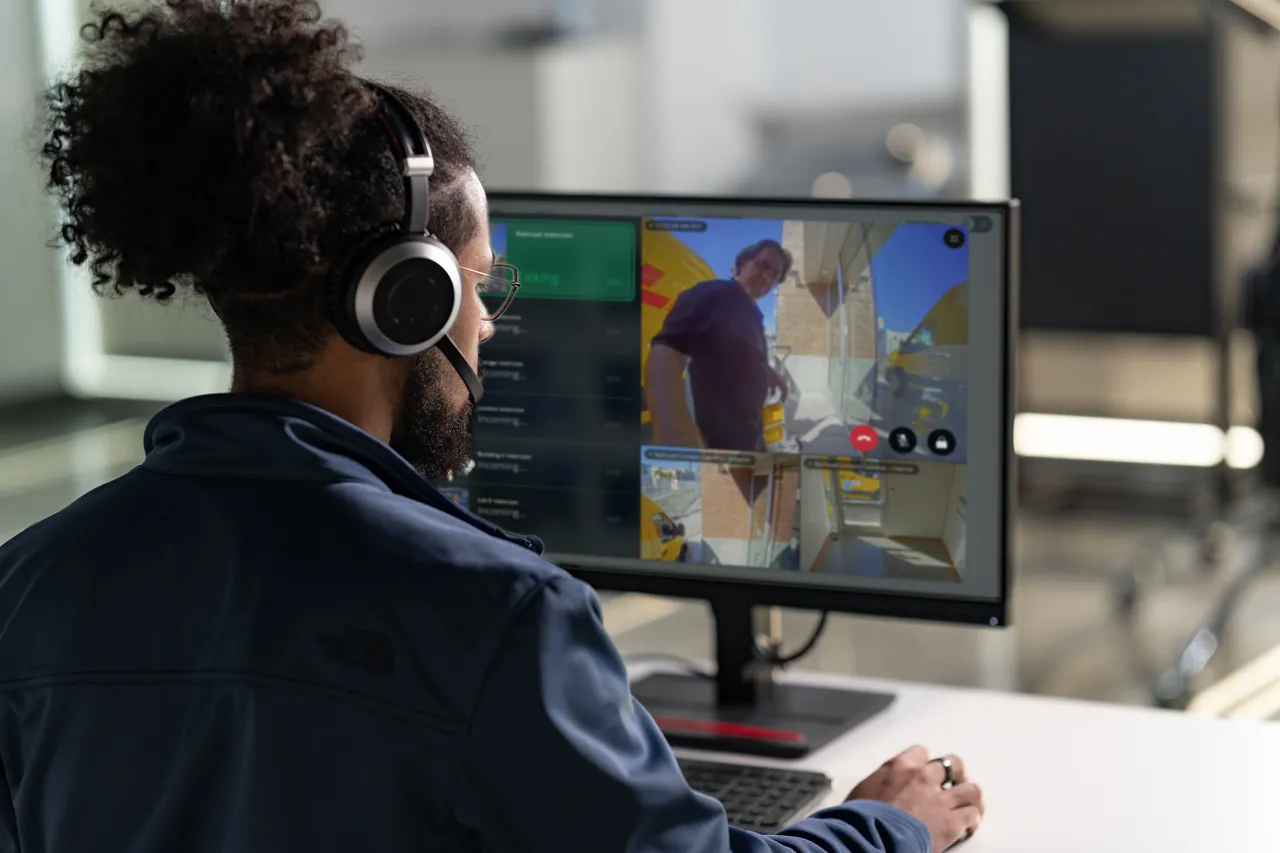
Hardware selection is a fraction of the work. The rest is installation and integration.
Cable Runs in Existing Buildings
Retrofitting a wired video intercom into an older building can be invasive. This is a large part of why single-station cloud intercoms have taken over the retrofit market: one Ethernet run to the entry, and in-unit hardware becomes optional. 2N notes that retrofits are often possible by replacing only the entrance panel and indoor units while reusing existing infrastructure — feasibility depends on the cable type and condition, and a site survey by a qualified integrator is the way to confirm.
Network and PoE
Your intercom is now a network device. Plan for a managed switch with adequate PoE for the specific model (some units need PoE+, especially with heaters), VLAN segmentation from tenant Wi-Fi, a UPS on the network gear, and wired internet at the entry.
For reference, the 2N Indoor View and Indoor Compact datasheets specify PoE 802.3af or a 12V DC adapter — check the equivalent on any device you're considering, because PoE class determines your switch and injector selection.
Door Hardware and Power
The intercom controls an electric strike or maglock, which brings its own scope: low-voltage cabling, a dedicated power supply, request-to-exit hardware, and — depending on jurisdiction — fire alarm interfacing so egress doors release appropriately.
A useful distinction to raise with your integrator early: fail-safe locks release when power is removed, while fail-secure locks stay locked from the secure side when power is lost. The right choice depends on the door's role in egress, the fire strategy, and applicable code.
Life Safety and Fire Alarm Integration
Coordinate the entry system with the building’s approved door and life-safety design. Ask the responsible installer and local authority to document exit operation, power-loss behavior and any required fire alarm interface for each opening. Do not assume every intercom should unlock every door during an alarm; the approved arrangement determines the behavior.
Accessibility (ADA and Equivalent Standards)
For US installations, Comelit's compliance overview summarizes ADA considerations for intercoms: reachable mounting height (roughly 34–48 inches for wheelchair users), volume control and clear audio, tactile controls such as raised buttons or Braille, and visual cues like LED indicators for users with hearing loss. Verify local equivalents where you operate (for example, provincial accessibility acts in Canada, or Part M in the UK).
Tenant Onboarding
The most underestimated line item in a cloud intercom rollout is getting every resident onto the mobile app. Plan for printed instructions, a designated rollout period, and at least one in-person session. If onboarding drops off, calls default back to the property manager's phone indefinitely.
Budget Considerations
Rather than invent numbers, here are the line items a realistic budget needs to include:
- Entry hardware (panel, camera, keypad, reader modules)
- In-unit hardware if you're using it
- Network infrastructure (switch, PoE budget, UPS, cellular failover if desired)
- Cabling and conduit work
- Electric strike or maglock plus power supply and request-to-exit
- Fire alarm interface where required
- Signage at the entry (recording notice)
- Software licensing or cloud subscription per door or per unit
- Installer labor and commissioning
- Tenant onboarding time
- Ongoing maintenance and eventual hardware replacement
Ask each vendor to quote these separately so you can compare apples to apples. Per-door or per-unit monthly licensing adds up over a five- to ten-year window and is often the single biggest variable between vendors.
Common Failure Modes
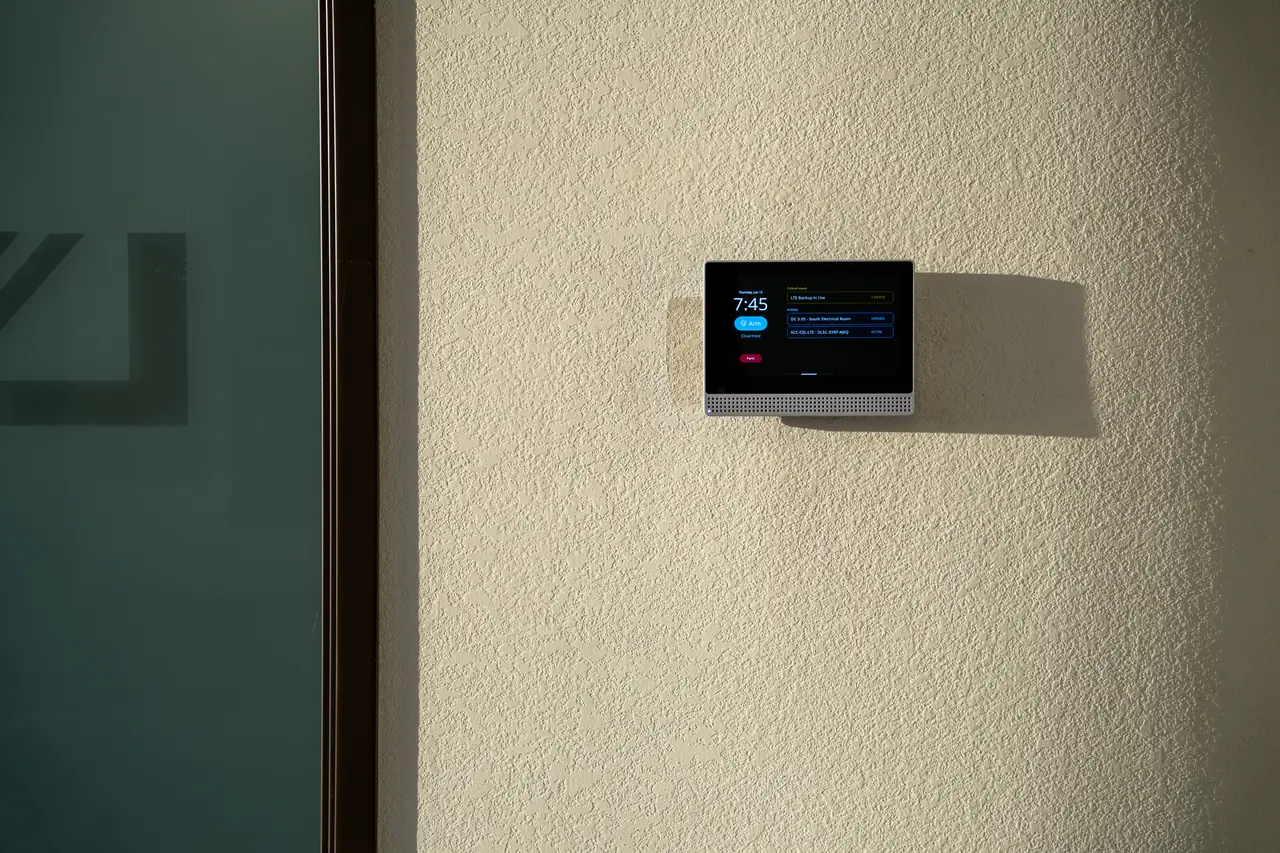
A short list of what tends to break, roughly ordered by frequency:
- Internet connectivity. Cloud systems depend on it. Consider cellular failover at the intercom itself, not just at the building router.
- Electric door strikes. Mechanical parts under heavy daily use. Keep spares and inspect on a regular schedule.
- Low-voltage power supplies. Cheap to replace, disruptive when they fail without warning.
- Tenant phone changes. New phones, uninstalled apps, disabled notifications. Make sure the system supports easy tenant self-service to re-enroll.
- Dirty camera lenses. Add lens wiping to the cleaning crew's checklist for busy entries.
Privacy and Recording
Modern intercoms record video, store visitor logs, and track entry events. Handling that data brings obligations.
Recording consent laws vary. Comelit's guidance points out that some US states require one-party consent while others require two-party (all-party) consent for audio recording, and recommends signage, tenant notifications, and consent language in lease terms. The same guidance calls for encrypted storage, defined retention schedules, access controls over who can pull footage, and secure deletion when data is no longer needed.
Practical checklist for any deployment:
- Post recording notices at every recorded entry
- Define and document a retention period appropriate to your jurisdiction
- Log access to stored footage
- Include recording disclosure in lease and visitor terms
- Confirm requirements with local privacy authorities — US state laws, provincial laws in Canada, GDPR in the EU, UK GDPR guidance from the ICO, and so on
Buyer Questions to Ask Vendors
A shortlist worth bringing into demos:
- What's the measured alert-to-ring time on a phone with the app in the background?
- What happens to door calls during an internet outage? Is there a cellular failover option at the device?
- Which access control platforms do you integrate with today, using which protocols (SIP, OSDP, REST)?
- What are the IP and IK ratings on the outdoor panel, and do they meet our environmental conditions?
- What are the per-door or per-unit ongoing fees, and what's included at each tier?
- How does a tenant self-service re-enroll their phone after a device change?
- What retention and encryption options exist for recorded video?
- How does the system behave during fire alarm activation, and how is it wired to the fire system?
- What is your firmware update cadence, and how long do you commit to security updates on installed hardware?
- What's the warranty and expected service life on outdoor hardware?
Choosing the Right Category
Use these questions as a rough decision tree:
- New build or retrofit? New builds usually favor cloud IP. Retrofits depend on existing cable condition.
- How many entries and gates? Multiple entries and gates push you toward integrated access control rather than a standalone intercom.
- Concierge or unstaffed? Staffed buildings benefit from a master station and call-transfer workflows. Unstaffed buildings lean harder on mobile answering.
- Existing access control? If you already run modern access control, prioritize integration. If your existing system is aging out, consider replacing both together.
- Tenant demographics. Populations that don't use smartphones consistently need in-unit stations as an option.
- Capex vs opex preference. Cloud shifts spending from upfront hardware to ongoing subscription. Wired systems do the reverse.
For further reference, 2N publishes overviews of apartment intercom systems, access control systems, and commercial and enterprise access control.
For the next planning step, see SIP Intercom Systems: How They Work and Why Buyers Switch and Commercial Door Entry Systems: What Actually Works in 2026. Contact Monarch with the site requirements to discuss the next step.
FAQ
Can a building intercom system work without internet?
Analog and wired local systems work without internet because everything is local. Cloud-based intercoms rely on internet for mobile answering, remote management, and the dashboard — if the connection drops, calls won't reach tenant phones. A cellular failover at the intercom mitigates this.
Do tenants need a landline or a dedicated handset?
Not with modern IP systems. 2N notes that today's IP systems send calls over Ethernet to an indoor station or via the internet to a smartphone app, so no landline is required. It's also possible to skip in-unit hardware entirely and use only a mobile phone.
What's the difference between an intercom and an access control system?
An intercom manages visitor communication and door release. An access control system manages resident credentials — fobs, PINs, mobile keys — so residents can enter without calling anyone. Modern IP intercoms increasingly combine both roles in a single device with one management interface.
How does a visitor use an apartment intercom?
At the entry panel, the visitor selects the resident by scrolling a directory, entering a unit number, or typing a name on a touchscreen, then presses call. The resident receives an audio or video call on their indoor station or smartphone and can release the door remotely if they grant access.
Can I upgrade to a smartphone-capable system without replacing everything?
Often yes. 2N notes that retrofits can involve replacing only the entrance panel and indoor units while reusing existing infrastructure, with feasibility depending on cable type and condition. A site survey by a qualified integrator is the right way to confirm what can be reused.